

.ASK Estensione file
Skin di Ableton Live
| Sviluppatore | Ableton |
| Popolarità |
2,7 | 7 Voti |
Maggiori informazioni
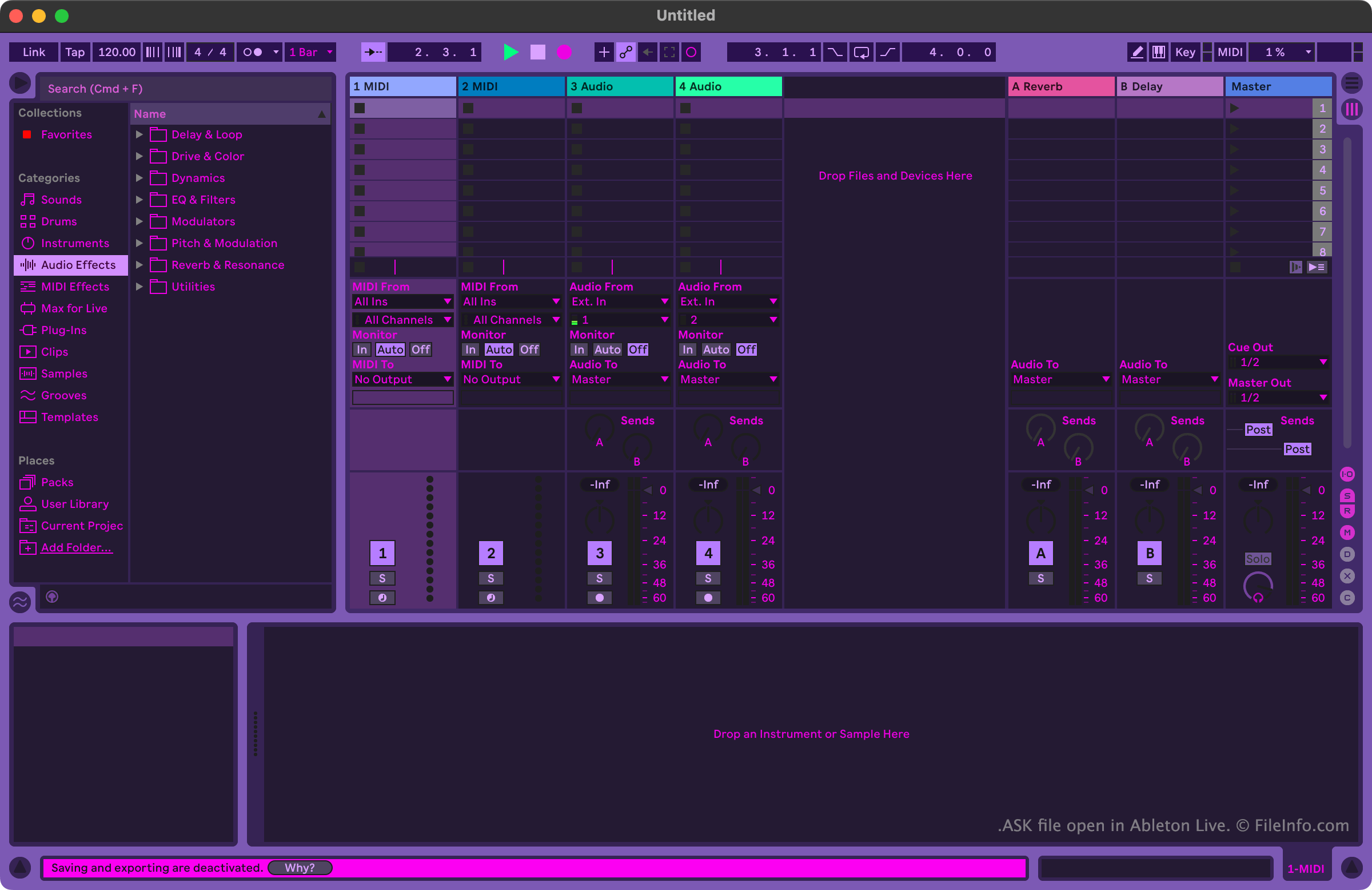
I musicisti e i produttori musicali usano Ableton Live per creare e modificare la musica. Il programma include molti strumenti che consentono agli utenti di registrare, importare, organizzare e applicare effetti alle tracce musicali, prima di esportarle come una canzone.
Gli utenti che vogliono personalizzare l'aspetto di Ableton Live possono farlo usando i file ASK. Questi file sono indicati anche come skin o temi di Ableton Live. Ableton Live include alcuni file ASK predefiniti, che consentono agli utenti di scegliere tra diverse varianti delle modalità chiara e scura. Altri file ASK, che contengono temi più vari, sono disponibili online su diversi siti web dedicati ad Ableton Live.
Come aprire un file ASK
Puoi aprire un file ASK con Ableton Live (Windows, Mac). Per farlo, inserisci prima il file nella directory Themes del programma. In Windows, questa directory si trova in:
~/Ableton/Live # Suite/Resources/Themes
In macOS, questa directory si trova nel pacchetto dell'app di Ableton Live. Per accedervi, individua Ableton Live nella cartella Applications, fai clic destro su di esso e seleziona . Quindi, nella finestra che appare, vai a App-Resources/Themes.
Dopo aver inserito il file ASK nella directory Themes di Ableton Live, puoi applicare la skin che contiene dall'interno del programma. Per farlo:
- Apri il menu di Live.
- Nella scheda Look Feel, seleziona il file ASK dal menu a discesa .