.ODP 文件扩展名

OpenDocument Presentation

开发者 OASIS
受欢迎程度
3.8  |  75 
 
🔍使用File Helper直接在您的网络浏览器中打开 .ODP 文件在线查看

什么是 ODP 文件?

An ODP file is a presentation created by Impress, a presentation program included with the LibreOffice and Apache OpenOffice suites. It contains a series of slides that may contain text, images, media, and transition effects. ODP files are similar to .PPTX files.

更多信息

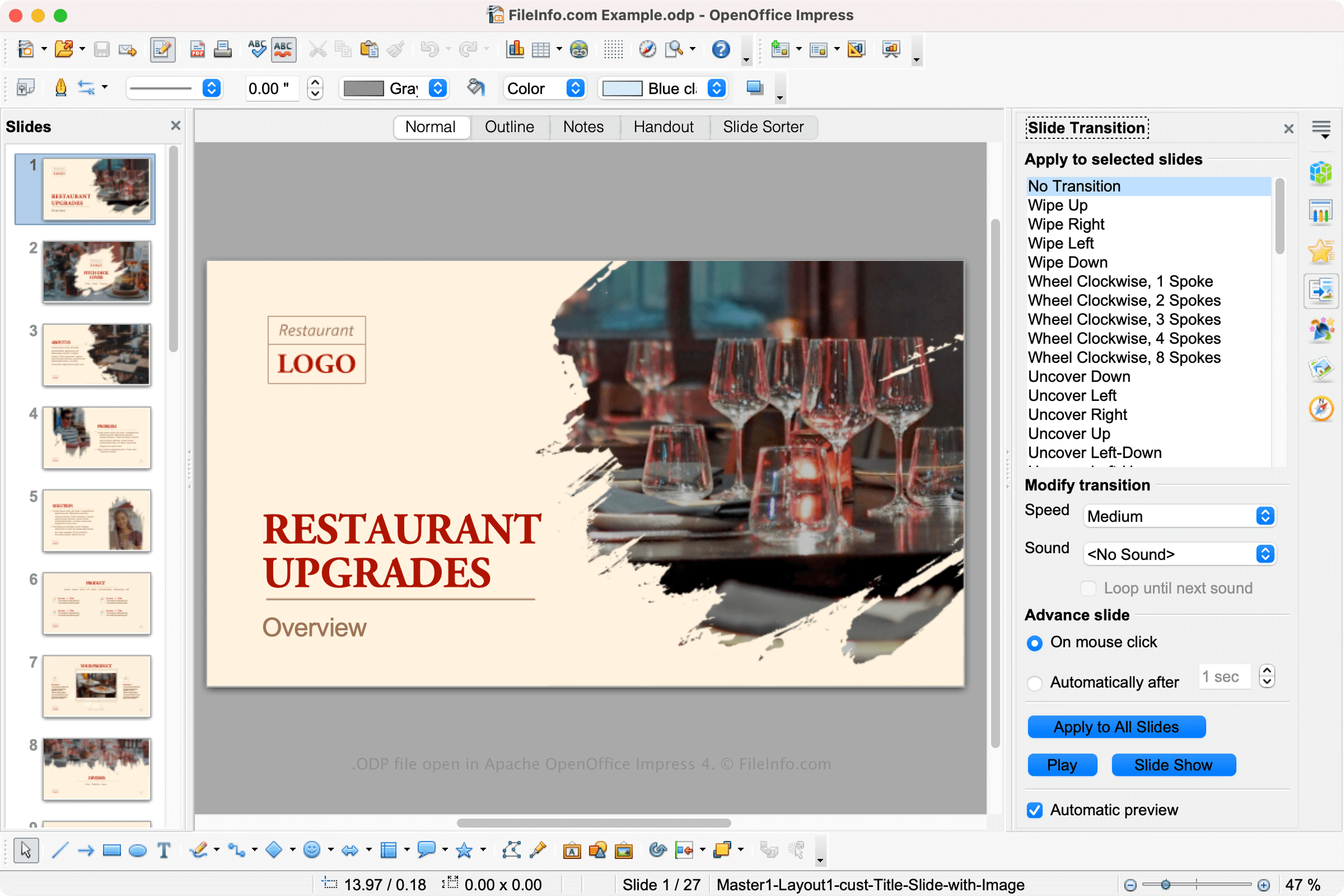
在 Apache OpenOffice Impress 4 中打开的 .odp 文件截图
在 Apache OpenOffice Impress 4 中打开的 ODP 文件

LibreOffice and Apache OpenOffice are free open-source office suites similar to Microsoft Office. The suites include several applications, including Impress, a presentation application similar to Microsoft PowerPoint.

Impress allows users to create slide shows for lectures, project proposals, and other presentations. Impress saves users' slides as ODP files. To create an ODP file in Impress, select File → New → Presentation, then select File → Save As....

注: ODP files are formatted using the OASIS XML-based OpenDocument standard, which The Organization for the Advancement of Structured Information Standards (OASIS) maintains.

如何打开 ODP 文件

You can open an ODP file with various presentation programs, including OpenOffice Impress (cross-platform), Microsoft PowerPoint (cross-platform), LibreOffice (cross-platform), and Google Slides (Web, iOS, Android, Chrome OS).

You can also convert your ODP file to a PPTX file in all those programs. Note that you may lose some formatting when you open an ODP file in a program other than OpenOffice or LibreOffice or convert an ODP file to another presentation format.

如何转换 ODP 文件

Several presentation applications, including OpenOffice Impress and Microsoft PowerPoint, can convert ODP files to other formats.

For example, OpenOffice Impress can convert ODP files to many file types, including the following formats:

  • .OTG - OpenDocument Graphic Template
  • .SXD - StarOffice Drawing
  • .JPG - JPEG Image
  • .PNG - Portable Network Graphic
  • .EMF - Enhanced Windows Metafile
  • .WMF - Windows Metafile
  • .EPS - Encapsulated PostScript
  • .SVG - Scalable Vector Graphics File
  • .TIFF - Tagged Image File Format
  • .PDF - Portable Document Format

可打开 ODP 文件的程序

分类: 数据
更新时间: 2022-06-23

Organ Definition Project

开发者 Vincent Forman
受欢迎程度
2.0  |  5 
 

An ODP file is an organ definition project file created by Organ Builder Portable, a virtual pipe organ creation program used alongside GrandOrgue. It contains plain text data used to show and simulate an organ. Organ Builder Portable users can use ODP files to create GrandOrgue ORGAN files.

更多信息

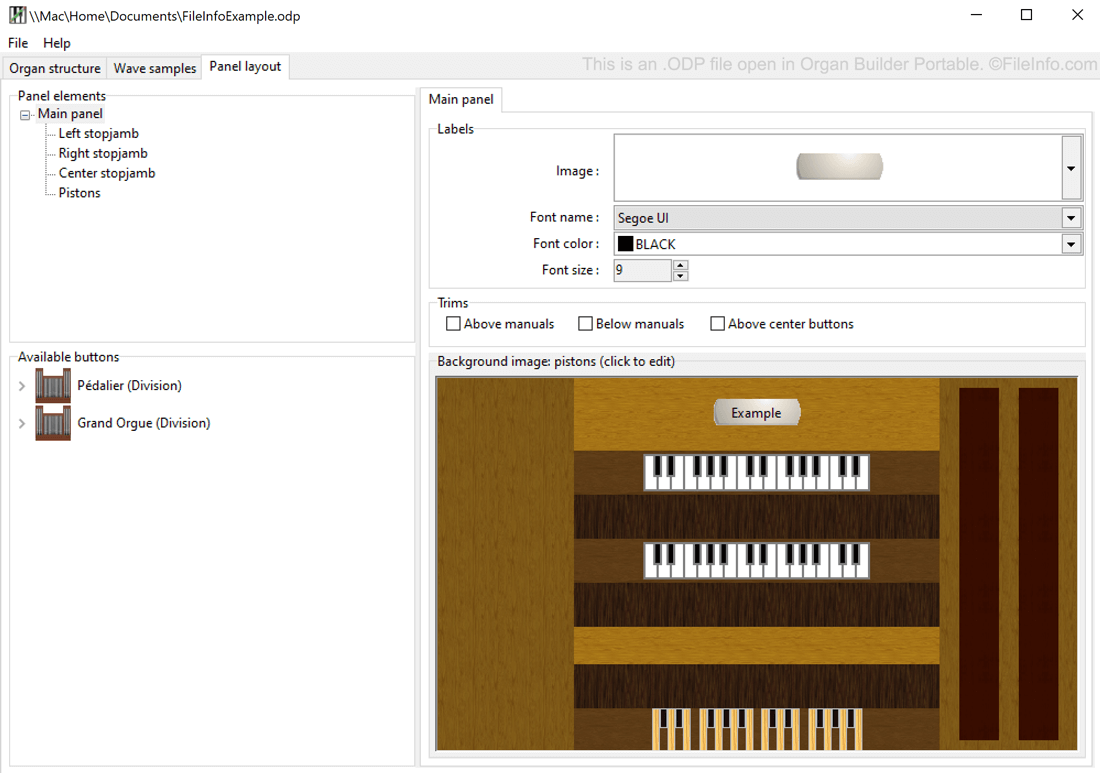
在 Organ Builder Portable 中打开的 .odp 文件截图
在 Organ Builder Portable 中打开的 ODP 文件

GrandOrgue is a free, cross-platform program that allows pipe organ enthusiasts to use a MIDI keyboard and PC to simulate a pipe organ. Because different real-world organs have different physical and audial characteristics, GrandOrgue allows users to simulate many different types of organs. Each simulated organ is saved as an ORGAN file.

Organists who want to create GrandOrgue organs can use Organ Builder Portable. The application, which Vincent Forman created, saves users' in-progress organ creation projects in ODP files. Then, after a user has finished creating their organ, they can open their ODP file with Organ Builder Portable and export it to the GrandOrgue ORGAN format.

如何打开 ODP 文件

You can open an ODP file in Organ Builder Portable (Windows). To do so, open Organ Builder Portable and then select File → Open project....

如何转换 ODP 文件

Organ Builder Portable can convert ODP files to the GrandOrgue .ORGAN format. To convert an ODP file with Organ Builder Portable, select File → Export project for GrandOrgue....

可打开 ODP 文件的程序

Windows
分类: 文本
更新时间: 2022-05-11

验证者 FileInfo.com

FileInfo.com 团队 独立研究了本页面列出的所有文件格式和软件程序。 我们的目标是达到 100% 的准确率,并且仅发布我们已验证过的文件类型信息。

如果您想为此页面提出新增或更新建议,请告诉我们