

.ODP Přípona souboru
Prezentace OpenDocument
| Vývojář | OASIS |
| Popularita |
3,9 | 76 hlasů |
Co je soubor ODP?
Soubor ODP je prezentace vytvořená v aplikaci Impress, prezentačním programu, který je součástí sad LibreOffice a Apache OpenOffice. Obsahuje řadu snímků, které mohou obsahovat text, obrázky, média a přechodové efekty. Soubory ODP jsou podobné souborům .PPTX.
Další informace
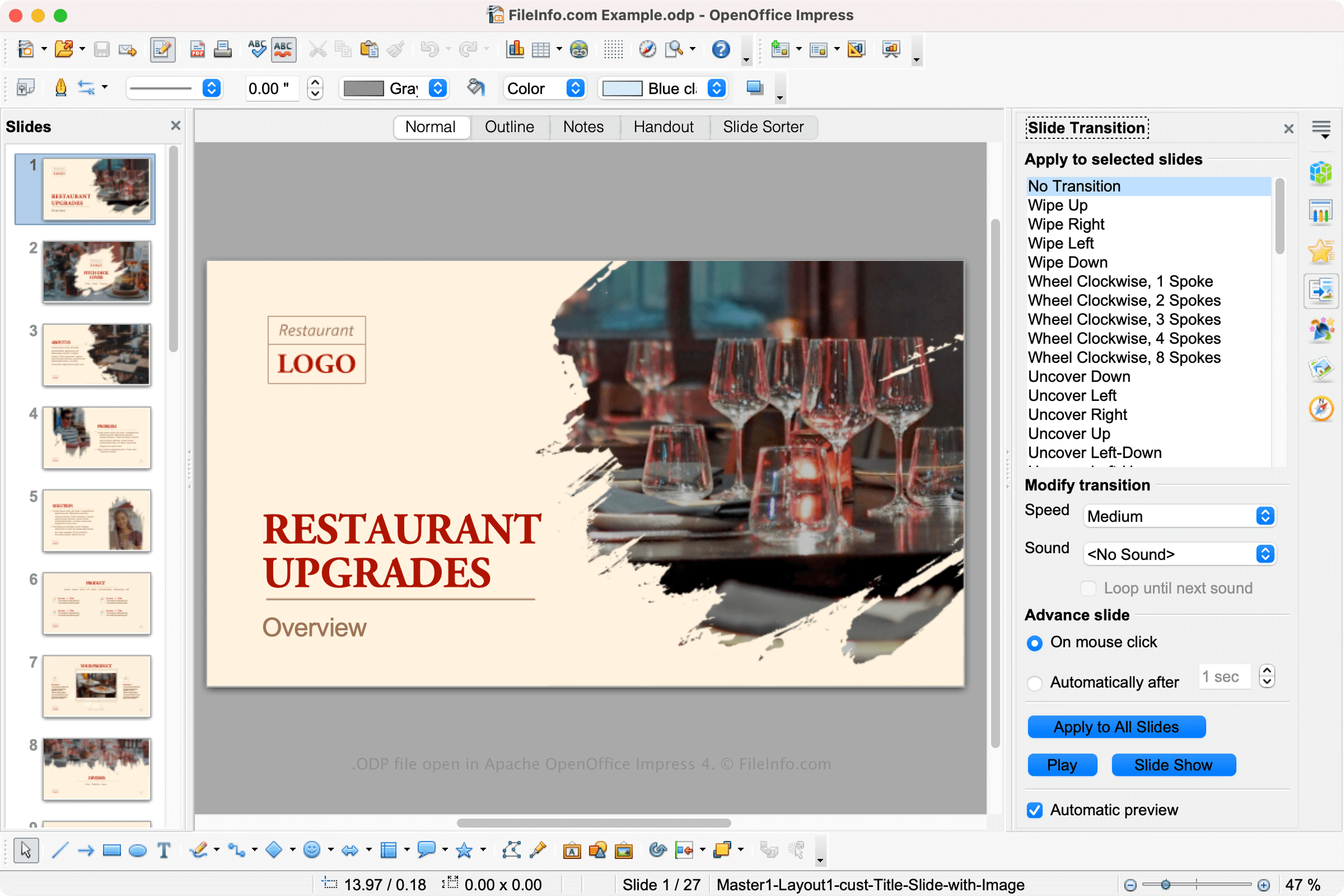
LibreOffice a Apache OpenOffice jsou bezplatné kancelářské sady s otevřeným zdrojovým kódem podobné sadě Microsoft Office. Sady obsahují několik aplikací včetně Impressu, prezentační aplikace podobné programu Microsoft PowerPoint.
Impress umožňuje uživatelům vytvářet prezentace pro přednášky, návrhy projektů a další účely. Impress ukládá snímky uživatelů jako soubory ODP. Chcete-li v aplikaci Impress vytvořit soubor ODP, vyberte a poté vyberte .
POZNÁMKA: Soubory ODP jsou formátovány pomocí standardu OpenDocument založeného na XML, který udržuje organizace The Organization for the Advancement of Structured Information Standards (OASIS).
Jak otevřít soubor ODP
Soubor ODP můžete otevřít v různých prezentačních programech včetně OpenOffice Impress (pro více platforem), Microsoft PowerPoint (pro více platforem), LibreOffice (pro více platforem) a Google Slides (web, iOS, Android, Chrome OS).
Soubor ODP můžete také ve všech těchto programech převést na soubor PPTX. Upozorňujeme, že při otevření souboru ODP v jiném programu než OpenOffice nebo LibreOffice či při převodu souboru ODP do jiného prezentačního formátu můžete přijít o část formátování.
Jak převést soubor ODP
Několik prezentačních aplikací včetně OpenOffice Impress a Microsoft PowerPoint dokáže převádět soubory ODP do jiných formátů.
Například OpenOffice Impress dokáže převádět soubory ODP do mnoha typů souborů včetně následujících formátů:
- .OTG - Grafická šablona OpenDocument
- .SXD - Kresba StarOffice
- .JPG - Obrázek JPEG
- .PNG - Grafika Portable Network
- .EMF - Rozšířený metasoubor Windows
- .WMF - Metasoubor Windows
- .EPS - Zapouzdřený PostScript
- .SVG - Soubor Scalable Vector Graphics
- .TIFF - Tagged Image File Format
- .PDF - Portable Document Format
Programy, které otevírají soubory ODP
Projekt definice varhan
| Vývojář | Vincent Forman |
| Popularita |
2,5 | 6 hlasů |
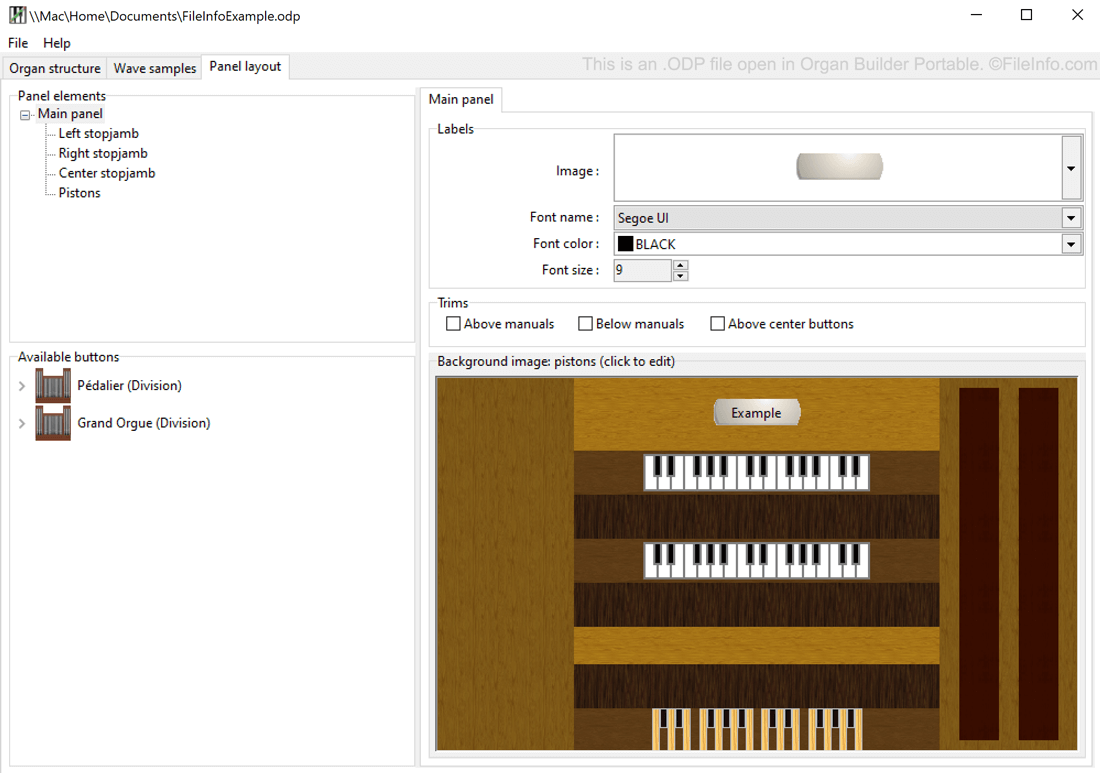
Soubor ODP je soubor projektu definice varhan vytvořený programem Organ Builder Portable, který slouží k vytváření virtuálních varhan a používá se spolu s programem GrandOrgue. Obsahuje data ve prostém textu, která se používají k zobrazení a simulaci varhan. Uživatelé programu Organ Builder Portable mohou soubory ODP použít k vytváření souborů ORGAN pro GrandOrgue.
Další informace
GrandOrgue je bezplatný multiplatformní program, který milovníkům píšťalových varhan umožňuje používat klávesnici MIDI a počítač k simulaci píšťalových varhan. Protože různé skutečné varhany mají odlišné fyzické a zvukové vlastnosti, GrandOrgue umožňuje uživatelům simulovat mnoho různých typů varhan. Každé simulované varhany se ukládají jako soubor ORGAN.
Varhaníci, kteří chtějí vytvářet varhany pro GrandOrgue, mohou použít program Organ Builder Portable. Tato aplikace, kterou vytvořil Vincent Forman, ukládá rozpracované projekty vytváření varhan do souborů ODP. Když uživatel dokončí vytváření varhan, může svůj soubor ODP otevřít v programu Organ Builder Portable a exportovat jej do formátu GrandOrgue ORGAN.
Jak otevřít soubor ODP
Soubor ODP můžete otevřít v programu Organ Builder Portable (Windows). Otevřete program Organ Builder Portable a poté vyberte .
Jak převést soubor ODP
Program Organ Builder Portable dokáže převádět soubory ODP do formátu GrandOrgue .ORGAN. Chcete-li soubor ODP převést pomocí programu Organ Builder Portable, vyberte .