

.ODP 파일 확장자
OpenDocument 프레젠테이션
| 개발사 | OASIS |
| 인기도 |
3.9 | 76 표 |
ODP 파일이란 무엇인가요?
ODP 파일은 LibreOffice 및 Apache OpenOffice 제품군에 포함된 프레젠테이션 프로그램인 Impress로 만든 프레젠테이션입니다. 텍스트, 이미지, 미디어 및 전환 효과가 포함될 수 있는 일련의 슬라이드가 들어 있습니다. ODP 파일은 .PPTX 파일과 비슷합니다.
추가 정보
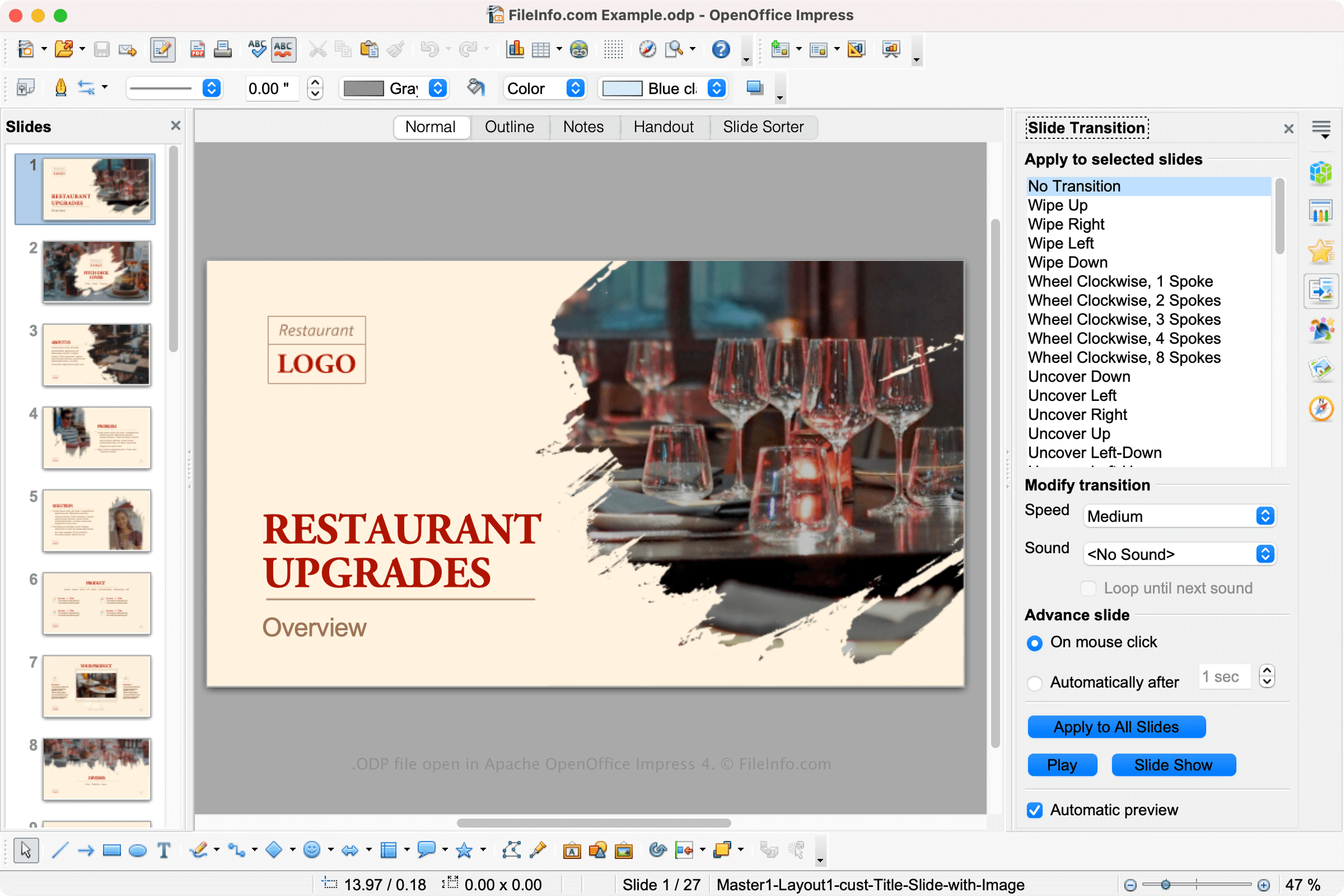
LibreOffice와 Apache OpenOffice는 오픈 소스 오피스 제품군으로, Microsoft Office와 비슷하며 무료로 사용할 수 있습니다. 이 제품군에는 여러 애플리케이션이 포함되어 있으며, 그중에는 Microsoft PowerPoint와 비슷한 프레젠테이션 애플리케이션인 Impress가 있습니다.
Impress를 사용하면 강의, 프로젝트 제안 및 기타 프레젠테이션을 위한 슬라이드 쇼를 만들 수 있습니다. Impress는 사용자의 슬라이드를 ODP 파일로 저장합니다. Impress에서 ODP 파일을 만들려면 을 선택한 다음 를 선택합니다.
참고: ODP 파일은 The Organization for the Advancement of Structured Information Standards(OASIS)가 관리하는 OASIS XML 기반 OpenDocument 표준을 사용해 형식이 지정됩니다.
ODP 파일을 여는 방법
다양한 프레젠테이션 프로그램에서 ODP 파일을 열 수 있습니다. 여기에는 OpenOffice Impress(크로스 플랫폼), Microsoft PowerPoint(크로스 플랫폼), LibreOffice(크로스 플랫폼), Google Slides(웹, iOS, Android, Chrome OS)가 포함됩니다.
이러한 모든 프로그램에서 ODP 파일을 PPTX 파일로 변환할 수도 있습니다. OpenOffice 또는 LibreOffice가 아닌 프로그램에서 ODP 파일을 열거나 ODP 파일을 다른 프레젠테이션 형식으로 변환하면 일부 서식이 손실될 수 있습니다.
ODP 파일을 변환하는 방법
OpenOffice Impress와 Microsoft PowerPoint를 비롯한 여러 프레젠테이션 애플리케이션에서 ODP 파일을 다른 형식으로 변환할 수 있습니다.
예를 들어 OpenOffice Impress에서는 다음 형식을 비롯한 다양한 파일 형식으로 ODP 파일을 변환할 수 있습니다.
ODP 파일을 여는 프로그램
오르간 정의 프로젝트
| 개발사 | Vincent Forman |
| 인기도 |
2.5 | 6 표 |
ODP 파일은 Organ Builder Portable에서 만든 오르간 정의 프로젝트 파일로, GrandOrgue와 함께 사용하는 가상 파이프 오르간 제작 프로그램입니다. 이 파일에는 오르간을 표시하고 시뮬레이션하는 데 사용되는 일반 텍스트 데이터가 포함되어 있습니다. Organ Builder Portable 사용자는 ODP 파일을 사용하여 GrandOrgue ORGAN 파일을 만들 수 있습니다.
추가 정보
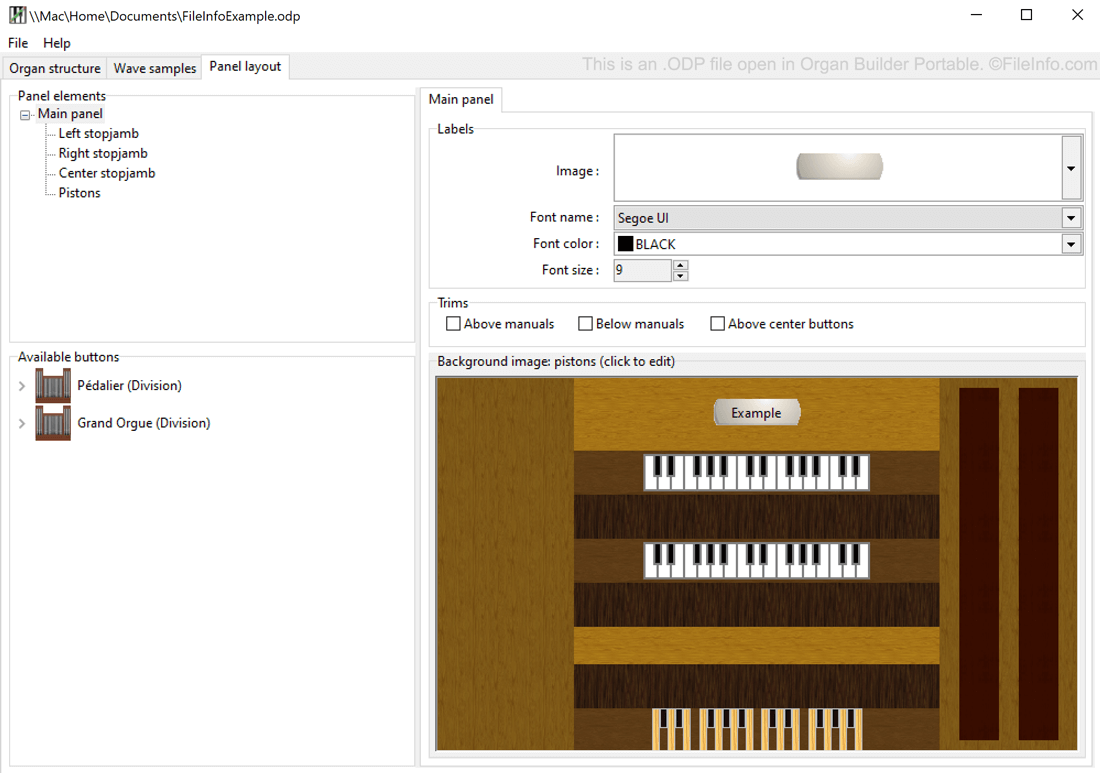
GrandOrgue는 파이프 오르간 애호가가 MIDI 키보드와 PC를 사용하여 파이프 오르간을 시뮬레이션할 수 있도록 해 주는 무료 크로스 플랫폼 프로그램입니다. 실제 오르간은 종류마다 물리적 특성과 음향 특성이 다르기 때문에 GrandOrgue를 사용하면 여러 종류의 오르간을 시뮬레이션할 수 있습니다. 시뮬레이션한 각 오르간은 ORGAN 파일로 저장됩니다.
GrandOrgue 오르간을 만들려는 오르간 연주자는 Organ Builder Portable을 사용할 수 있습니다. Vincent Forman이 만든 이 애플리케이션은 사용자가 작업 중인 오르간 제작 프로젝트를 ODP 파일로 저장합니다. 그런 다음 오르간 제작을 완료한 후 Organ Builder Portable로 ODP 파일을 열고 GrandOrgue ORGAN 형식으로 내보낼 수 있습니다.
ODP 파일을 여는 방법
Organ Builder Portable(Windows)에서 ODP 파일을 열 수 있습니다. 그러려면 Organ Builder Portable을 열고 를 선택합니다.
ODP 파일을 변환하는 방법
Organ Builder Portable은 ODP 파일을 GrandOrgue .ORGAN 형식으로 변환할 수 있습니다. Organ Builder Portable로 ODP 파일을 변환하려면 를 선택합니다.