

.ODP Estensione file
Presentazione OpenDocument
| Sviluppatore | OASIS |
| Popolarità |
3,9 | 76 Voti |
Che cos'è un file ODP?
Un file ODP è una presentazione creata da Impress, un programma per presentazioni incluso nelle suite LibreOffice e Apache OpenOffice. Contiene una serie di diapositive che possono includere testo, immagini, contenuti multimediali ed effetti di transizione. I file ODP sono simili ai file .PPTX.
Maggiori informazioni
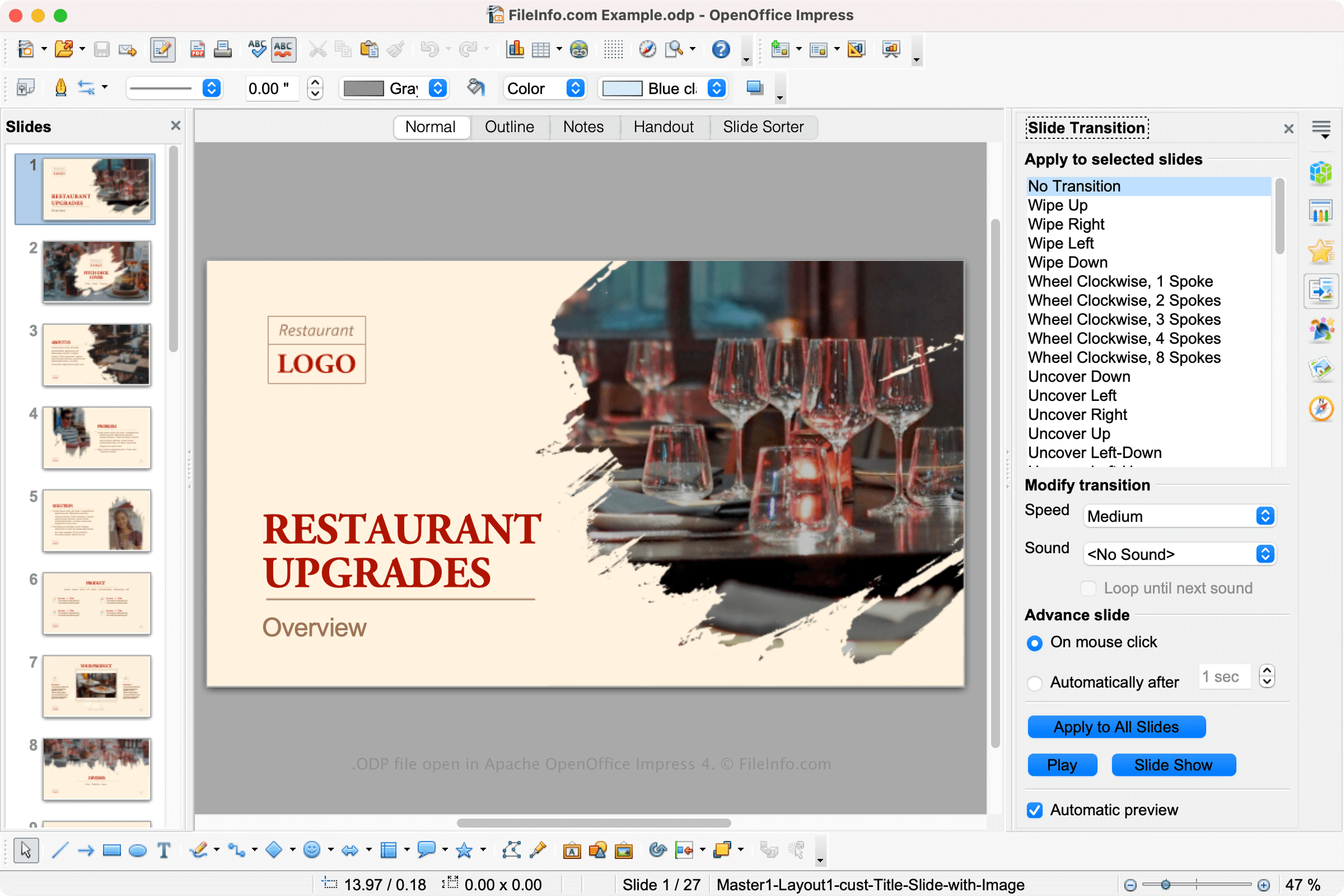
LibreOffice e Apache OpenOffice sono suite per ufficio gratuite open source simili a Microsoft Office. Le suite includono diverse applicazioni, tra cui Impress, un'applicazione per presentazioni simile a Microsoft PowerPoint.
Impress consente agli utenti di creare presentazioni per lezioni, proposte di progetto e altre presentazioni. Impress salva le diapositive degli utenti come file ODP. Per creare un file ODP in Impress, seleziona , quindi seleziona .
NOTA: I file ODP sono formattati usando lo standard OpenDocument basato su XML di OASIS, mantenuto da The Organization for the Advancement of Structured Information Standards (OASIS).
Come aprire un file ODP
Puoi aprire un file ODP con vari programmi per presentazioni, tra cui OpenOffice Impress (multipiattaforma), Microsoft PowerPoint (multipiattaforma), LibreOffice (multipiattaforma) e Google Slides (Web, iOS, Android, Chrome OS).
Puoi anche convertire il file ODP in un file PPTX con tutti questi programmi. Tieni presente che potresti perdere parte della formattazione quando apri un file ODP in un programma diverso da OpenOffice o LibreOffice o quando converti un file ODP in un altro formato di presentazione.
Come convertire un file ODP
Diverse applicazioni per presentazioni, tra cui OpenOffice Impress e Microsoft PowerPoint, possono convertire i file ODP in altri formati.
Ad esempio, OpenOffice Impress può convertire i file ODP in molti tipi di file, inclusi i seguenti formati:
- .OTG - Modello grafico OpenDocument
- .SXD - Disegno StarOffice
- .JPG - Immagine JPEG
- .PNG - Grafica di rete portatile
- .EMF - Metafile avanzato di Windows
- .WMF - Metafile di Windows
- .EPS - PostScript incapsulato
- .SVG - File di grafica vettoriale scalabile
- .TIFF - Formato file immagine con tag
- .PDF - Portable Document Format
Programmi che aprono i file ODP
Progetto di definizione di organo
| Sviluppatore | Vincent Forman |
| Popolarità |
2,5 | 6 Voti |
Un file ODP è un file di progetto per la definizione di un organo creato da Organ Builder Portable, un programma per la creazione di organi a canne virtuali usato insieme a GrandOrgue. Contiene dati in testo semplice usati per visualizzare e simulare un organo. Gli utenti di Organ Builder Portable possono usare i file ODP per creare file ORGAN di GrandOrgue.
Maggiori informazioni
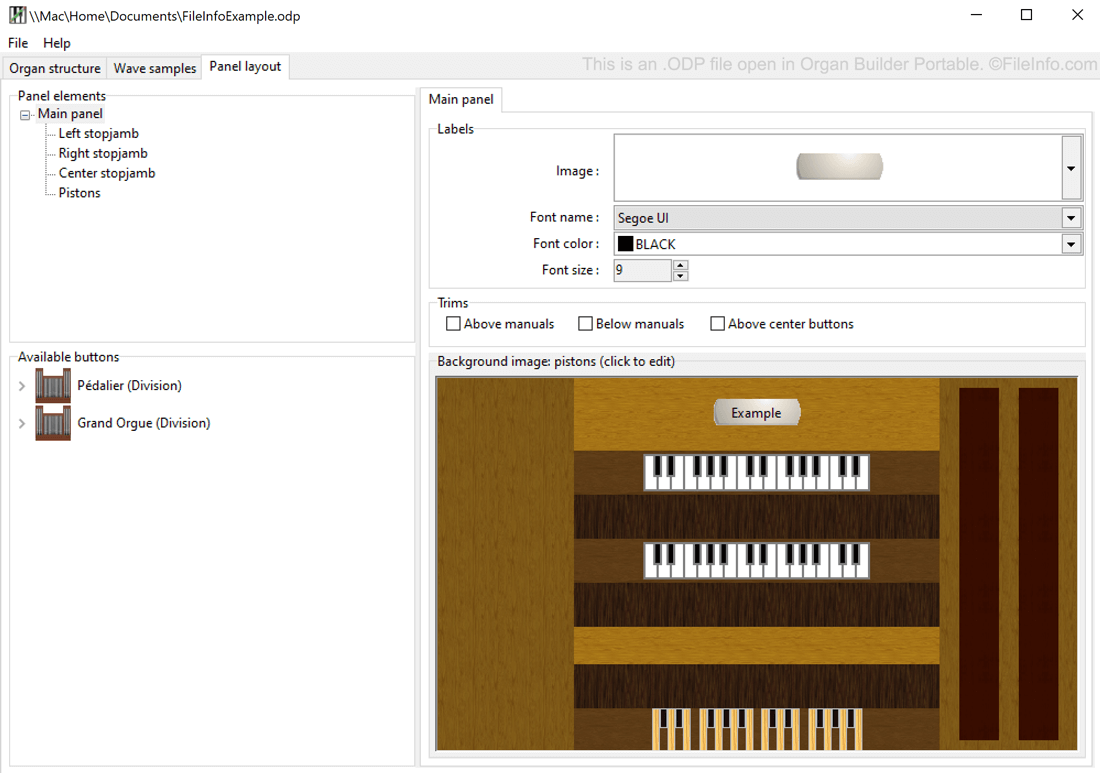
GrandOrgue è un programma gratuito e multipiattaforma che consente agli appassionati di organi a canne di usare una tastiera MIDI e un PC per simulare un organo a canne. Poiché gli organi reali hanno caratteristiche fisiche e sonore diverse, GrandOrgue consente agli utenti di simulare molti tipi diversi di organi. Ogni organo simulato viene salvato come file ORGAN.
Gli organisti che vogliono creare organi per GrandOrgue possono usare Organ Builder Portable. L'applicazione, creata da Vincent Forman, salva i progetti di creazione di organi ancora in corso degli utenti in file ODP. Dopo aver terminato la creazione dell'organo, un utente può aprire il file ODP con Organ Builder Portable ed esportarlo nel formato ORGAN di GrandOrgue.
Come aprire un file ODP
Puoi aprire un file ODP in Organ Builder Portable (Windows). Per farlo, apri Organ Builder Portable e seleziona .
Come convertire un file ODP
Organ Builder Portable può convertire i file ODP nel formato .ORGAN di GrandOrgue. Per convertire un file ODP con Organ Builder Portable, seleziona .