

.OTG 파일 확장자
OpenDocument 그래픽 템플릿
| 개발사 | OASIS |
| 인기도 |
3.4 | 9 표 |
OTG 파일이란 무엇인가요?
OTG 파일은 OpenOffice Draw 및 LibreOffice Draw와 같은 다양한 벡터 그래픽 애플리케이션으로 만든 드로잉 템플릿입니다. 여기에는 Draw 사용자가 복제하여 .ODG 드로잉을 만들 수 있는 콘텐츠와 레이아웃이 포함된 드로잉이 들어 있습니다. OTG 파일은 XML 형식의 OASIS OpenDocument 표준에 따라 파일 패키지로 저장됩니다.
추가 정보
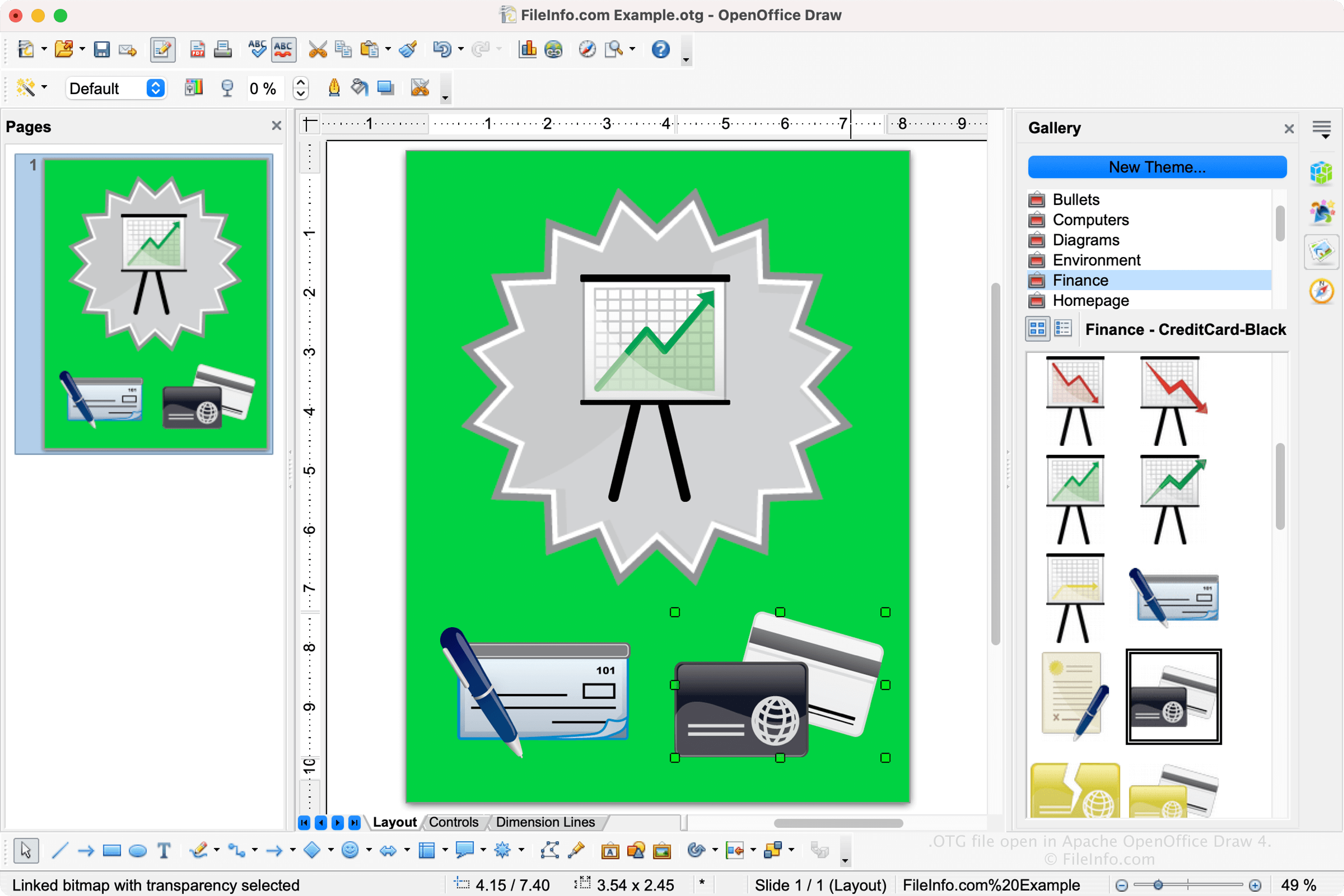
Draw에서 그래픽 템플릿을 저장하면 애플리케이션이 레이아웃과 콘텐츠를 저장할 OTG 파일을 만듭니다. 파일을 저장한 후 템플릿을 닫고 다시 연 다음 계속 수정할 수 있습니다. Draw에서 OTG 파일을 만들려면 을 선택하고 드로잉을 수정한 다음 를 선택하고 파일 형식 드롭다운 메뉴에서 "ODF Drawing Template (.odg)"를 선택합니다.
참고: Apache OpenOffice는 이전에 OpenOffice.org로 알려져 있었습니다. 구조화된 정보 표준 발전 기구(Organization for the Advancement of Structured Information Standards, OASIS)가 OpenDocument 표준을 관리합니다.
OTG 파일을 여는 방법
OpenOffice Draw(다중 플랫폼)로 OTG 파일을 열 수 있습니다. OTG 파일을 열려면 또는 를 선택합니다.
OTG 파일을 지원하는 다른 애플리케이션으로는 LibreOffice Draw(다중 플랫폼)와 Planamesa NeoOffice(macOS)가 있습니다.
OTG 파일을 변환하는 방법
OpenOffice Draw는 OTG 파일을 다음을 포함한 다양한 파일 형식으로 변환할 수 있습니다:
- .ODG - OpenDocument 그래픽
- .JPG - JPEG 이미지
- .PNG - Portable Network Graphic
- .BMP - 비트맵 이미지
- .EMF - Enhanced Windows Metafile
- .WMF - Windows Metafile
- .EPS - Encapsulated PostScript
- .GIF - Graphical Interchange Format
- .SVG - Scalable Vector Graphics 파일
- .TIFF - Tagged Image File Format
- .PDF - Portable Document Format