

.OTG Dateiendung
OpenDocument-Grafikvorlage
| Entwickler | OASIS |
| Beliebtheit |
3,4 | 9 Stimmen |
Was ist eine OTG-Datei?
Eine OTG-Datei ist eine Zeichnungsvorlage, die von verschiedenen Vektorgrafik-Anwendungen wie OpenOffice Draw und LibreOffice Draw erstellt wird. Sie enthält eine Zeichnung mit Inhalten und einem Layout, das Draw-Benutzer nachbilden können, um .ODG-Zeichnungen zu erstellen. OTG-Dateien werden in einem Dateipaket im OASIS-OpenDocument-Standard mit XML-Formatierung gespeichert.
Weitere Informationen
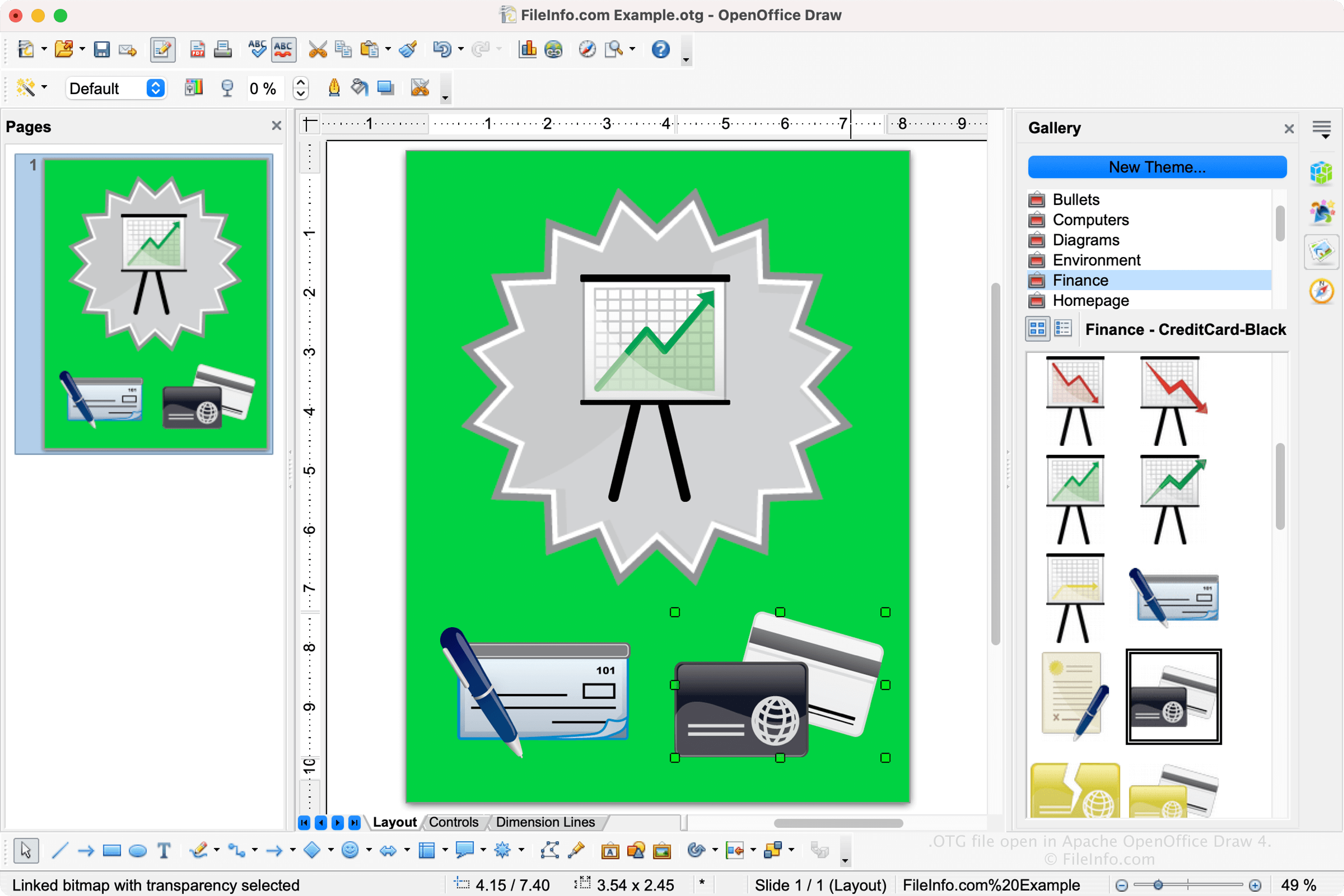
Wenn Sie eine Grafikvorlage mit Draw speichern, erstellt die Anwendung eine OTG-Datei, in der das Layout und die Inhalte gespeichert werden. Nachdem Sie die Datei gespeichert haben, können Sie die Vorlage schließen, erneut öffnen und anschließend weiter bearbeiten. Um mit Draw eine OTG-Datei zu erstellen, wählen Sie , bearbeiten die Zeichnung und wählen dann und anschließend „ODF Drawing Template (.odg)“ aus dem Dropdown-Menü für den Dateityp.
HINWEIS: Apache OpenOffice war früher als OpenOffice.org bekannt. Die Organization for the Advancement of Structured Information Standards (OASIS) pflegt den OpenDocument-Standard.
So öffnen Sie eine OTG-Datei
Sie können eine OTG-Datei mit OpenOffice Draw (plattformübergreifend) öffnen. Um eine OTG-Datei zu öffnen, wählen Sie oder .
Weitere Anwendungen, die OTG-Dateien unterstützen, sind LibreOffice Draw (plattformübergreifend) und Planamesa NeoOffice (macOS).
So konvertieren Sie eine OTG-Datei
OpenOffice Draw kann OTG-Dateien in viele Dateitypen konvertieren, darunter die folgenden Formate:
- .ODG – OpenDocument-Grafik
- .JPG – JPEG-Bild
- .PNG – PNG-Bild
- .BMP – Bitmap-Bild
- .EMF – Erweiterte Windows-Metadatei
- .WMF – Windows-Metadatei
- .EPS – Eingekapseltes PostScript
- .GIF – Grafik-Austauschformat
- .SVG – Scalable-Vector-Graphics-Datei
- .TIFF – Tagged-Image-File-Format
- .PDF – Portable-Document-Format