.FPRG 文件扩展名
Flowgorithm Program
| 开发者 | Devin Cook |
| 受欢迎程度 |
4.5 | 4 票 |
什么是 FPRG 文件?
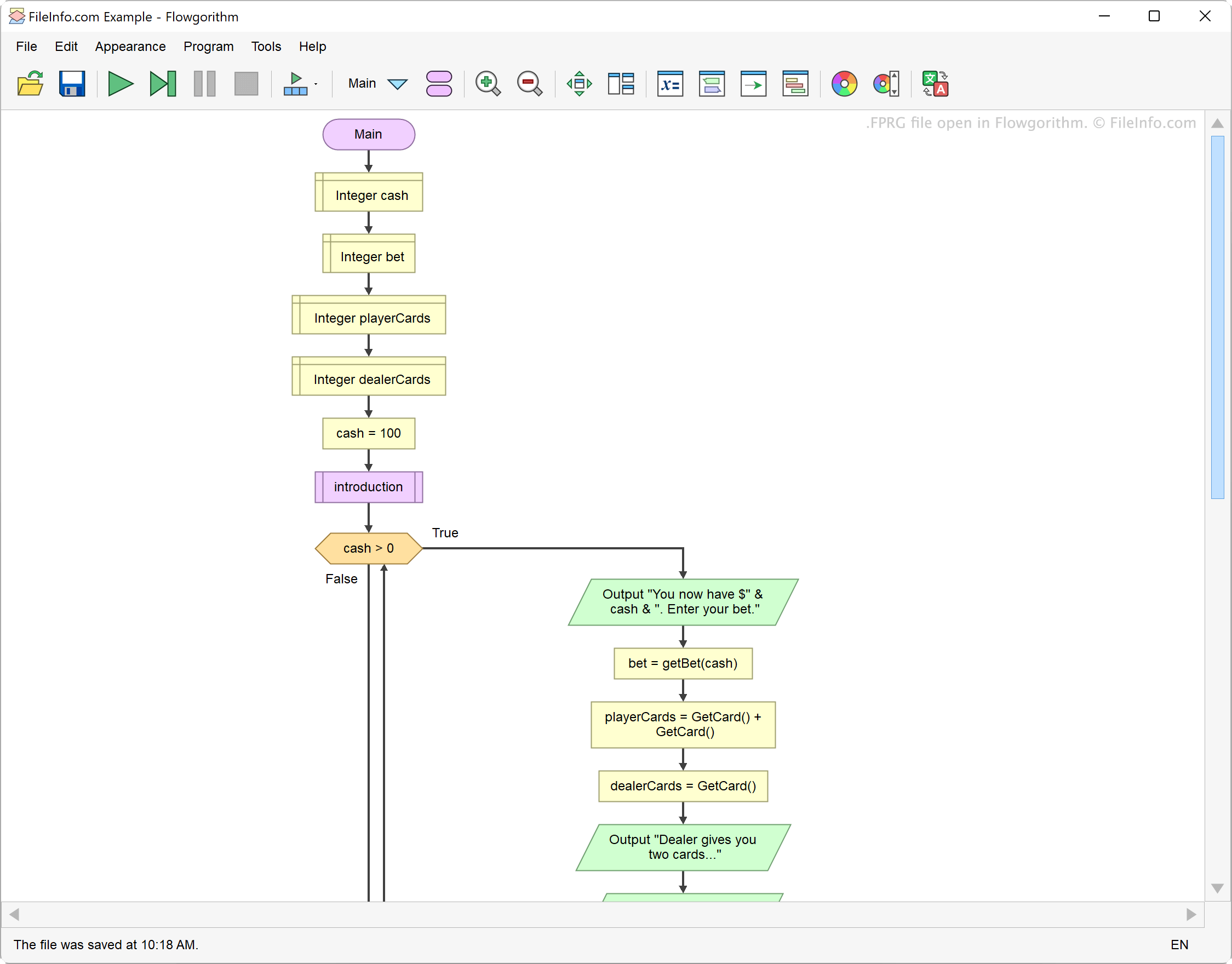
An FPRG file is a program created using Flowgorithm, a flowchart-based programming tool. It contains XML-formatted text that defines the program's function. When opened in Flowgorithm, FPRG files appear as flowcharts.
更多信息
Flowgorithm allows developers to create programs using a graphical, flowchart-based interface. To do this, developers add functions, declarations, inputs, outputs, and other program components, each of which appears as a colored shape. They then connect these colored shapes together to form a flowchart.
Each Flowgorithm program is saved as an FPRG file. These files consist of XML-formatted text that define a program's overall function, as well as the function of its individual components. For example, if a program includes both a main function and several sub-functions, the FPRG file defines all those functions.
如何打开 FPRG 文件
You can open an FPRG file with Flowgorithm (Windows). To do so, select File → Open... from the program's menu bar. Then, navigate to and open your FPRG file.
You can also open an FPRG file with Microsoft Visual Studio Code (multiplatform) or any other text editor, to view the XML data it contains.
如何转换 FPRG 文件
You can use Flowgorithm to convert the program an FPRG file contains to many other programming languages, including C++, C#, JavaScript, Python, Swift, and Visual Basic. To do so:
- Select Tools → Source Code Viewer....
- In the Source Code Viewer's upper-left corner, use the drop-down arrow to select your desired programming language.
- Click the Save icon to save your program in your desired language.
You can also use Flowgorithm to save an image of your program's flowchart as a .PNG, .SVG, or .EMF file. To do so, select Tools → Export to an Image File... (PNG) or Tools → Export to a Vector Graphics File... (SVG, EMF).