

.PES Extensão de arquivo
Formato de bordado Brother PE
| Desenvolvedor | Brother International Corporation |
| Popularidade |
3,6 | 153 Votos |
O que é um arquivo PES?
Um arquivo PES é um arquivo de manufatura assistida por computador (CAM) que contém instruções de bordado para uma máquina de costura costurar um padrão em um pedaço de tecido. Ele armazena códigos como "stop", "jump" e "trim" que compõem instruções que orientam a máquina de costura. Os arquivos PES também incluem informações sobre o design de bordado, como as cores do design da paleta de cores Brother compatível e a densidade e o comprimento dos pontos.
Mais informações
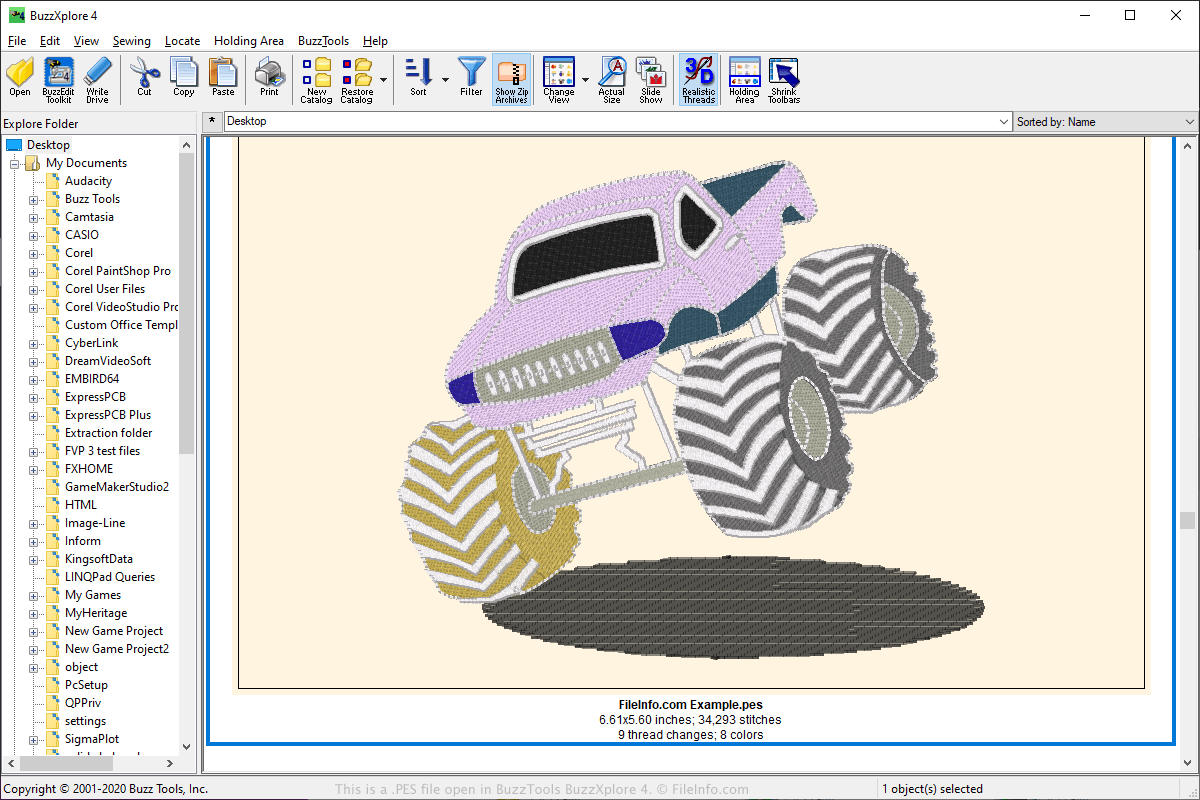
O formato PES é um dos formatos de arquivo mais populares na comunidade de bordado e é compatível com um grande número de aplicativos de bordado. Os arquivos PES podem ser criados por vários aplicativos de bordado, incluindo o software PE-Design fornecido com as máquinas de costura Brother, mas também podem ser usados com máquinas de bordado domésticas Babylock e Bernina.
Os usuários podem enviar designs PES online e compartilhá-los em fóruns na web, sites e como anexos de e-mail. Outros usuários podem então baixar designs PES e abri-los com um programa compatível com a visualização ou edição do formato PES.
Para transferir o design para uma máquina de costura, os usuários podem salvá-lo em um dispositivo de armazenamento USB portátil. Depois, podem inserir o dispositivo de armazenamento na máquina de costura para transferir o design e bordá-lo.
Como abrir um arquivo PES
Você pode abrir arquivos PES com vários aplicativos, incluindo BALARAD Embird Studio (Windows), PREMIER+ Embroidery (multiplataforma), S & S Computing SewWhat! (Windows) e Buzz Tools BuzzXplore (Windows). Você pode abrir arquivos PES com vários aplicativos para Android, como Touch Embroidery Free e Embroidery Viewer.
Você também pode visualizar e converter arquivos PES para outros formatos com o aplicativo web Embroidery Viewer and Converter e o plugin para o navegador Google Chrome.
Programas que abrem arquivos PES
Planilha do PhysicsEditor
| Desenvolvedor | CodeAndWeb |
| Popularidade |
3,3 | 32 Votos |
Um arquivo PES é um arquivo de projeto criado pelo CodeAndWeb PhysicsEditor, um programa que desenvolvedores de jogos usam para criar formas de colisão. Ele contém referências a um ou mais sprites e contém configurações de formas de colisão associadas a esses sprites. Os desenvolvedores podem usar arquivos PES para exportar formas de colisão em vários formatos, para uso com diferentes mecanismos de desenvolvimento de jogos.
Mais informações
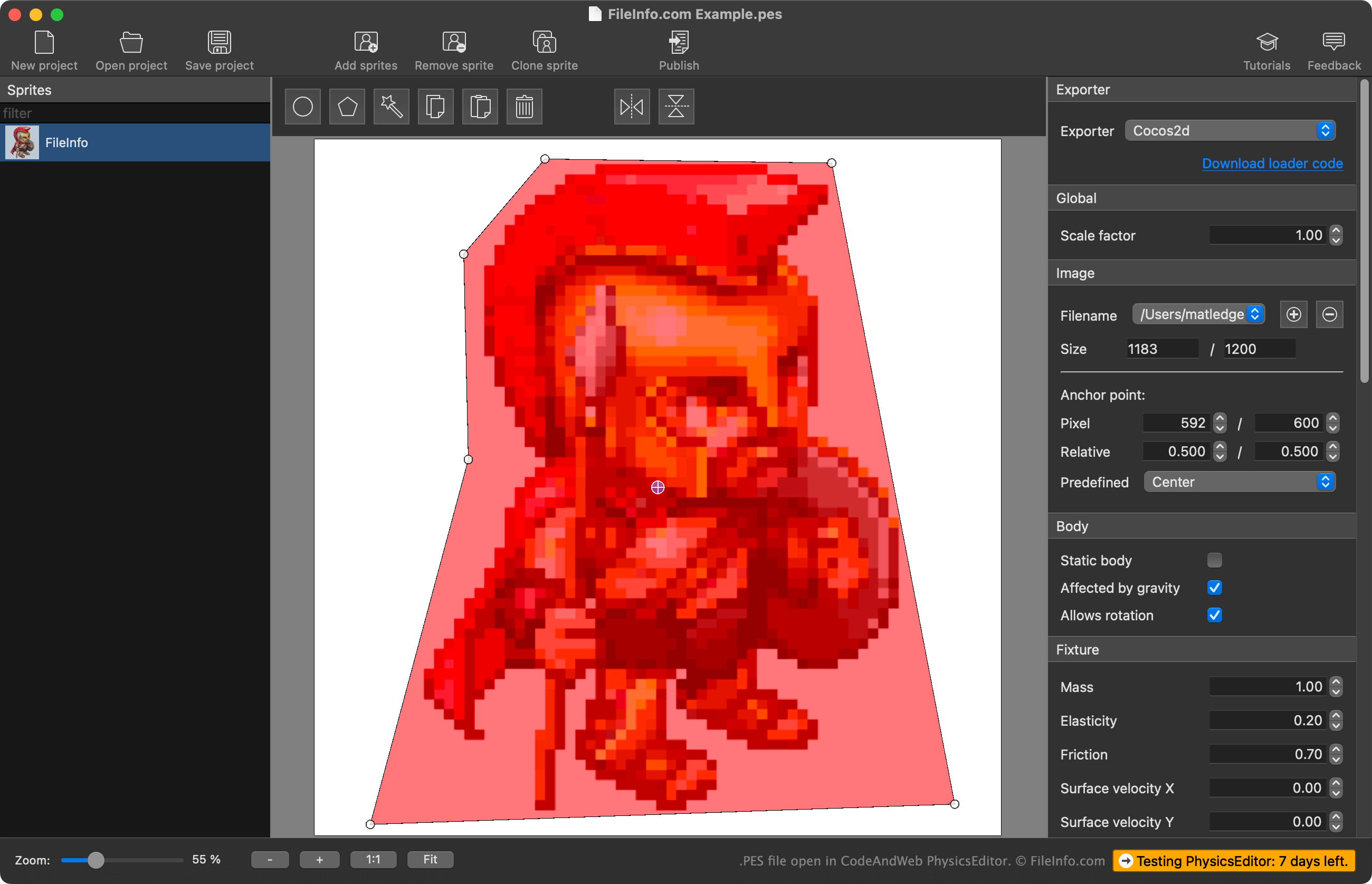
O PhysicsEditor permite que desenvolvedores de jogos importem os sprites que estão usando em seus jogos e criem formas de colisão para uso com esses sprites. Os desenvolvedores podem usar o rastreador automático de formas do PhysicsEditor para criar a forma de colisão de um sprite ou desenhar a forma manualmente. Eles também podem ajustar vários parâmetros de física e colisão associados à forma de colisão antes de exportá-la para uso com seu mecanismo de desenvolvimento de jogos.
Os desenvolvedores salvam os projetos do PhysicsEditor como arquivos PES. Esses arquivos contêm:
- Uma referência aos locais dos arquivos dos sprites importados
- As configurações das formas de colisão dos sprites
- As configurações de exportação do projeto
É importante observar que os arquivos PES não contêm uma cópia real dos sprites importados; eles contêm apenas uma referência aos locais dos sprites no momento em que o arquivo PES foi criado. Portanto, se você mover um sprite referenciado pelo arquivo PES, o PhysicsEditor não conseguirá carregar esse sprite.
Como abrir um arquivo PES
Você pode abrir um arquivo PES com o CodeAndWeb Physics Editor (multiplataforma). Para fazer isso, selecione na barra de menus do programa. Em seguida, navegue até o arquivo PES e abra-o.
Como converter um arquivo PES
Você pode usar o CodeAndWeb PhysicsEditor para exportar as formas de colisão contidas em um arquivo PES em vários formatos, para uso com diferentes mecanismos de desenvolvimento de jogos. Para fazer isso, selecione seu mecanismo de desenvolvimento de jogos no menu do PhysicsEditor, localizado na barra lateral direita do programa. Em seguida, selecione na barra de menus do programa.