

.PES Rozszerzenie pliku
Format haftu Brother PE
| Deweloper | Brother International Corporation |
| Popularność |
3,6 | 153 Głosy |
Czym jest plik PES?
Plik PES to plik komputerowo wspomaganego wytwarzania (CAM), który zawiera instrukcje haftowania dla hafciarki umożliwiające wyszycie wzoru na kawałku materiału. Przechowuje kody, takie jak „stop”, „skok” i „przycięcie”, które składają się na instrukcje sterujące hafciarką. Pliki PES zawierają również informacje o wzorze haftu, takie jak kolory użyte we wzorze z obsługiwanej palety kolorów Brother oraz gęstość i długość ściegów.
Więcej informacji
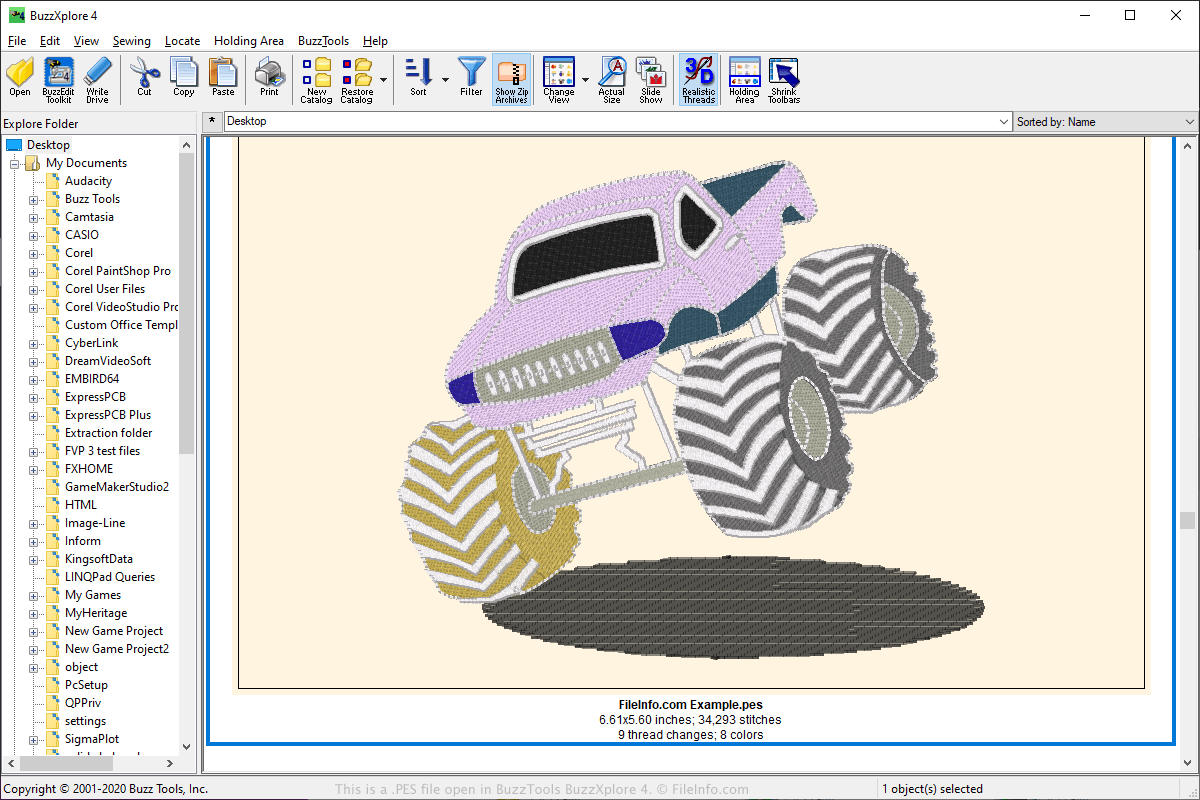
Format PES jest jednym z najpopularniejszych formatów plików w społeczności hafciarskiej i jest obsługiwany przez wiele aplikacji hafciarskich. Pliki PES mogą być tworzone przez różne aplikacje hafciarskie, w tym oprogramowanie PE-Design dołączane do hafciarek Brother, ale mogą być również używane z domowymi hafciarkami Babylock i Bernina.
Użytkownicy mogą przesyłać wzory PES online i udostępniać je na forach internetowych, stronach internetowych oraz jako załączniki do wiadomości e-mail. Inni użytkownicy mogą następnie pobierać wzory PES i otwierać je za pomocą programu obsługującego wyświetlanie lub edycję formatu PES.
Aby przenieść wzór do hafciarki, użytkownicy mogą zapisać go na przenośnym urządzeniu pamięci USB. Następnie mogą podłączyć urządzenie pamięci do hafciarki, aby przenieść wzór i wyhaftować go.
Jak otworzyć plik PES
Pliki PES można otwierać za pomocą różnych aplikacji, w tym BALARAD Embird Studio (Windows), PREMIER+ Embroidery (wiele platform), S & S Computing SewWhat! (Windows) oraz Buzz Tools BuzzXplore (Windows). Pliki PES można otwierać także za pomocą kilku aplikacji na Androida, takich jak Touch Embroidery Free i Embroidery Viewer.
Pliki PES można również wyświetlać i konwertować do innych formatów za pomocą aplikacji internetowej Embroidery Viewer and Converter oraz jej wtyczki do przeglądarki internetowej Google Chrome.
Programy otwierające pliki PES
Arkusz PhysicsEditor
| Deweloper | CodeAndWeb |
| Popularność |
3,3 | 32 Głosy |
Plik PES jest plikiem projektu utworzonym przez CodeAndWeb PhysicsEditor, program używany przez twórców gier wideo do tworzenia kształtów kolizji. Zawiera odwołania do co najmniej jednego sprite’a oraz ustawienia kształtów kolizji powiązane z tymi sprite’ami. Twórcy mogą używać plików PES do eksportowania kształtów kolizji w różnych formatach, aby używać ich z różnymi silnikami do tworzenia gier.
Więcej informacji
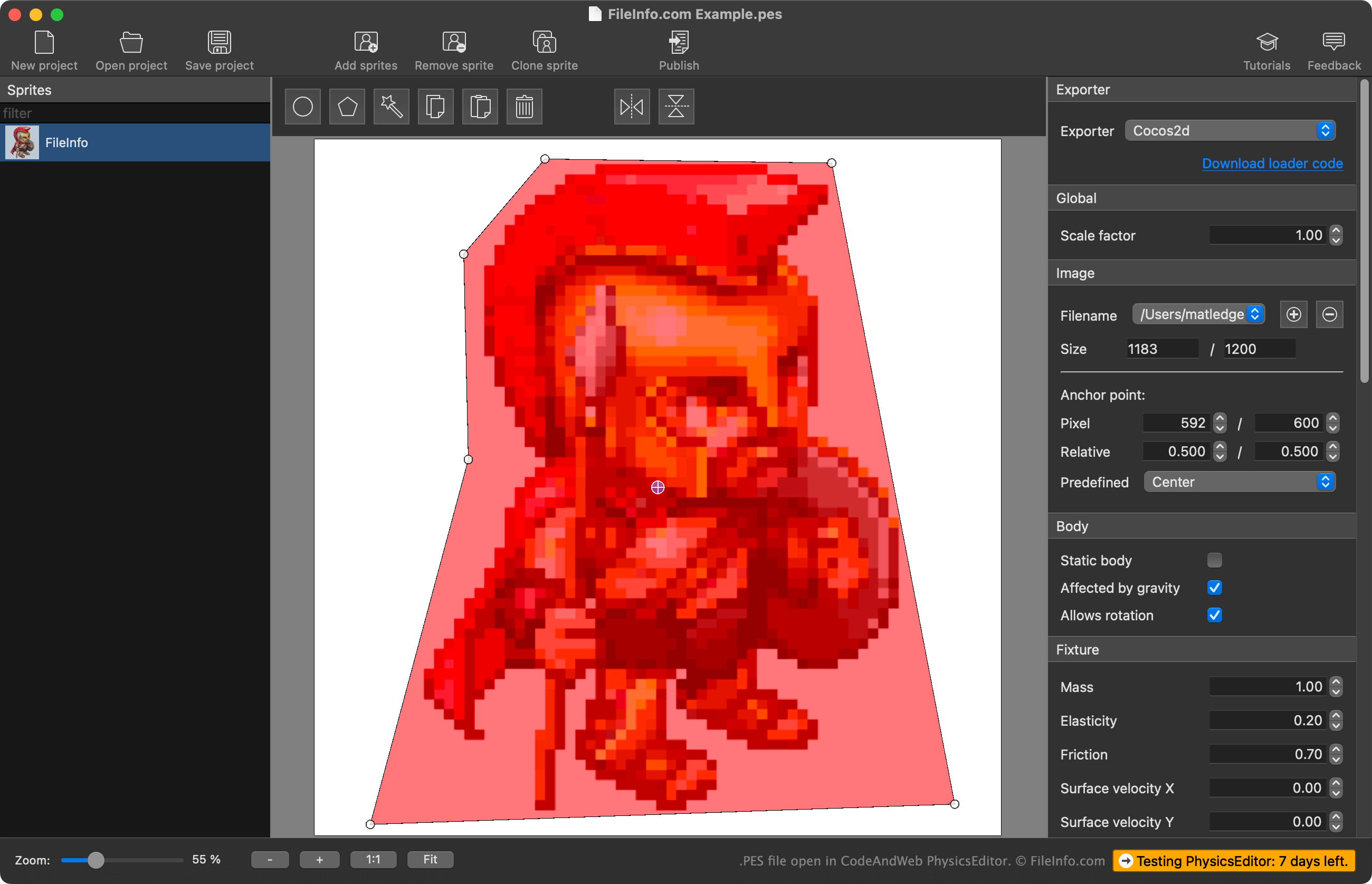
PhysicsEditor pozwala twórcom gier importować sprite’y używane w ich grze wideo i tworzyć kształty kolizji do użycia z tymi sprite’ami. Twórcy mogą użyć automatycznego narzędzia PhysicsEditor do śledzenia kształtu, aby utworzyć kształt kolizji sprite’a, lub mogą narysować ten kształt samodzielnie. Mogą także dostosować różne parametry fizyki i kolizji powiązane z kształtem kolizji, a następnie wyeksportować kształt do użycia z silnikiem do tworzenia gier.
Twórcy zapisują projekty PhysicsEditor jako pliki PES. Pliki te zawierają:
- Odwołanie do lokalizacji plików zaimportowanych sprite’ów
- Ustawienia kształtów kolizji sprite’ów
- Ustawienia eksportu projektu
Warto zauważyć, że pliki PES nie zawierają rzeczywistej kopii zaimportowanych sprite’ów — zawierają tylko odwołanie do ich lokalizacji z chwili utworzenia pliku PES. Dlatego jeśli przeniesiesz sprite’a, do którego odwołuje się plik PES, PhysicsEditor nie będzie mógł załadować tego sprite’a.
Jak otworzyć plik PES
Plik PES można otworzyć za pomocą CodeAndWeb Physics Editor (na wielu platformach). W tym celu wybierz pozycję z paska menu programu. Następnie przejdź do pliku PES i otwórz go.
Jak przekonwertować plik PES
Za pomocą CodeAndWeb PhysicsEditor można wyeksportować kształty kolizji zawarte w pliku PES w różnych formatach, aby używać ich z różnymi silnikami do tworzenia gier. W tym celu wybierz silnik do tworzenia gier z menu programu PhysicsEditor, znajdującego się na pasku bocznym po prawej stronie. Następnie wybierz pozycję z paska menu programu.