

.CSL Extensão de arquivo
Biblioteca de símbolos do Corel
| Desenvolvedor | Corel |
| Popularidade |
3,5 | 6 Votos |
Um arquivo CSL é uma biblioteca de símbolos usada pelo CorelDRAW, um aplicativo de ilustração vetorial e diagramação de páginas incluído no CorelDRAW Graphics Suite. Ele armazena um ou mais símbolos que os usuários podem exportar e importar de e para documentos (por exemplo, .CDR e .CDRT) no formato Corel Symbol Library (CSL). Exemplos de símbolos que um arquivo CSL pode conter incluem formas, texto e imagens.
Mais informações
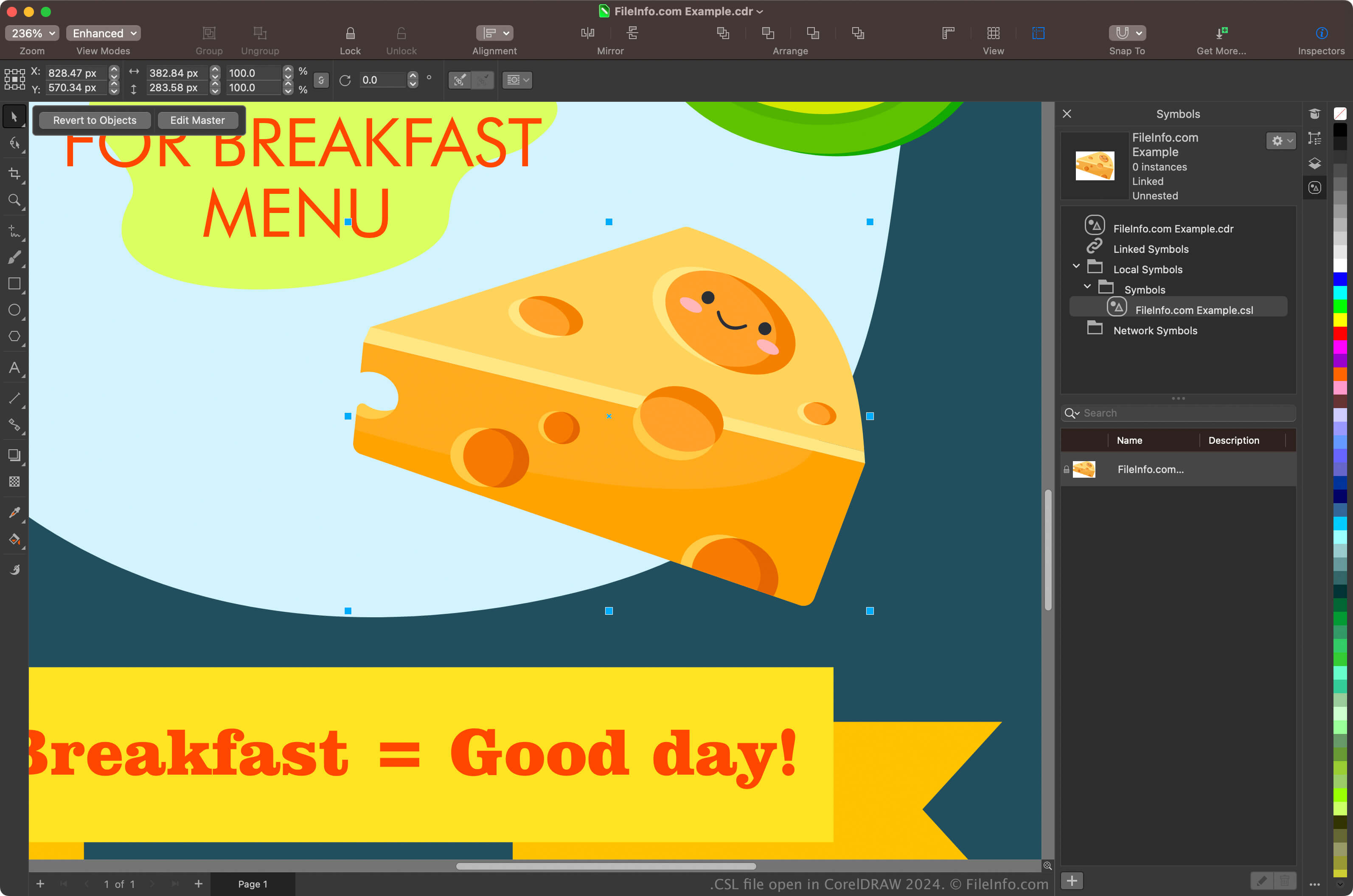
Designers gráficos e fotógrafos digitais são os principais usuários do CorelDRAW Graphics Suite. O aplicativo CorelDRAW incluído no pacote permite que os usuários criem símbolos a partir de objetos em seus documentos, preservem-nos e reutilizem-nos em outros documentos.
Para criar um símbolo com o CorelDRAW, selecione um objeto no documento e clique em . Depois de criar o símbolo, você pode exportá-lo (e outros símbolos) como uma biblioteca clicando em . Você também pode visualizar seus símbolos no docker Symbols selecionando .
NOTA: Por padrão, o CorelDRAW salva os arquivos CSL no local Documents\Corel\Corel Content\Symbols. Por exemplo, você pode encontrar arquivos CSL no seguinte local em um Mac:
Macintosh HD/Users/[username]/Documents/Corel/Corel Content/Symbols
Como abrir um arquivo CSL
Você pode abrir arquivos CSL com o aplicativo CorelDRAW incluído no CorelDRAW Graphics Suite (Windows e macOS). Para abrir um arquivo CSL com o CorelDRAW, selecione .
Você também pode abrir arquivos CSL pelo docker Symbols selecionando para abrir o docker, clicando no ícone de engrenagem no docker e selecionando .