

.CSL Estensione file
Libreria di simboli Corel
| Sviluppatore | Corel |
| Popolarità |
3,5 | 6 Voti |
Un file CSL è una libreria di simboli utilizzata da CorelDRAW, un'applicazione per l'illustrazione vettoriale e l'impaginazione inclusa in CorelDRAW Graphics Suite. Memorizza uno o più simboli che puoi esportare e importare da e verso documenti (ad esempio, .CDR e .CDRT) nel formato Corel Symbol Library (CSL). Tra gli esempi di simboli che può contenere un file CSL ci sono forme, testo e immagini.
Maggiori informazioni
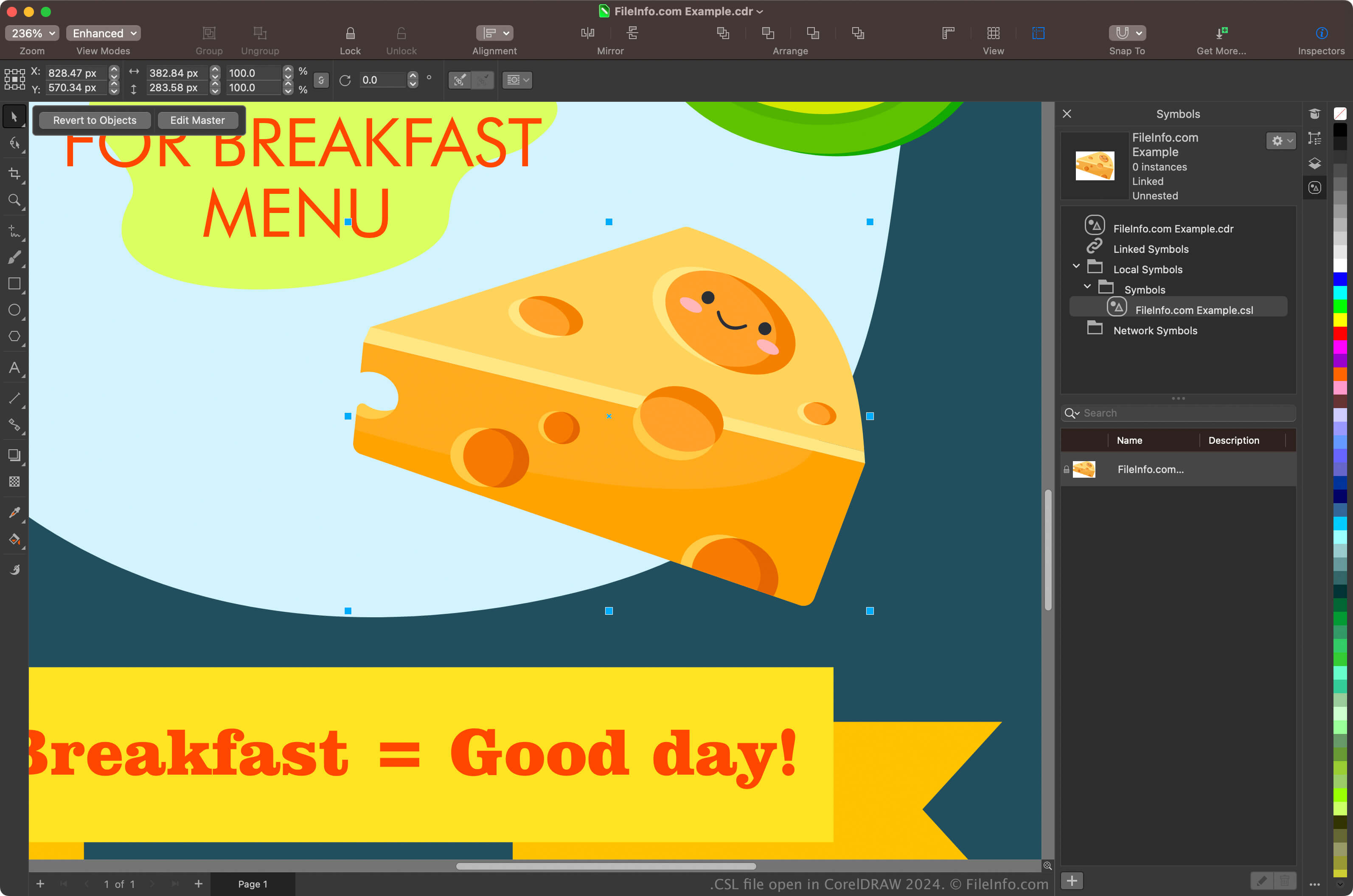
I principali utenti di CorelDRAW Graphics Suite sono grafici e fotografi digitali. L'app CorelDRAW inclusa nella suite consente di creare simboli dagli oggetti presenti nei documenti, conservarli e riutilizzarli in altri documenti.
Per creare un simbolo con CorelDRAW, seleziona un oggetto nel documento e fai clic su . Dopo aver creato il simbolo, puoi esportarlo, insieme ad altri simboli, come libreria facendo clic su . Puoi anche visualizzare i simboli nel docker Symbols selezionando .
NOTA: CorelDRAW salva i file CSL per impostazione predefinita nella posizione Documents\Corel\Corel Content\Symbols. Ad esempio, su un Mac puoi trovare i file CSL nella posizione seguente:
Macintosh HD/Users/[username]/Documents/Corel/Corel Content/Symbols
Come aprire un file CSL
Puoi aprire i file CSL con l'applicazione CorelDRAW inclusa in CorelDRAW Graphics Suite (Windows e macOS). Per aprire un file CSL con CorelDRAW, seleziona .
Puoi anche aprire i file CSL dal docker Symbols selezionando per aprire il docker, facendo clic sull'icona a forma di ingranaggio nel docker e selezionando quindi .