

.CSL Přípona souboru
Knihovna symbolů Corel
| Vývojář | Corel |
| Popularita |
3,5 | 6 hlasů |
Soubor CSL je knihovna symbolů používaná aplikací CorelDRAW, která slouží k vektorovým ilustracím a návrhu rozvržení stránek a je součástí sady CorelDRAW Graphics Suite. Ukládá jeden nebo více symbolů, které mohou uživatelé exportovat z dokumentů a importovat do nich (např. do souborů .CDR a .CDRT) ve formátu Corel Symbol Library (CSL). Soubor CSL může obsahovat například tvary, text a obrázky.
Další informace
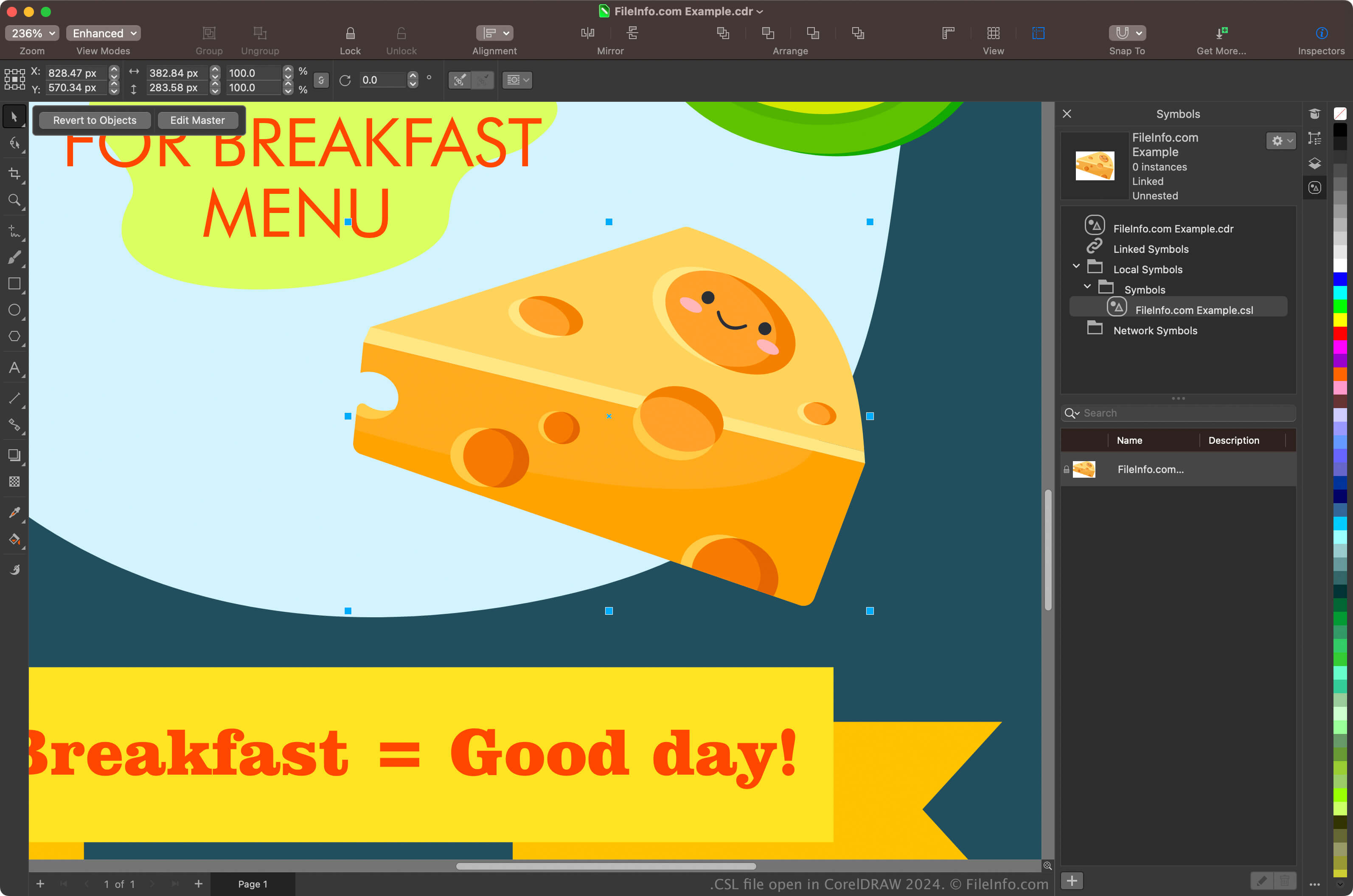
Hlavními uživateli sady CorelDRAW Graphics Suite jsou grafičtí návrháři a digitální fotografové. Aplikace CorelDRAW obsažená v sadě umožňuje uživatelům vytvářet symboly z objektů v dokumentech, uchovávat je a znovu je používat v jiných dokumentech.
Chcete-li v aplikaci CorelDRAW vytvořit symbol, vyberte v dokumentu objekt a klikněte na. Po vytvoření symbolu jej můžete (spolu s dalšími symboly) exportovat jako knihovnu kliknutím na. Své symboly můžete také zobrazit v dockeru Symbols výběrem možnosti.
POZNÁMKA: Aplikace CorelDRAW ve výchozím nastavení ukládá soubory CSL do umístění Documents\Corel\Corel Content\Symbols. Na Macu můžete soubory CSL najít například v tomto umístění:
Macintosh HD/Users/[username]/Documents/Corel/Corel Content/Symbols
Jak otevřít soubor CSL
Soubory CSL můžete otevřít v aplikaci CorelDRAW, která je součástí sady CorelDRAW Graphics Suite (Windows a macOS). Chcete-li soubor CSL otevřít v aplikaci CorelDRAW, vyberte.
Soubory CSL můžete také otevřít z dockeru Symbols. Docker otevřete výběrem možnosti, klikněte v něm na ikonu ozubeného kola a poté vyberte možnost.