

.CSL Bestandsextensie
Corel Symbol Library
| Ontwikkelaar | Corel |
| Populariteit |
3,5 | 6 stemmen |
Een CSL-bestand is een symboolbibliotheek die wordt gebruikt door CorelDRAW, een toepassing voor vectorillustraties en paginalay-out die onderdeel is van CorelDRAW Graphics Suite. Het bestand bevat een of meer symbolen die je vanuit en naar documenten kunt exporteren en importeren (bijv. .CDR- en .CDRT-bestanden) in de indeling Corel Symbol Library (CSL). Voorbeelden van symbolen die een CSL-bestand kan bevatten zijn vormen, tekst en afbeeldingen.
Meer informatie
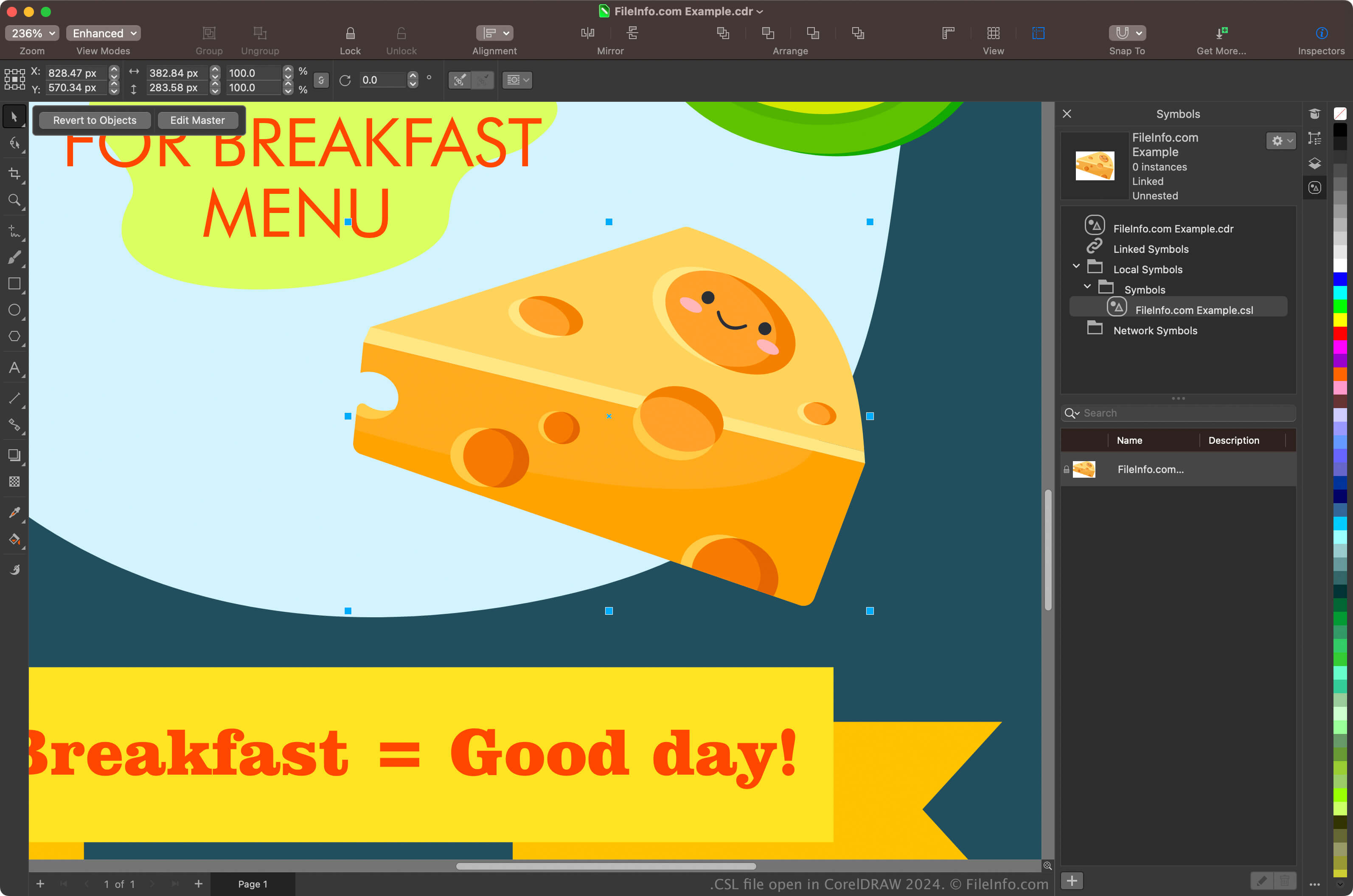
Grafisch ontwerpers en digitale fotografen zijn de belangrijkste gebruikers van CorelDRAW Graphics Suite. Met de CorelDRAW-app die bij de suite wordt geleverd, kunnen gebruikers symbolen maken van objecten in hun documenten, deze bewaren en opnieuw gebruiken in andere documenten.
Als je met CorelDRAW een symbool wilt maken, selecteer je een object in je document en klik je op . Nadat je het symbool hebt gemaakt, kun je het (en andere symbolen) als bibliotheek exporteren door op te klikken. Je kunt je symbolen ook bekijken in de docker Symbols door te selecteren.
OPMERKING: CorelDRAW slaat CSL-bestanden standaard op in de locatie Documents\Corel\Corel Content\Symbols. Je kunt CSL-bestanden bijvoorbeeld op de volgende locatie op een Mac vinden:
Macintosh HD/Users/[username]/Documents/Corel/Corel Content/Symbols
Een CSL-bestand openen
Je kunt CSL-bestanden openen met de CorelDRAW-app die onderdeel is van CorelDRAW Graphics Suite (Windows en macOS). Als je een CSL-bestand met CorelDRAW wilt openen, selecteer je .
Je kunt CSL-bestanden ook openen vanuit de docker Symbols door te selecteren om de docker te openen, op het tandwielpictogram in de docker te klikken en vervolgens te selecteren.