

.AVS Extensão de arquivo
Arquivo de predefinição do AVS
| Desenvolvedor | Nullsoft |
| Popularidade |
4,2 | 14 Votos |
O que é um arquivo AVS?
Um arquivo AVS é um arquivo de configuração usado pelo Advanced Visualization Studio (AVS), um visualizador de áudio para o reprodutor de mídia Nullsoft Winamp. Ele contém configurações para animações, como batidas e transições, que são reproduzidas com base na música tocada no Winamp.
Mais informações

O Winamp é um reprodutor de mídia gratuito compatível com vários formatos de vídeo e áudio. O aplicativo também é compatível com plug-ins para ampliar sua funcionalidade.
O AVS é um plug-in que permite visualizar o áudio, como músicas ou faixas instrumentais, reproduzido no Winamp. Os efeitos predefinidos são salvos em arquivos AVS, que você pode carregar, editar e salvar usando o plug-in AVS instalado no Winamp.
Como editar e salvar uma predefinição do AVS com o plug-in AVS no Winamp
Para editar e salvar uma predefinição do AVS usando o plug-in AVS no Winamp, siga estas etapas:
- Selecione
- Escolha o plug-in "Advanced Visualization Studio" e clique em
- Selecione uma predefinição e modifique suas configurações
- Clique em , dê um nome ao arquivo e selecione
Local dos arquivos de predefinição do AVS
Se você instalou o Winamp e o plug-in AVS, poderá encontrar os arquivos de predefinição do AVS nas pastas "Community Picks", "UnConeD" e "Winamp 5 Picks" no seguinte diretório:
C:\Program Files (x86)\Winamp\Plugins\AVS
Como abrir um arquivo AVS
Você pode abrir um arquivo AVS com o plug-in Advanced Visualization Studio (AVS) instalado no Nullsoft Winamp (Windows). Para abrir um arquivo AVS, siga estas etapas:
- Selecione
- Escolha o plug-in "Advanced Visualization Studio" e clique em
- Selecione , escolha o arquivo AVS e selecione
Programas que abrem arquivos AVS
Script do AviSynth
| Desenvolvedor | AviSynth |
| Popularidade |
2,2 | 5 Votos |
Um arquivo AVS é um script usado pelo AviSynth, uma ferramenta de pós-produção de vídeo. Ele contém uma referência a um ou mais arquivos de vídeo e instruções que o AviSynth usa para editar e processar esses vídeos. Os usuários do AviSynth podem criar arquivos AVS com qualquer editor de texto e "reproduzi-los" com vários reprodutores comuns de .AVI.
Mais informações
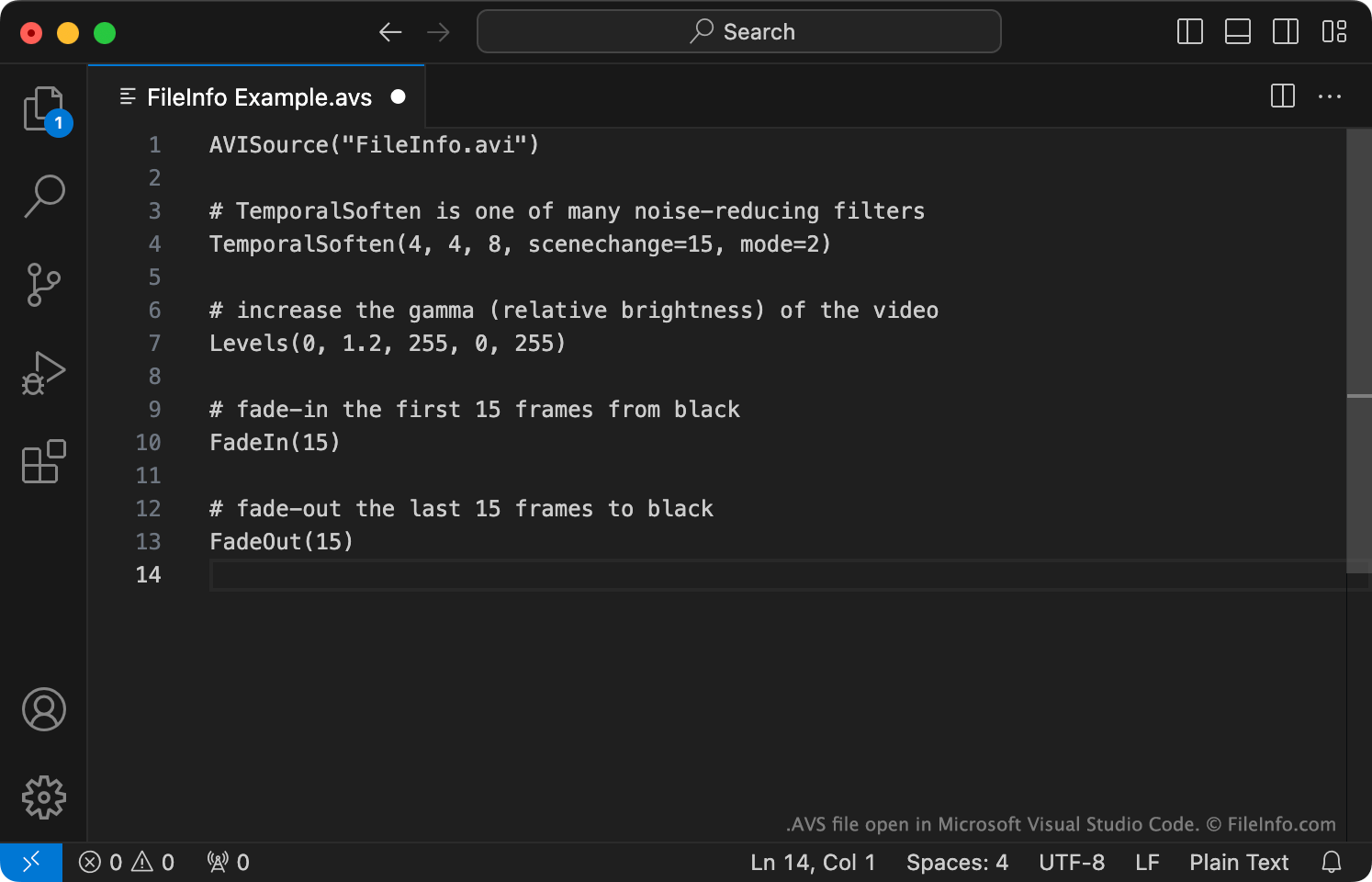
O AviSynth é um programa frameserver multiplataforma usado para criar e reproduzir versões editadas de arquivos de vídeo (normalmente arquivos AVI). Para editar um ou mais vídeos com o AviSynth, os usuários criam um script associado do AviSynth. Esse script contém:
- Um ou mais comandos usados para carregar arquivos de vídeo ou áudio a serem editados. Normalmente, esse comando é AVISource (e é usado para carregar um arquivo AVI).
- Instruções usadas para editar e/ou aplicar filtros aos arquivos de vídeo e áudio referenciados.
Depois de usar um editor de texto para criar um script AVS, os usuários "reproduzem" o script com o Windows Media Player, o MPlayer ou outro programa compatível com scripts AVS. Quando um usuário reproduz um script AVS, o AviSynth é executado, processa o script AVS e os arquivos de mídia referenciados pelo usuário e transmite o vídeo editado para o reprodutor de mídia do usuário como um arquivo AVI.
Como abrir um arquivo AVS
Se você quiser editar um script AVS, poderá abri-lo com o Microsoft Notepad, o Apple TextEdit ou qualquer outro editor de texto. No entanto, é melhor abrir o script AVS com o VirtualDubMod, um programa que permite editar e testar scripts AVS.
Se você quiser reproduzir o vídeo editado descrito por um script AVS, deverá:
- Confirmar que tem acesso ao(s) arquivo(s) de mídia referenciados pelo arquivo AVS e que eles estão armazenados no(s) local(is) correto(s).
- Instalar o AviSynth.
- Abrir o arquivo AVS com o Windows Media Player, o MPlayer ou outro programa compatível com arquivos AVS. (Mais programas estão listados abaixo.)
Programas que abrem ou fazem referência a arquivos AVS
Vídeo do Grupo de Trabalho AVS da China
| Desenvolvedor | AVS Workgroup of China |
| Popularidade |
2,0 | 2 Votos |
Um arquivo AVS é um vídeo salvo usando o codec de vídeo padrão do Grupo de Trabalho AVS da China, o Audio and Video Coding Standard (AVS). Ele contém mídia que está em conformidade com o padrão AVS1 do Grupo de Trabalho AVS. Os arquivos AVS não podem ser reproduzidos corretamente pela maioria dos reprodutores de mídia populares; eles reproduzem apenas o áudio contido no arquivo.
Mais informações
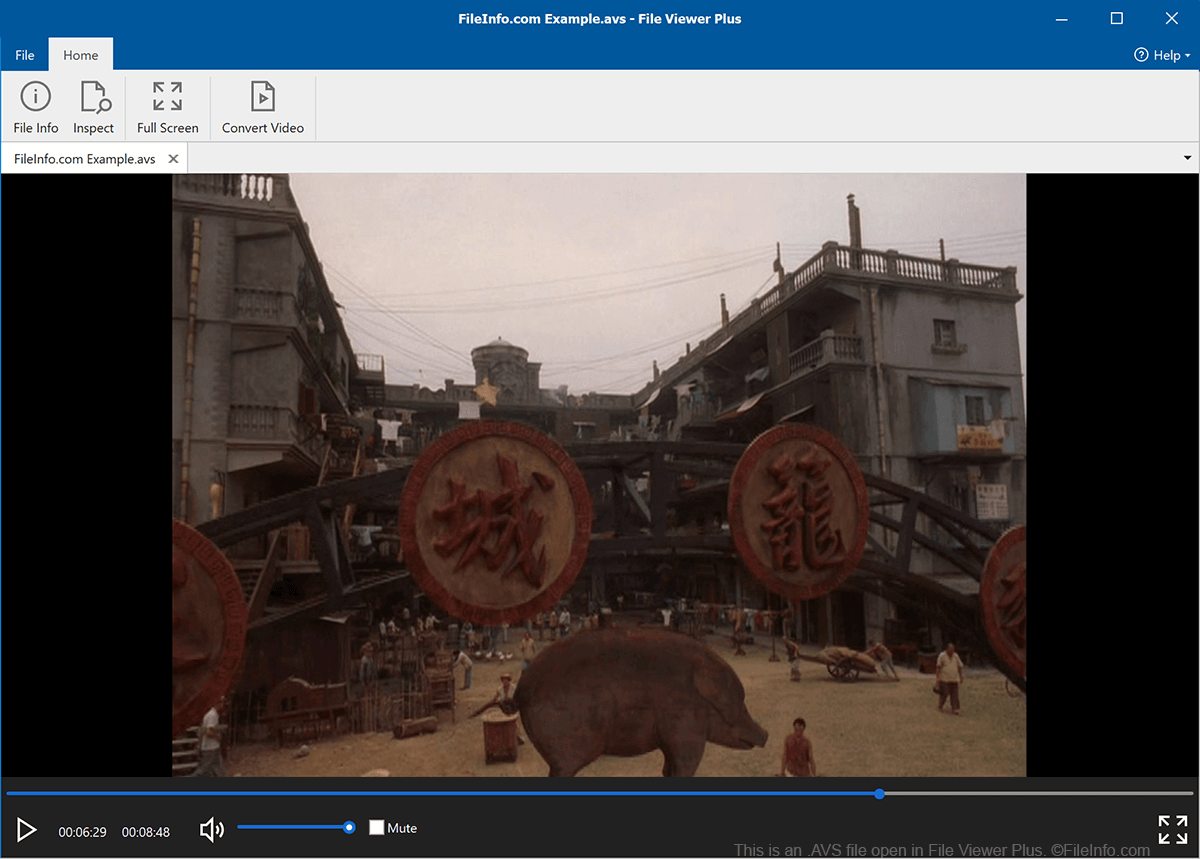
Em 2002, o Ministério da Indústria e da Tecnologia da Informação da China estabeleceu o Grupo de Trabalho do padrão nacional Audio and Video Coding Standard. Esse grupo é responsável por desenvolver e manter padrões técnicos para áudio e vídeo digitais, para uso por empresas e instituições de pesquisa chinesas.
Como parte de sua missão, o Grupo de Trabalho AVS desenvolveu o padrão Information Technology, Advanced Audio Video Coding, Part 2: Video, mais conhecido como AVS1. Ele descreve o formato no qual empresas e instituições chinesas devem salvar arquivos de vídeo. Os vídeos salvos usando esse formato são conhecidos como vídeos AVS e geralmente usam a extensão .avs. Vídeos AVS são incomuns fora da China.
Como abrir um arquivo AVS
A maioria dos reprodutores de mídia populares, como o VLC media player, o Windows Media Player e o QuickTime Player, consegue reproduzir apenas o áudio contido em um arquivo AVS. Quando você abre um arquivo AVS nesses reprodutores de mídia, pode ouvir o áudio do arquivo, mas não pode assistir ao vídeo.