

.AVS Dateiendung
AVS-Voreinstellungsdatei
| Entwickler | Nullsoft |
| Beliebtheit |
4,2 | 14 Stimmen |
Was ist eine AVS-Datei?
Eine AVS-Datei ist eine Konfigurationsdatei, die von Advanced Visualization Studio (AVS) verwendet wird, einem Audiovisualisierer für den Mediaplayer Nullsoft Winamp. Sie enthält Einstellungen für Animationen, z. B. Beats und Übergänge, die abhängig von der in Winamp abgespielten Musik wiedergegeben werden.
Weitere Informationen

Winamp ist ein kostenloser Mediaplayer, der verschiedene Video- und Audioformate unterstützt. Die App unterstützt außerdem Plug-ins, um ihren Funktionsumfang zu erweitern.
AVS ist ein Plug-in, mit dem Sie Audioinhalte wie Songs oder Instrumentalstücke, die Sie in Winamp abspielen, visualisieren können. Voreingestellte Effekte werden in AVS-Dateien gespeichert. Diese können Sie über das in Winamp installierte AVS-Plug-in laden, bearbeiten und speichern.
So bearbeiten und speichern Sie eine AVS-Voreinstellung mit dem AVS-Plug-in in Winamp
Gehen Sie wie folgt vor, um eine AVS-Voreinstellung über das AVS-Plug-in in Winamp zu bearbeiten und zu speichern:
- Wählen Sie
- Wählen Sie das Plug-in „Advanced Visualization Studio“ aus und klicken Sie auf
- Wählen Sie eine Voreinstellung aus und ändern Sie deren Einstellungen
- Klicken Sie auf , geben Sie der Datei einen Namen und wählen Sie
Speicherort von AVS-Voreinstellungsdateien
Wenn Sie Winamp und das AVS-Plug-in installiert haben, finden Sie AVS-Voreinstellungsdateien in den Ordnern „Community Picks“, „UnConeD“ und „Winamp 5 Picks“ im folgenden Verzeichnis:
C:\Program Files (x86)\Winamp\Plugins\AVS
So öffnen Sie eine AVS-Datei
Sie können eine AVS-Datei mit dem in Nullsoft Winamp (Windows) installierten Plug-in Advanced Visualization Studio (AVS) öffnen. Gehen Sie wie folgt vor, um eine AVS-Datei zu öffnen:
- Wählen Sie
- Wählen Sie das Plug-in „Advanced Visualization Studio“ aus und klicken Sie auf
- Wählen Sie , wählen Sie die AVS-Datei aus und klicken Sie auf
Programme, die .AVS-Dateien öffnen
AviSynth-Skript
| Entwickler | AviSynth |
| Beliebtheit |
2,2 | 5 Stimmen |
Eine AVS-Datei ist ein Skript, das von AviSynth, einem Werkzeug zur Videonachbearbeitung, verwendet wird. Sie enthält einen Verweis auf eine oder mehrere Videodateien sowie Anweisungen, mit denen AviSynth diese Videos bearbeitet und verarbeitet. AviSynth-Benutzer können AVS-Dateien mit jedem Texteditor erstellen und sie mit mehreren gängigen .AVI-Playern „wiedergeben“.
Weitere Informationen
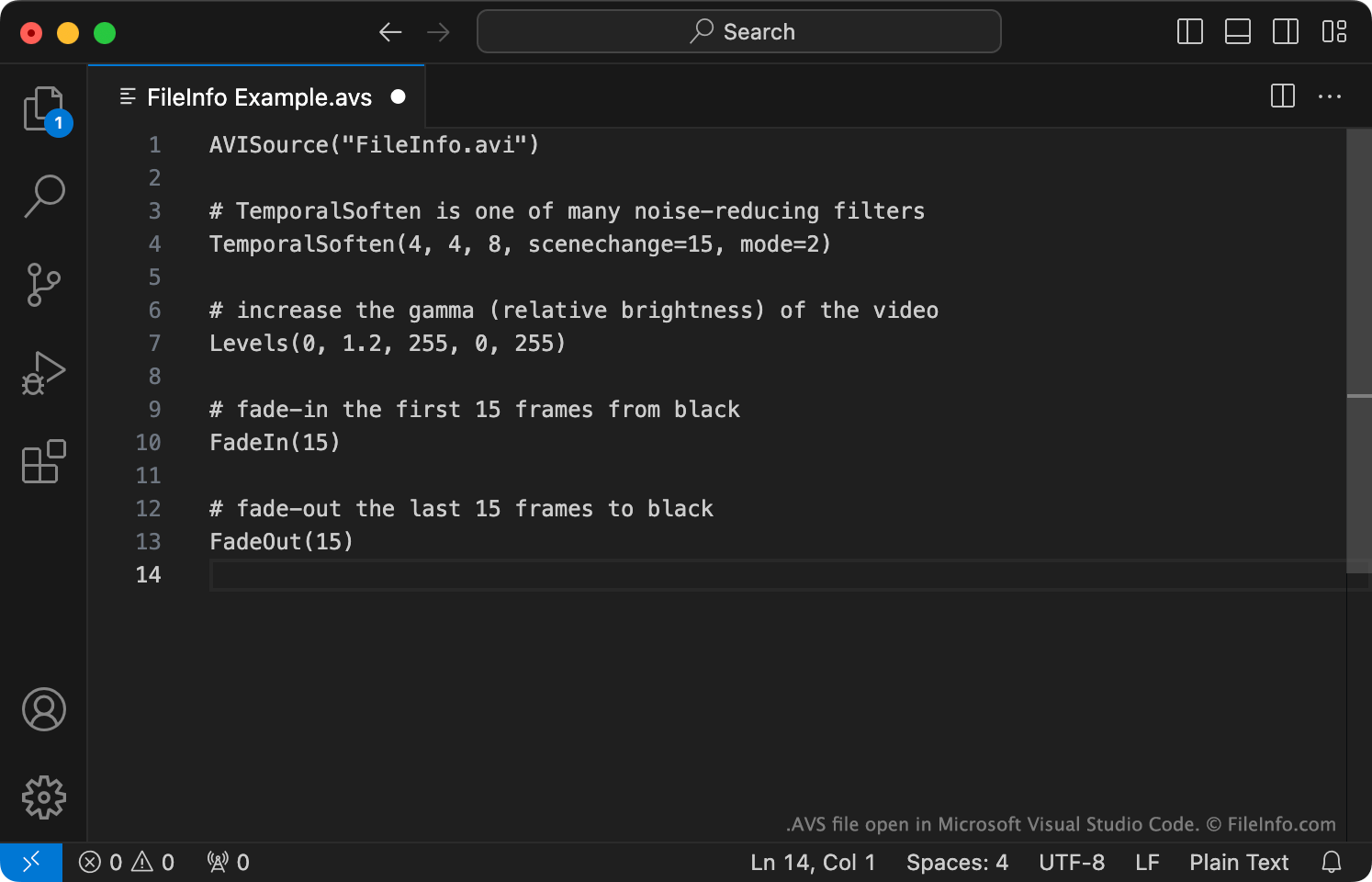
AviSynth ist ein plattformübergreifendes Frameserver-Programm, mit dem bearbeitete Versionen von Videodateien (normalerweise AVI-Dateien) erstellt und wiedergegeben werden. Um ein oder mehrere Videos mit AviSynth zu bearbeiten, erstellen Benutzer ein zugehöriges AviSynth-Skript. Dieses Skript enthält:
- Einen oder mehrere Befehle zum Laden der zu bearbeitenden Video- oder Audiodateien. Normalerweise ist dies der Befehl AVISource (der zum Laden einer AVI-Datei verwendet wird).
- Anweisungen zum Bearbeiten der referenzierten Video- und Audiodateien und/oder zum Anwenden von Filtern auf diese Dateien.
Nachdem Benutzer ein AVS-Skript mit einem Texteditor erstellt haben, „geben“ sie das Skript mit Windows Media Player, MPlayer oder einem anderen Programm wieder, das AVS-Skripte unterstützt. Wenn ein Benutzer ein AVS-Skript wiedergibt, wird AviSynth ausgeführt, verarbeitet das AVS-Skript des Benutzers und die referenzierten Mediendateien und überträgt das bearbeitete Video als AVI-Datei an den Mediaplayer des Benutzers.
So öffnen Sie eine AVS-Datei
Wenn Sie ein AVS-Skript bearbeiten möchten, können Sie es mit Microsoft Notepad, Apple TextEdit oder einem anderen Texteditor öffnen. Am besten öffnen Sie Ihr AVS-Skript jedoch mit VirtualDubMod, einem Programm, mit dem Sie AVS-Skripte sowohl bearbeiten als auch testen können.
Wenn Sie das bearbeitete Video wiedergeben möchten, das ein AVS-Skript beschreibt, müssen Sie:
- Bestätigen, dass Sie Zugriff auf die Mediendatei(en) haben, auf die Ihre AVS-Datei verweist, und dass diese am richtigen Speicherort(en) gespeichert sind.
- AviSynth installieren.
- Ihre AVS-Datei mit Windows Media Player, MPlayer oder einem anderen Programm öffnen, das AVS-Dateien unterstützt. (Weitere Programme sind unten aufgeführt.)
Programme, die .AVS-Dateien öffnen oder referenzieren
AVS-Video der AVS Workgroup of China
| Entwickler | AVS Workgroup of China |
| Beliebtheit |
2,0 | 2 Stimmen |
Eine AVS-Datei ist ein Video, das mit dem Standard-Video-Codec der Audio and Video Coding Standard Workgroup of China gespeichert wurde. Sie enthält Medien, die dem AVS1-Standard der AVS Workgroup entsprechen. AVS-Dateien können von den meisten gängigen Mediaplayern nicht korrekt wiedergegeben werden; die Player geben nur den in der Datei enthaltenen Ton wieder.
Weitere Informationen
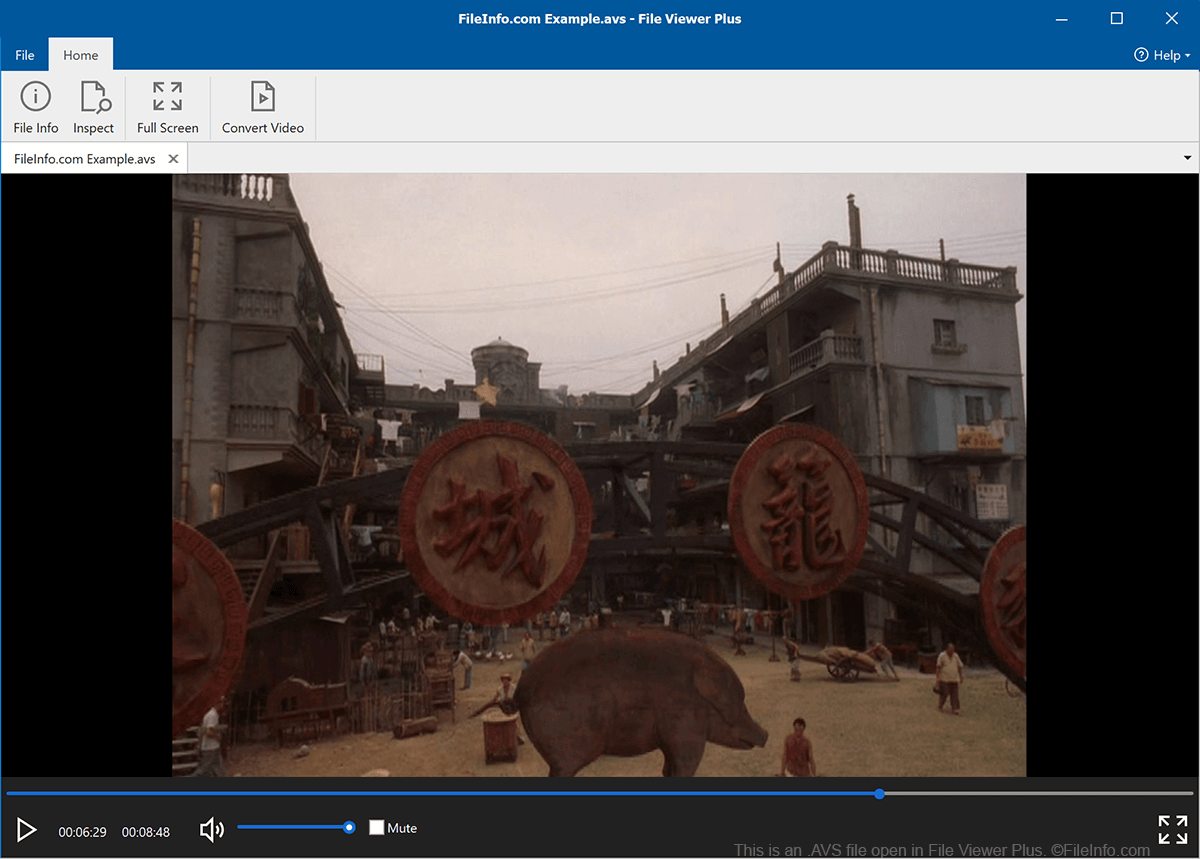
Im Jahr 2002 gründete das chinesische Ministerium für Industrie und Informationstechnologie die nationale Audio and Video Coding Standard Workgroup. Diese Gruppe ist für die Entwicklung und Pflege technischer Standards für digitales Audio und Video zuständig, die von chinesischen Unternehmen und Forschungseinrichtungen verwendet werden.
Im Rahmen ihrer Aufgabe entwickelte die AVS Workgroup den Standard Information Technology, Advanced Audio Video Coding, Part 2: Video, der besser als AVS1 bekannt ist. Er beschreibt das Format, in dem chinesische Unternehmen und Institutionen Videodateien speichern sollen. In diesem Format gespeicherte Videos werden als AVS-Videos bezeichnet und verwenden häufig die Erweiterung .avs. AVS-Videos sind außerhalb Chinas nicht sehr verbreitet.
So öffnen Sie eine AVS-Datei
Die meisten gängigen Mediaplayer, darunter VLC media player, Windows Media Player und QuickTime Player, können nur den in einer AVS-Datei enthaltenen Ton wiedergeben. Wenn Sie eine AVS-Datei in diesen Mediaplayern öffnen, können Sie den Ton der Datei anhören, aber das Video der Datei nicht ansehen.