

.AVS Bestandsextensie
AVS-presetbestand
| Ontwikkelaar | Nullsoft |
| Populariteit |
4,2 | 14 stemmen |
Wat is een AVS-bestand?
Een AVS-bestand is een configuratiebestand dat wordt gebruikt door Advanced Visualization Studio (AVS), een audio-visualisatieprogramma voor de mediaspeler Nullsoft Winamp. Het bevat instellingen voor animaties, zoals beats en overgangen, die worden afgespeeld op basis van de muziek die in Winamp wordt afgespeeld.
Meer informatie
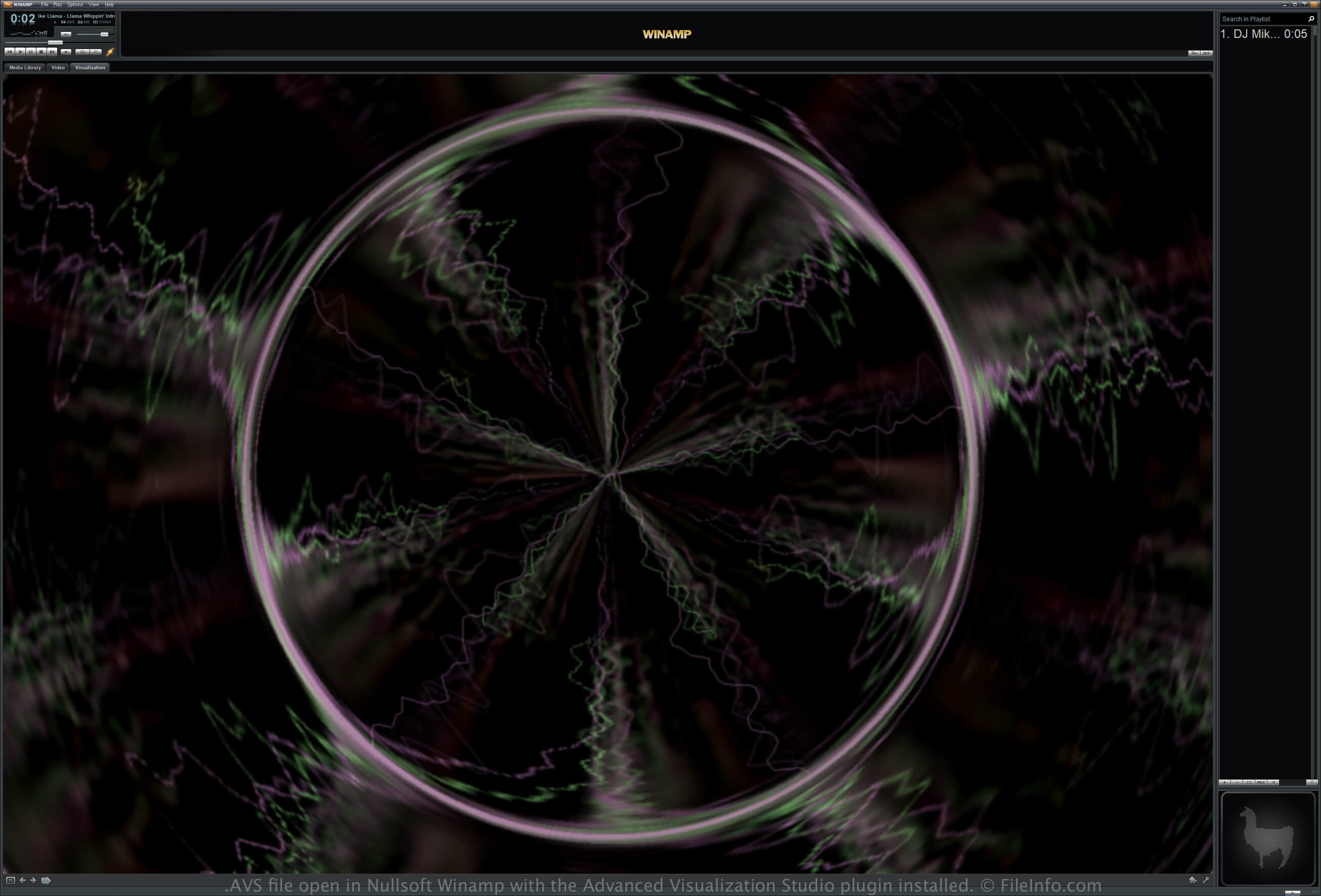
Winamp is een gratis mediaspeler die verschillende video- en audio-indelingen ondersteunt. De app ondersteunt ook plug-ins om de functionaliteit uit te breiden.
AVS is een plug-in waarmee je audio, zoals nummers of instrumentale tracks, die je in Winamp afspeelt kunt visualiseren. Vooraf ingestelde effecten worden opgeslagen in AVS-bestanden, die je kunt laden, bewerken en opslaan via de AVS-plug-in die in Winamp is geïnstalleerd.
Een AVS-preset bewerken en opslaan met de AVS-plug-in in Winamp
Volg deze stappen om een AVS-preset te bewerken en op te slaan via de AVS-plug-in in Winamp:
- Selecteer
- Kies de plug-in "Advanced Visualization Studio" en klik op
- Selecteer een preset en pas de instellingen ervan aan
- Klik op , geef het bestand een naam en selecteer
Locatie van AVS-presetbestanden
Als je Winamp en de AVS-plug-in hebt geïnstalleerd, kun je AVS-presetbestanden vinden in de mappen "Community Picks", "UnConeD" en "Winamp 5 Picks" in de volgende map:
C:\Program Files (x86)\Winamp\Plugins\AVS
Een AVS-bestand openen
Je kunt een AVS-bestand openen met de plug-in Advanced Visualization Studio (AVS) die is geïnstalleerd in Nullsoft Winamp (Windows). Volg deze stappen om een AVS-bestand te openen:
- Selecteer
- Kies de plug-in "Advanced Visualization Studio" en klik op
- Selecteer , kies het AVS-bestand en selecteer
Programma's die AVS-bestanden openen
AviSynth-script
| Ontwikkelaar | AviSynth |
| Populariteit |
2,2 | 5 stemmen |
Een AVS-bestand is een script dat wordt gebruikt door AviSynth, een videopostproductietool. Het bevat een verwijzing naar een of meer videobestanden en instructies die AviSynth gebruikt om die video's te bewerken en te verwerken. Gebruikers van AviSynth kunnen AVS-bestanden maken met elke teksteditor en ze "afspelen" met verschillende gangbare .AVI-spelers.
Meer informatie
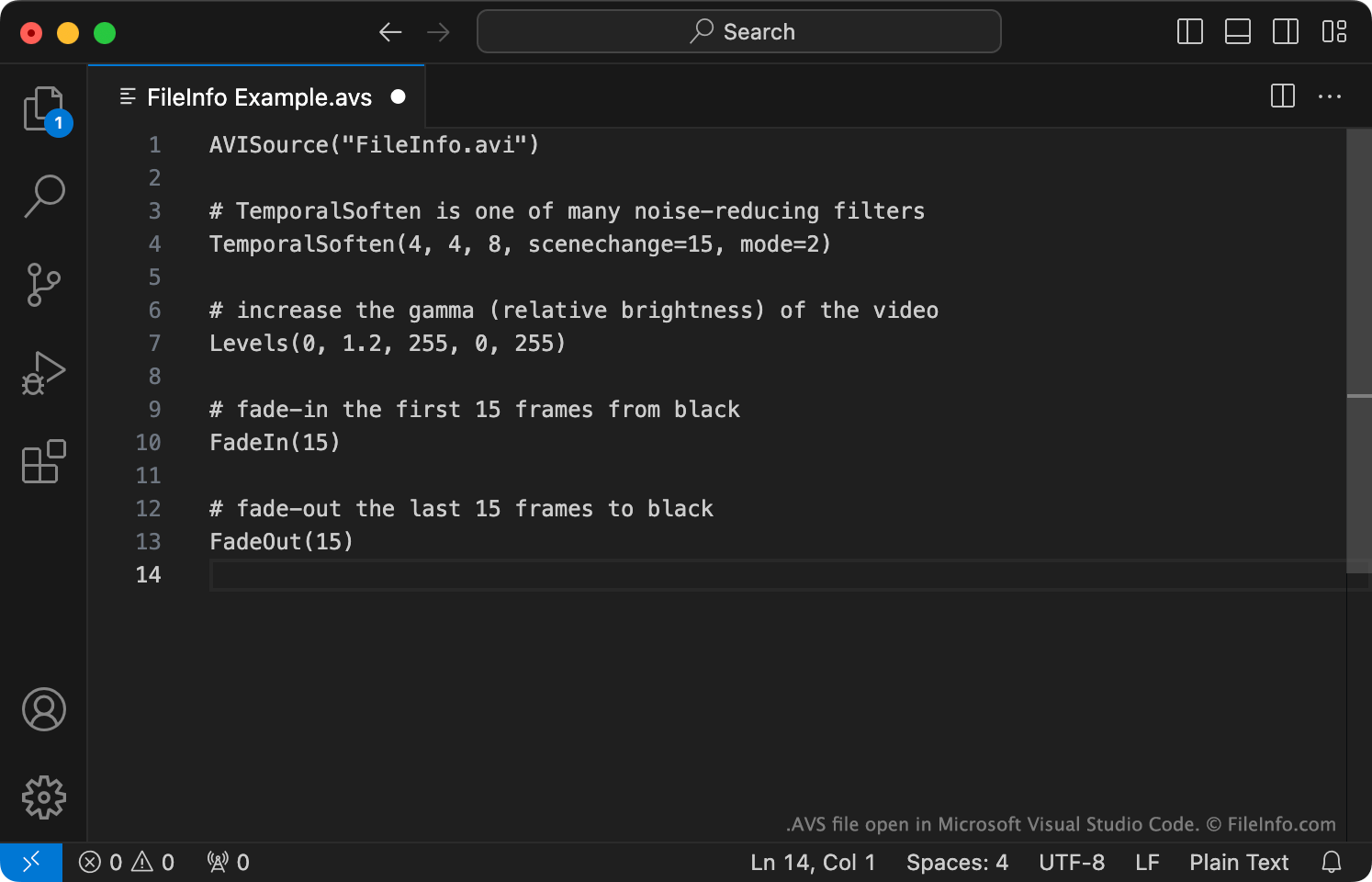
AviSynth is een multiplatform frameserverprogramma dat wordt gebruikt om bewerkte versies van videobestanden te maken en af te spelen (meestal AVI-bestanden). Om een of meer video's met AviSynth te bewerken, maken gebruikers een bijbehorend AviSynth-script. Dit script bevat:
- Een of meer opdrachten die worden gebruikt om video- of audiobestanden te laden die moeten worden bewerkt. Meestal is dit de opdracht AVISource (die wordt gebruikt om een AVI-bestand te laden).
- Instructies die worden gebruikt om de genoemde video- en audiobestanden te bewerken en/of filters toe te passen.
Nadat ze met een teksteditor een AVS-script hebben gemaakt, "spelen" gebruikers het script af met Windows Media Player, MPlayer of een ander programma dat AVS-scripts ondersteunt. Wanneer een gebruiker een AVS-script afspeelt, wordt AviSynth uitgevoerd, verwerkt het de AVS-script en de genoemde mediabestanden van de gebruiker en streamt het de bewerkte video als AVI-bestand naar de mediaspeler van de gebruiker.
Een AVS-bestand openen
Als je een AVS-script wilt bewerken, kun je het openen met Microsoft Notepad, Apple TextEdit of een andere teksteditor. Je kunt je AVS-script echter het beste openen met VirtualDubMod, een programma waarmee je AVS-scripts zowel kunt bewerken als testen.
Als je de bewerkte video die in een AVS-script wordt beschreven wilt afspelen, moet je:
- Controleren of je toegang hebt tot de mediabestand(en) waarnaar je AVS-bestand verwijst en of deze op de juiste locatie(s) zijn opgeslagen.
- AviSynth installeren.
- Je AVS-bestand openen met Windows Media Player, MPlayer of een ander programma dat AVS-bestanden ondersteunt. (Hieronder staan meer programma's.)
Programma's die AVS-bestanden openen of ernaar verwijzen
AVS Workgroup of China-video
| Ontwikkelaar | AVS Workgroup of China |
| Populariteit |
2,0 | 2 stemmen |
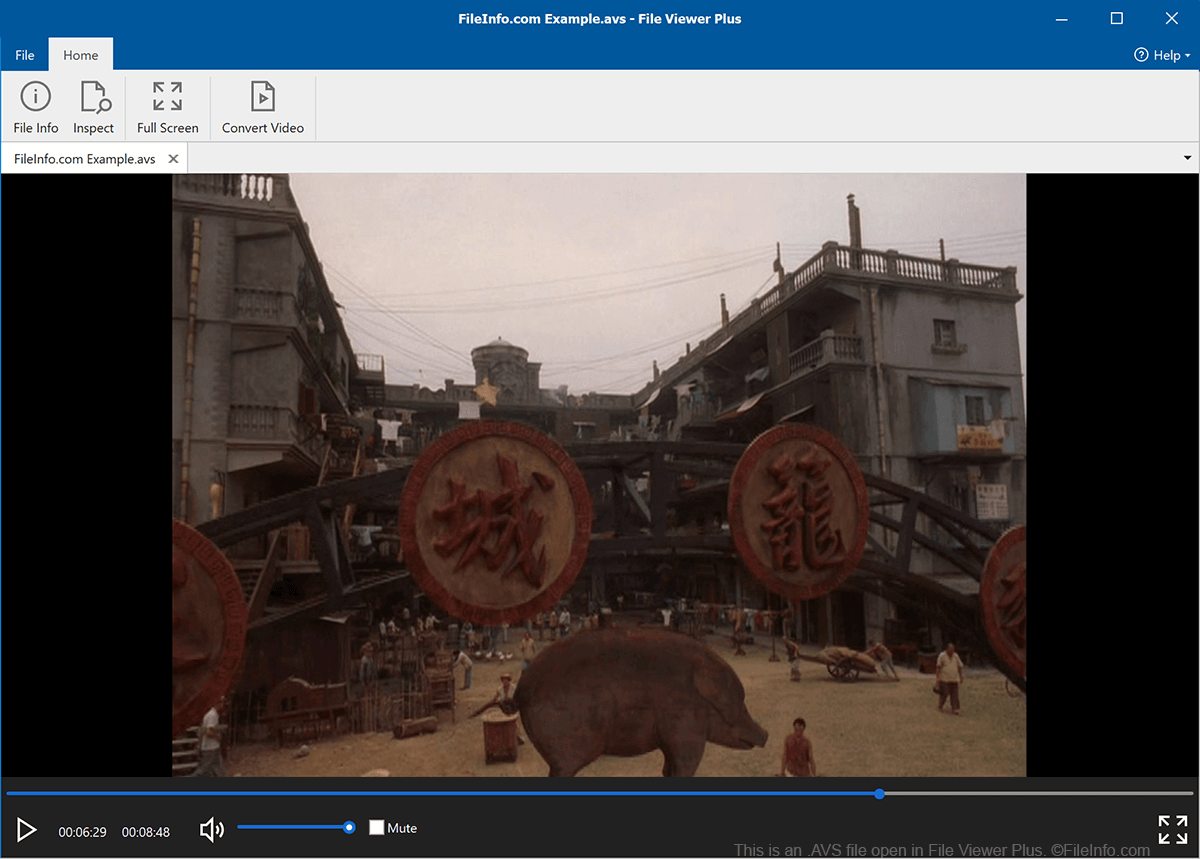
Een AVS-bestand is een video die is opgeslagen met de standaardvideo-codec van de Audio and Video Coding Standard (AVS) Workgroup of China. Het bevat media die voldoet aan de AVS1-standaard van de AVS Workgroup. AVS-bestanden kunnen niet correct worden afgespeeld door de meeste populaire mediaspelers; de spelers spelen alleen de audio af die het bestand bevat.
Meer informatie
In 2002 richtte het Chinese Ministry of Industry and Information Technology de nationale Audio and Video Coding Standard Workgroup op. Deze groep is verantwoordelijk voor het ontwikkelen en onderhouden van technische standaarden voor digitale audio en video, voor gebruik door Chinese bedrijven en onderzoeksinstellingen.
Als onderdeel van zijn missie ontwikkelde de AVS Workgroup de standaard Information Technology, Advanced Audio Video Coding, Part 2: Video, beter bekend als AVS1. Deze beschrijft de indeling waarin Chinese bedrijven en instellingen videobestanden moeten opslaan. Video's die met deze indeling zijn opgeslagen, worden AVS-video's genoemd en gebruiken vaak de extensie .avs. AVS-video's komen buiten China weinig voor.
Een AVS-bestand openen
De meeste populaire mediaspelers, zoals VLC media player, Windows Media Player en QuickTime Player, kunnen alleen de audio in een AVS-bestand afspelen. Wanneer je een AVS-bestand in deze mediaspelers opent, kun je naar de audio van het bestand luisteren, maar kun je de video van het bestand niet bekijken.