

.AMP Extensão de arquivo
Mapa de ajustes do Photoshop
| Desenvolvedor | Adobe Systems |
| Popularidade |
2,9 | 10 Votos |
O que é um arquivo AMP?
Um arquivo AMP é uma curva de ajuste de cor criada pela ferramenta Curvas do Adobe Photoshop. Ele contém uma curva personalizada desenhada à mão. Os arquivos AMP são usados para ajustar ou corrigir as cores de uma imagem.
Mais informações
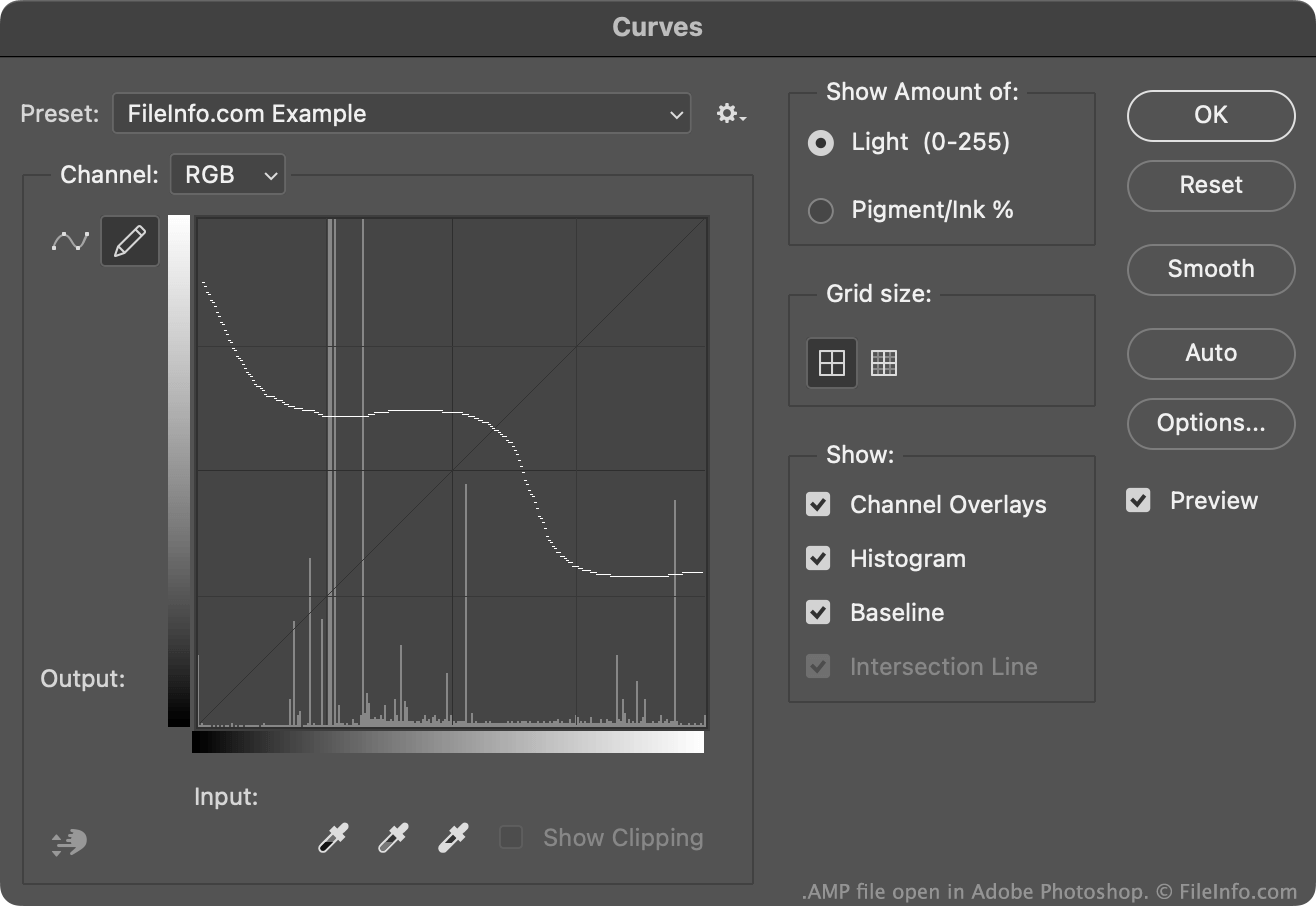
Normalmente, os usuários do Photoshop criam e salvam curvas de ajuste de cor como arquivos .ACV. Esses arquivos contêm curvas formadas por uma coleção de pontos posicionados.
Por outro lado, as curvas contidas nos arquivos AMP são desenhadas à mão livre usando o lápis disponível na ferramenta Curvas. Para criar um arquivo AMP:
- Abra a ferramenta Curvas ().
- Selecione o ícone do lápis.
- Desenhe uma curva personalizada de ajuste de cor.
- Selecione o ícone de engrenagem que aparece ao lado do campo .
- Selecione
Normalmente, o Photoshop armazena os arquivos AMP no diretório Presets/Curves do usuário.
Como abrir um arquivo AMP
Você pode abrir um arquivo AMP com o Adobe Photoshop, na ferramenta Curvas:
- Abra a ferramenta Curvas ().
- Selecione o ícone de engrenagem que aparece ao lado do campo .
- Selecione .
- Navegue até o arquivo AMP e abra-o.
A curva de ajuste de cor contida no arquivo AMP aparecerá na ferramenta Curvas, onde você poderá aplicá-la à imagem que está editando.