

.AMP ファイル拡張子
Photoshop調整マップ
| 開発元 | Adobe Systems |
| 人気度 |
2.9 | 10 票 |
AMPファイルとは?
AMPファイルは、Adobe Photoshopのトーンカーブツールで作成されたカラー調整曲線です。手描きで作成したカスタム曲線が含まれています。AMPファイルは、画像の色を微調整または補正するために使用されます。
詳細情報
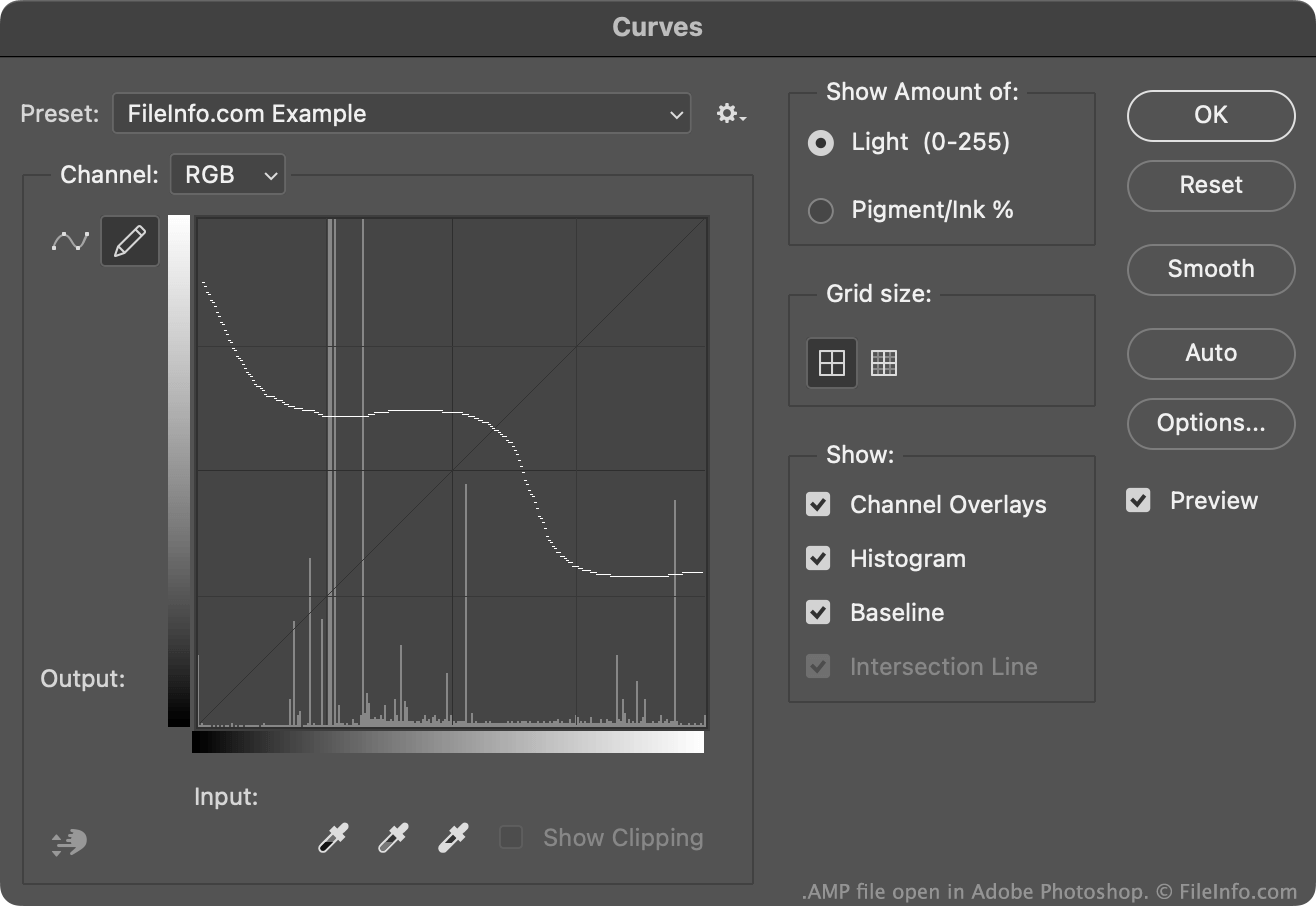
通常、Photoshopユーザーはカラー調整曲線を.ACVファイルとして作成および保存します。これらのファイルには、配置された複数のポイントで構成される曲線が含まれています。
一方、AMPファイルに含まれる曲線は、トーンカーブツールで使用できる鉛筆を使ってフリーハンドで描かれます。AMPファイルを作成するには:
- トーンカーブツール()を開きます。
- 鉛筆アイコンを選択します。
- カスタムカラー調整曲線を描きます。
- フィールドの横に表示される歯車アイコンを選択します。
- を選択します。
通常、PhotoshopはAMPファイルをユーザーのPresets/Curvesディレクトリに保存します。
AMPファイルの開き方
Adobe PhotoshopのトーンカーブツールでAMPファイルを開くことができます:
- トーンカーブツール()を開きます。
- フィールドの横に表示される歯車アイコンを選択します。
- を選択します。
- AMPファイルの場所に移動して開きます。
AMPファイルに含まれるカラー調整曲線がトーンカーブツールに表示され、編集中の画像に適用できるようになります。
AMPファイルを開くプログラム
Windows
無料体験版
Mac
無料体験版