.AMP 파일 확장자

Photoshop Adjustment Map

개발사 Adobe Systems
인기도
2.9  |  10 투표
 

AMP 파일이란 무엇인가요?

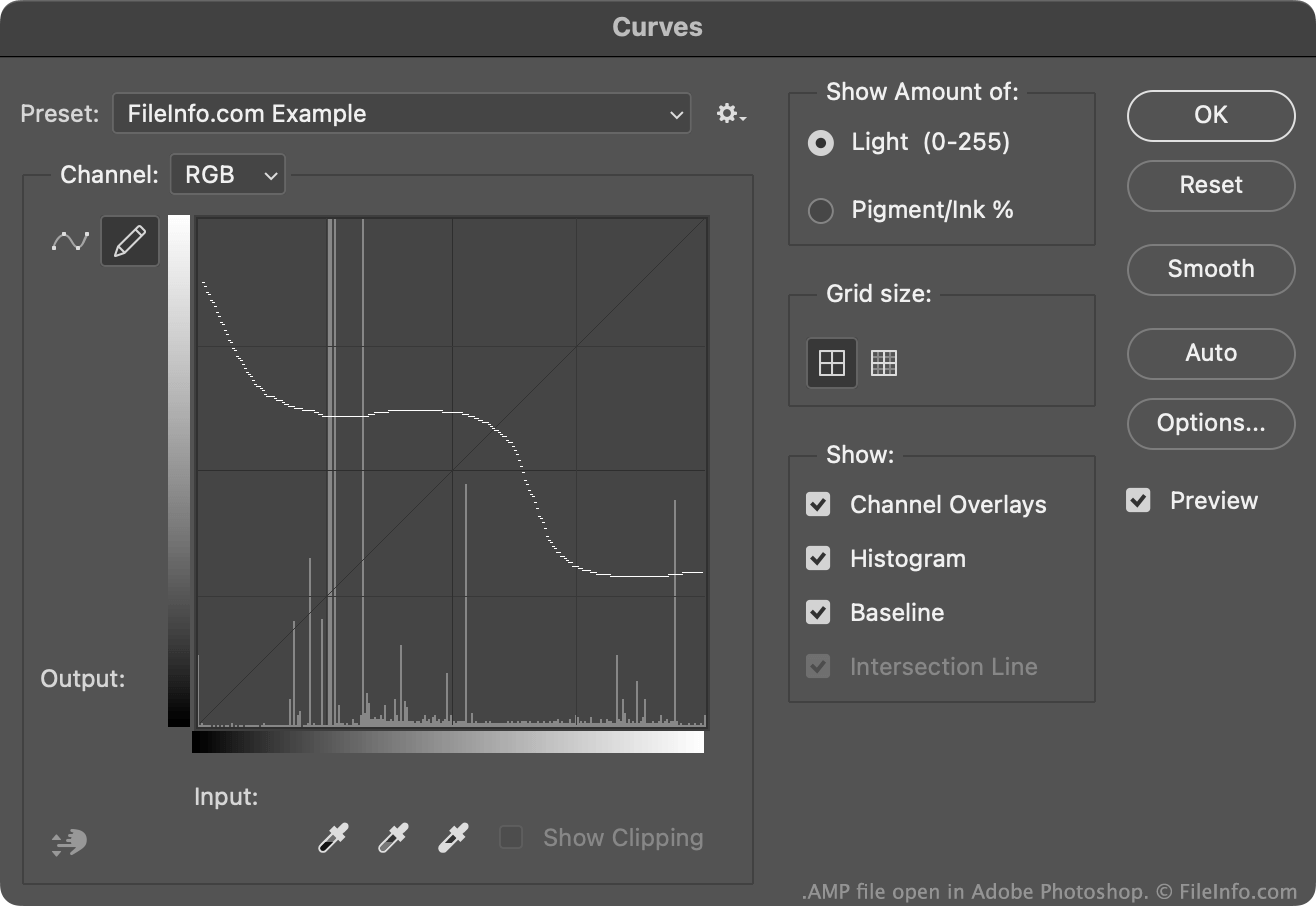
An AMP file is a color adjustment curve created by Adobe Photoshop's Curves tool. It contains a custom curve drawn by hand. AMP files are used to fine-tune or correct an image's colors.

추가 정보

Adobe Photoshop에서 열린 .amp 파일의 스크린샷
Adobe Photoshop에서 열린 AMP 파일

Typically, Photoshop users create and save color adjustment curves as .ACV files. These files contain curves that consist of a collection of placed points.

The curves that AMP files contain, on the other hand, are drawn freehand using the pencil available in the Curves tool. To create an AMP file:

  1. Open the Curves tool (Image → Adjustments → Curves...).
  2. Select the Pencil icon.
  3. Draw a custom color adjustment curve.
  4. Select the Gear icon that appears next to the Preset: field.
  5. Select Save Preset...

Typically, Photoshop stores AMP files in a user's Presets/​Curves directory.

AMP 파일을 여는 방법

You can open an AMP file with Adobe Photoshop, in the Curves tool:

  1. Open the Curves tool (Image → Adjustments → Curves...).
  2. Select the Gear icon that appears next to the Preset: field.
  3. Select Load Preset....
  4. Navigate to and open your AMP file.

The color adjustment curve your AMP file contains will then appear in the Curves tool, where you can apply it to the image you are editing.

File Viewer Plus(으)로 400개 이상의 파일 형식을 여세요.무료 다운로드

AMP 파일을 여는 프로그램

Windows
무료 체험판
Mac
무료 체험판
카테고리: 설정
업데이트: 2023-01-10

검증자 FileInfo.com

FileInfo.com 팀 이 페이지에 나열된 Photoshop Adjustment Map 파일 형식과 Mac and Windows 앱을 독자적으로 조사했습니다. 저희의 목표는 100% 정확성이며, 검증한 파일 유형에 대한 정보만 게시합니다.

이 페이지에 추가하거나 업데이트할 내용을 제안하고 싶으시면 알려 주세요.