

.AMP Estensione file
Mappa di regolazione di Photoshop
| Sviluppatore | Adobe Systems |
| Popolarità |
2,9 | 10 Voti |
Che cos'è un file AMP?
Un file AMP è una curva di regolazione del colore creata dallo strumento Curve di Adobe Photoshop. Contiene una curva personalizzata disegnata a mano. I file AMP vengono usati per regolare con precisione o correggere i colori di un'immagine.
Maggiori informazioni
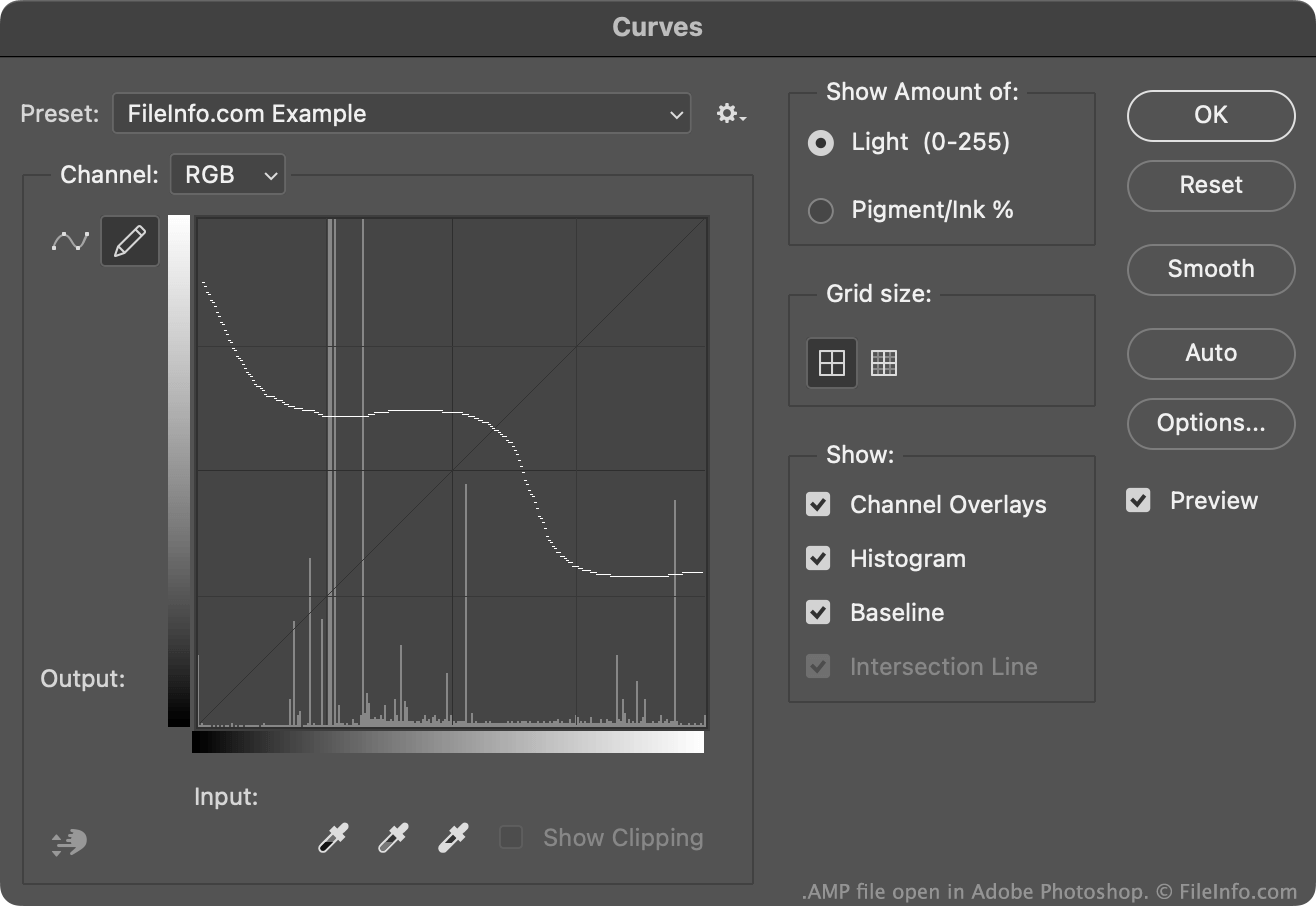
In genere, gli utenti di Photoshop creano e salvano le curve di regolazione del colore come file .ACV. Questi file contengono curve costituite da una serie di punti posizionati.
Le curve contenute nei file AMP, invece, vengono disegnate a mano libera usando la matita disponibile nello strumento Curve. Per creare un file AMP:
- Apri lo strumento Curve ().
- Seleziona l'icona della matita.
- Disegna una curva di regolazione del colore personalizzata.
- Seleziona l'icona a forma di ingranaggio che appare accanto al campo .
- Seleziona
In genere, Photoshop memorizza i file AMP nella directory Presets/Curves dell'utente.
Come aprire un file AMP
Puoi aprire un file AMP con Adobe Photoshop, nello strumento Curve:
- Apri lo strumento Curve ().
- Seleziona l'icona a forma di ingranaggio che appare accanto al campo .
- Seleziona .
- Individua e apri il file AMP.
La curva di regolazione del colore contenuta nel file AMP apparirà quindi nello strumento Curve, dove potrai applicarla all'immagine che stai modificando.