

.SNAG Rozszerzenie pliku
Przechwycony obraz z programu Snagit dla Windows
| Deweloper | TechSmith |
| Popularność |
3,7 | 9 Głosów |
Czym jest plik SNAG?
Plik SNAG to obraz utworzony przez wersję TechSmith Snagit dla systemu Windows — narzędzie do przechwytywania ekranu i dodawania adnotacji do obrazów. Zawiera przechwycony obraz, a także wszelkie teksty i obiekty grafiki wektorowej dodane do tego obrazu. Pliki SNAG można otwierać tylko w programie Snagit dla Windows.
Więcej informacji
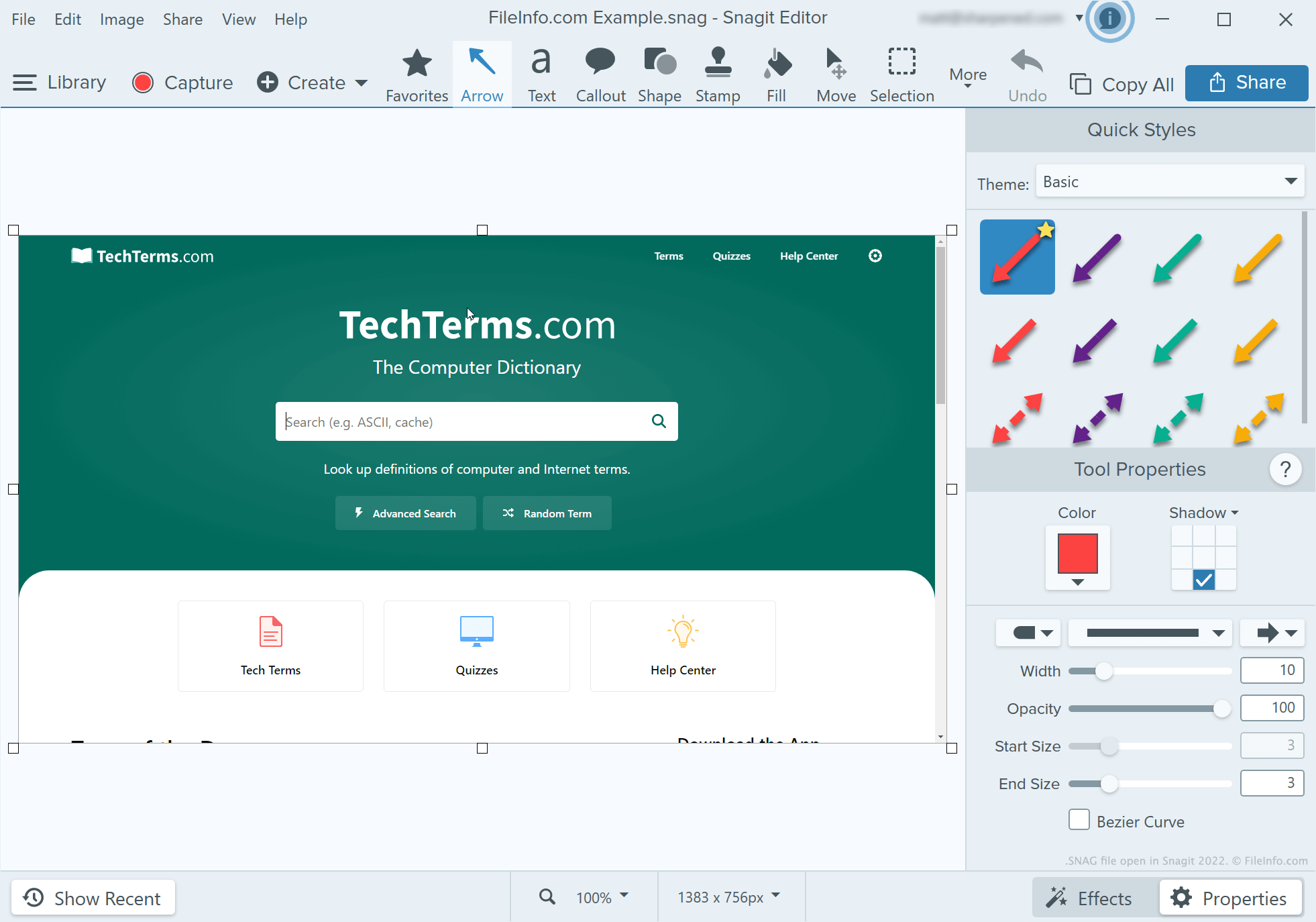
Deweloperzy, autorzy dokumentacji technicznej i inne osoby tworzące samouczki dotyczące programów używają programu Snagit do przechwytywania i opisywania zrzutów ekranu. Po wykonaniu zrzutu ekranu za pomocą narzędzia do przechwytywania w programie Snagit użytkownik może dodać do niego tekst, strzałki, objaśnienia i inne adnotacje za pomocą edytora obrazów Snagit.
Jeśli użytkownik programu Snagit dla Windows chce w przyszłości kontynuować edycję zrzutu ekranu z adnotacjami, może zapisać go jako plik SNAG. Użytkownicy mogą również zapisywać zrzuty ekranu z adnotacjami jako pliki .JPG, .PNG, .GIF, .BMP, .PDF lub .TIF, ale te formaty nie zachowują adnotacji jako obiektów, które można edytować.
UWAGA: Przed wersją Snagit 2022 wersja Snagit dla komputerów Mac zapisywała przechwycone obrazy możliwe do edycji jako pliki .SNAGPROJ. W wersji Snagit 2022 i nowszych wersjach obie platformowe wersje programu Snagit zaczęły zapisywać przechwycone obrazy możliwe do edycji jako pliki .SNAGX.
Jak otworzyć plik SNAG
Plik SNAG można otworzyć w programie TechSmith Snagit dla Windows. W tym celu wybierz z paska menu programu opcję . Następnie przejdź do pliku SNAG i otwórz go.