

.SNAG Extension de fichier
Capture Snagit pour Windows
| Développeur | TechSmith |
| Popularité |
3,7 | 9 Votes |
Qu'est-ce qu'un fichier SNAG ?
Un fichier SNAG est une image créée par la version Windows de TechSmith Snagit, un outil de capture d’écran et d’annotation d’images. Il contient une image capturée, ainsi que tout objet vectoriel et tout texte ajoutés à cette image. Les fichiers SNAG peuvent être ouverts uniquement dans Snagit for Windows.
Plus d'informations
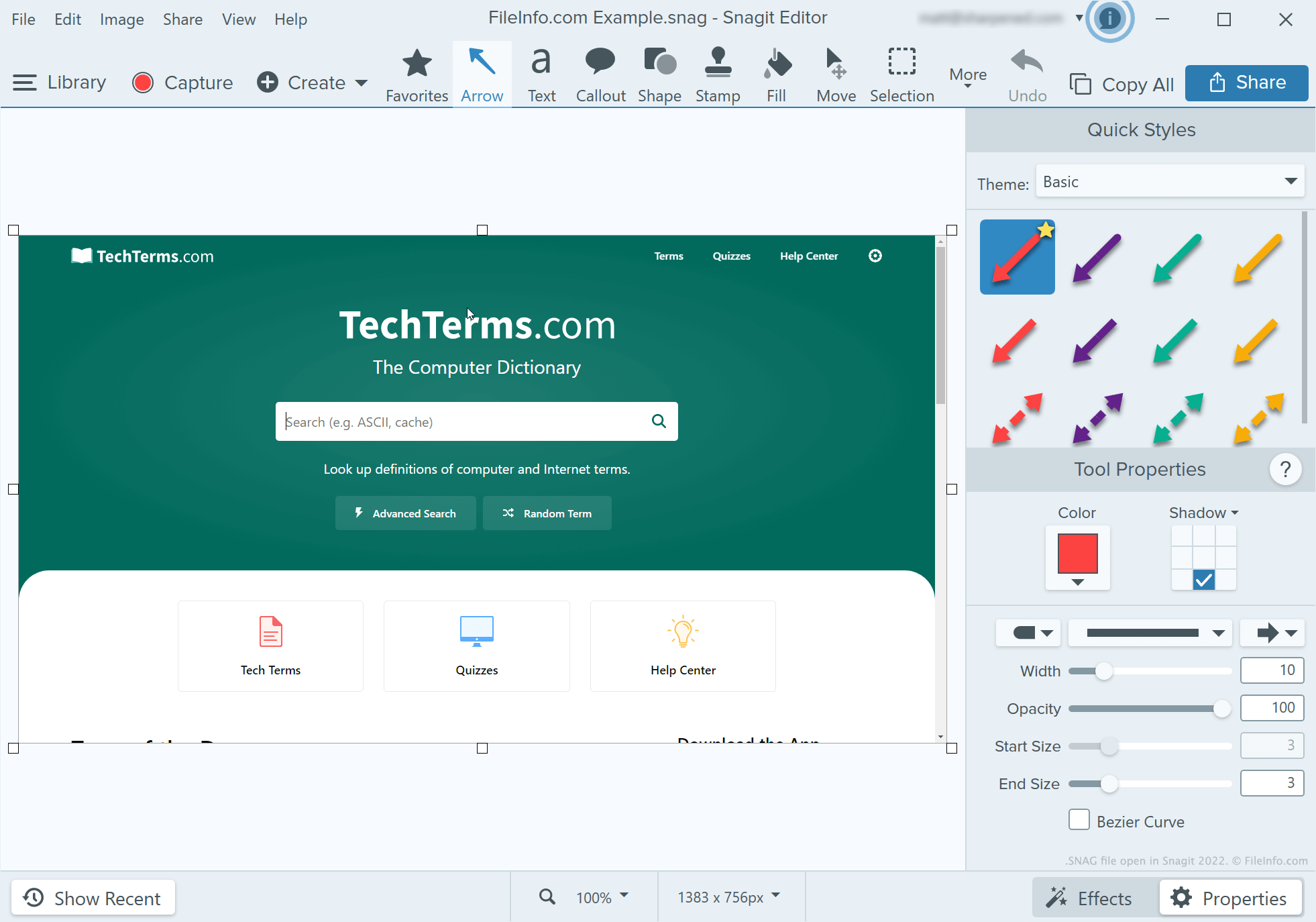
Les développeurs, les rédacteurs techniques et d’autres personnes qui créent des tutoriels sur les logiciels utilisent Snagit pour capturer et annoter des captures d’écran. Après avoir pris une capture d’écran avec l’outil de capture de Snagit, un utilisateur peut ajouter du texte, des flèches, des bulles et d’autres annotations à cette capture d’écran à l’aide de l’éditeur d’images de Snagit.
Si un utilisateur de Snagit for Windows souhaite continuer à modifier une capture d’écran annotée ultérieurement, il peut l’enregistrer au format SNAG. Les utilisateurs peuvent également enregistrer des captures d’écran annotées sous forme de fichiers .JPG, .PNG, .GIF, .BMP, .PDF ou .TIF, mais ces formats ne conservent pas les annotations sous forme d’objets modifiables.
REMARQUE : Avant Snagit 2022, la version Mac de Snagit enregistrait les captures modifiables au format .SNAGPROJ. Dans Snagit 2022 et les versions ultérieures, les versions de Snagit des deux plateformes ont commencé à enregistrer les captures modifiables au format .SNAGX.
Comment ouvrir un fichier SNAG
Vous pouvez ouvrir un fichier SNAG dans TechSmith Snagit for Windows. Pour ce faire, sélectionnez dans la barre de menus du programme. Accédez ensuite à votre fichier SNAG et ouvrez-le.