

.SNAG Estensione file
Acquisizione di Snagit per Windows
| Sviluppatore | TechSmith |
| Popolarità |
3,7 | 9 Voti |
Che cos'è un file SNAG?
Un file SNAG è un'immagine creata dalla versione per Windows di TechSmith Snagit, uno strumento per catturare schermate e aggiungere annotazioni alle immagini. Contiene un'immagine catturata, oltre a qualsiasi testo e oggetto di grafica vettoriale aggiunto all'immagine. I file SNAG possono essere aperti solo in Snagit for Windows.
Maggiori informazioni
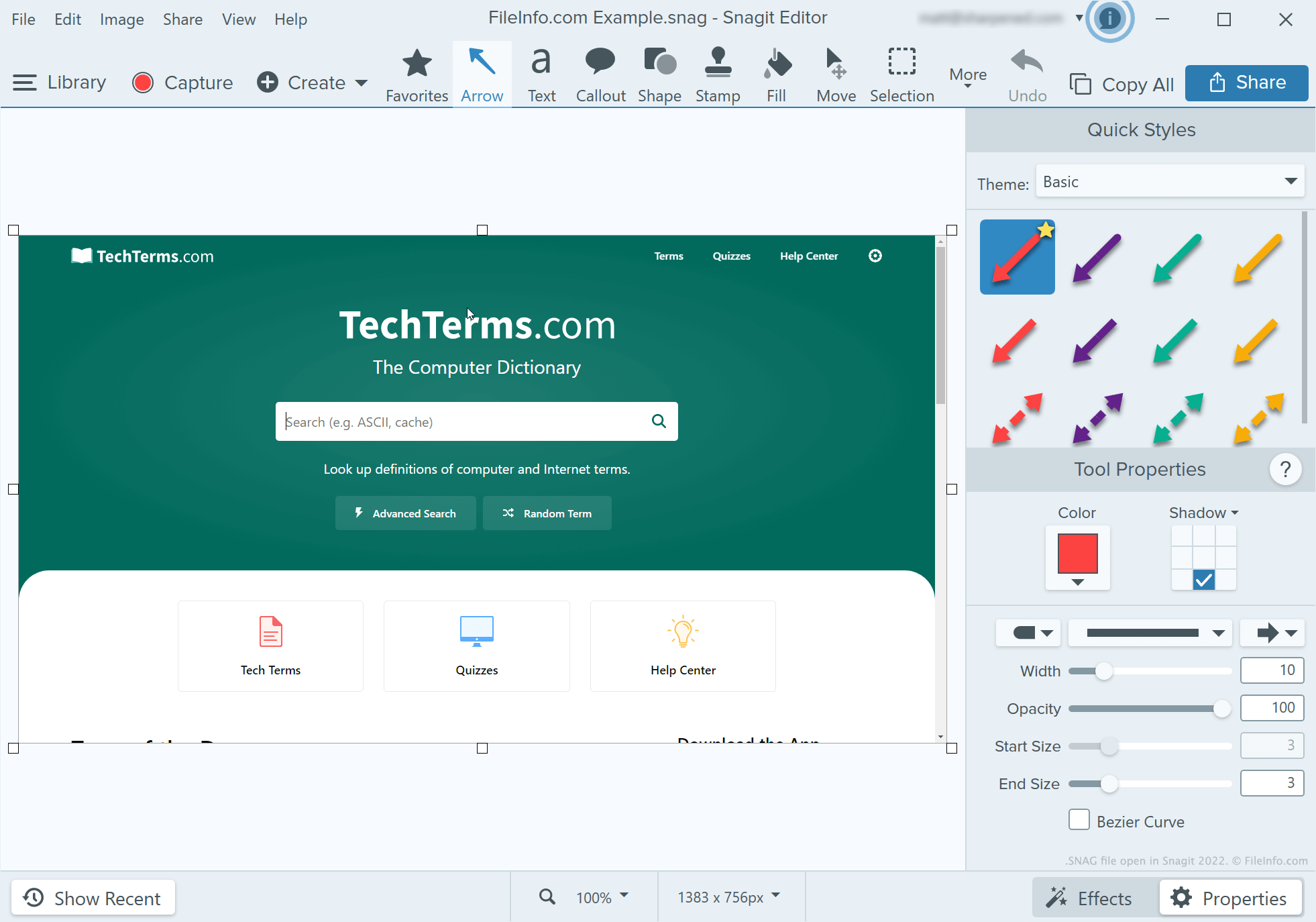
Sviluppatori, redattori tecnici e altre persone che creano tutorial sui programmi software usano Snagit per catturare e annotare schermate. Dopo aver catturato una schermata con lo strumento di cattura di Snagit, l'utente può aggiungere testo, frecce, callout e altre annotazioni alla schermata usando l'editor di immagini di Snagit.
Se un utente di Snagit for Windows vuole continuare a modificare in futuro una schermata annotata, può salvarla come file SNAG. Gli utenti possono anche salvare le schermate annotate come file .JPG, .PNG, .GIF, .BMP, .PDF o .TIF, ma questi formati non conservano le annotazioni come oggetti modificabili.
NOTA: Prima di Snagit 2022, la versione per Mac di Snagit salvava le acquisizioni modificabili come file .SNAGPROJ. In Snagit 2022 e nelle versioni successive, le versioni di Snagit per entrambe le piattaforme hanno iniziato a salvare le acquisizioni modificabili come file .SNAGX.
Come aprire un file SNAG
Puoi aprire un file SNAG in TechSmith Snagit for Windows. Per farlo, seleziona dalla barra dei menu del programma. Quindi, individua e apri il file SNAG.