

.SNAG Přípona souboru
Záznam Snagit pro Windows
| Vývojář | TechSmith |
| Popularita |
3,7 | 9 hlasů |
Co je soubor SNAG?
Soubor SNAG je obrázek vytvořený verzí programu TechSmith Snagit pro Windows, což je nástroj pro snímání obrazovky a opatřování obrázků poznámkami. Obsahuje zachycený obrázek a také libovolné vektorové objekty a text přidané k tomuto obrázku. Soubory SNAG lze otevřít pouze v programu Snagit pro Windows.
Další informace
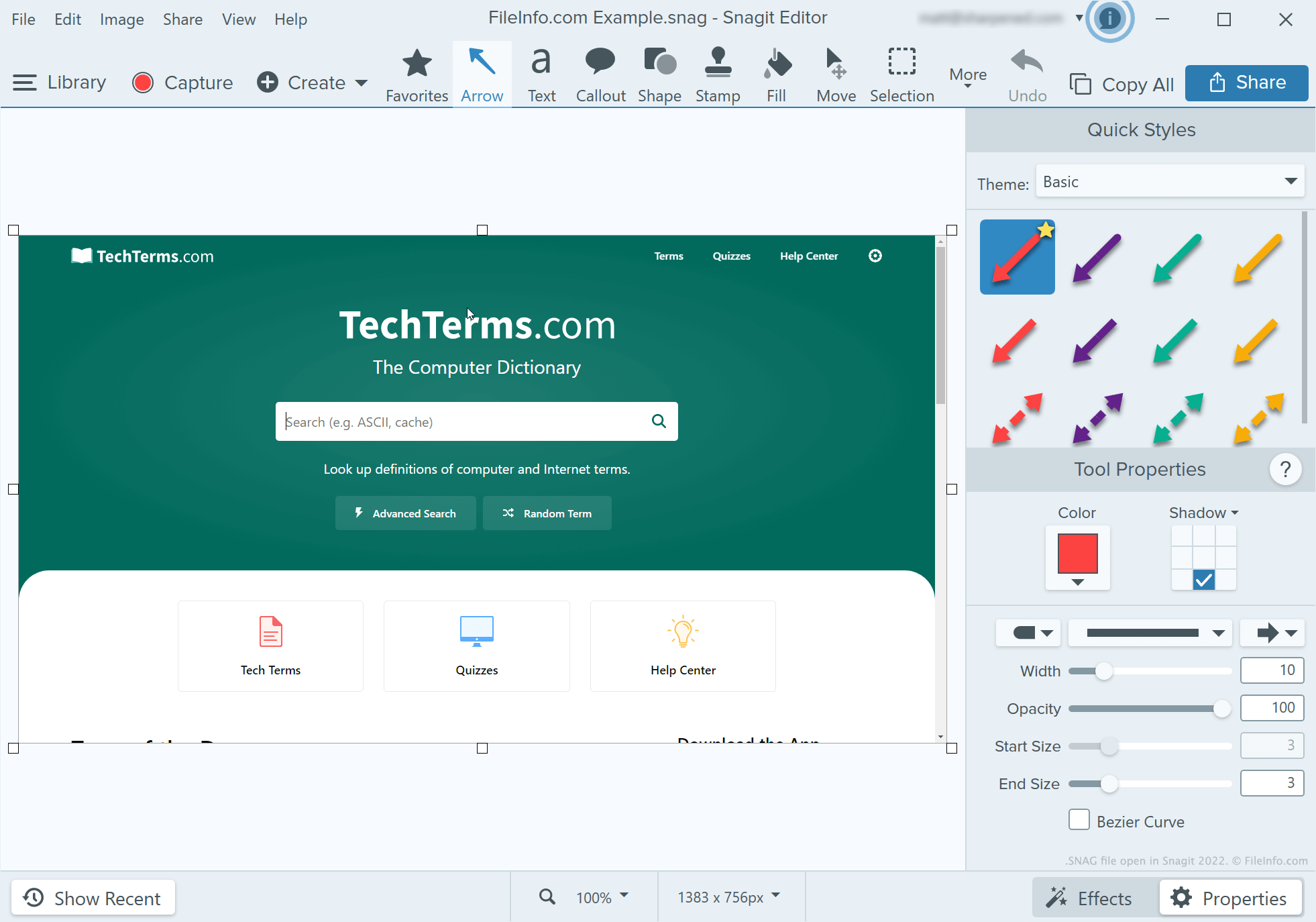
Vývojáři, techničtí autoři dokumentace a další lidé, kteří vytvářejí výukové materiály k softwarovým programům, používají Snagit k pořizování snímků obrazovky a jejich opatřování poznámkami. Po pořízení snímku obrazovky pomocí nástroje pro snímání v programu Snagit může uživatel pomocí editoru obrázků v programu Snagit k tomuto snímku přidat text, šipky, popisky a další poznámky.
Pokud chce uživatel programu Snagit pro Windows pokračovat v budoucnu v úpravách snímku obrazovky opatřeného poznámkami, může tento snímek uložit jako soubor SNAG. Uživatelé mohou snímky obrazovky opatřené poznámkami uložit také jako soubory .JPG, .PNG, .GIF, .BMP, .PDF nebo .TIF, ale tyto formáty nezachovávají poznámky jako upravitelné objekty.
POZNÁMKA: Před verzí Snagit 2022 ukládala verze programu Snagit pro Mac upravitelné snímky jako soubory .SNAGPROJ. Ve verzi Snagit 2022 a novějších verzích začaly obě platformové verze programu Snagit ukládat upravitelné snímky jako soubory .SNAGX.
Jak otevřít soubor SNAG
Soubor SNAG můžete otevřít v programu TechSmith Snagit pro Windows. Chcete-li tak učinit, vyberte v panelu nabídek programu položku . Poté přejděte k souboru SNAG a otevřete jej.