

.VUE Bestandsextensie
Vue-single-filecomponent
| Ontwikkelaar | Evan You |
| Populariteit |
4,4 | 5 stemmen |
Wat is een VUE-bestand?
Een VUE-bestand is een single-filecomponent die is gemaakt voor gebruik met het JavaScript-framework Vue.js. Het bevat JavaScript waarin de template, logica en opmaak van een gebruikersinterface-UI-component zijn gedefinieerd. VUE-bestanden worden soms ook SFC-bestanden genoemd (wat staat voor single-filecomponent).
Meer informatie
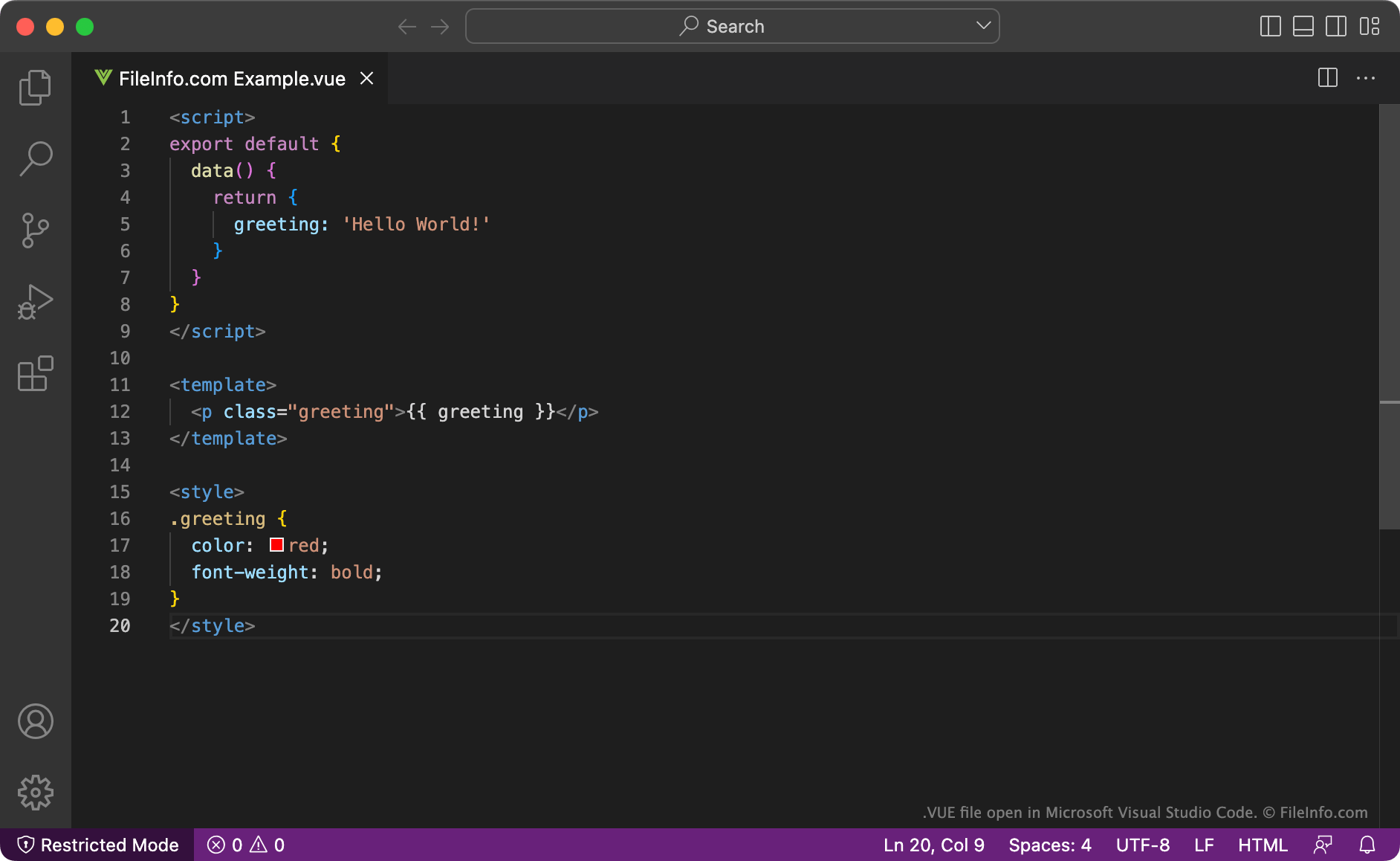
Vue.js is een JavaScript-framework dat ontwikkelaars gebruiken om gebruikersinterfaces voor webtoepassingen te maken. Het bevat functies waarmee ontwikkelaars basis-HTML, CSS en JavaScript kunnen uitbreiden tijdens het maken van gebruikersinterfacecomponenten. Deze componenten kunnen vervolgens in meerdere Vue.js-toepassingen worden hergebruikt.
Doorgaans worden Vue.js-componenten opgeslagen als VUE-bestanden. VUE-bestanden zijn HTML-achtige bestanden die de logica (of het script) van een component met JavaScript beschrijven, de template met HTML en de stijlen met CSS. Deze secties worden gescheiden met HTML-tags.
Nadat ze klaar zijn met het maken van een VUE-bestand, kunnen ontwikkelaars de opdracht import MyComponent van Vue.js gebruiken om de component die het bestand bevat in een Vue.js-toepassing te importeren.
Een VUE-bestand openen
Je kunt een VUE-bestand openen met Microsoft Visual Studio Code (voor meerdere platforms) of een andere tekst- of broncode-editor.
Programma's die VUE-bestanden openen of ernaar verwijzen
Vue-scènebestand
| Ontwikkelaar | E-on Software |
| Populariteit |
3,3 | 13 stemmen |
Een VUE-bestand bevat een driedimensionale scène die is gemaakt met de software E-on Vue voor het modelleren van 3D-omgevingen. Het bestand slaat informatie over een scène en objecten, zoals mensen of dieren, op in de eigen Vue Scene-indeling. Vue-gebruikers slaan scènes op als VUE-bestanden bij het maken van 3D-werelden met verschillende terreinen, water, bergen, wolken en verschillende soorten atmosferen.
Meer informatie
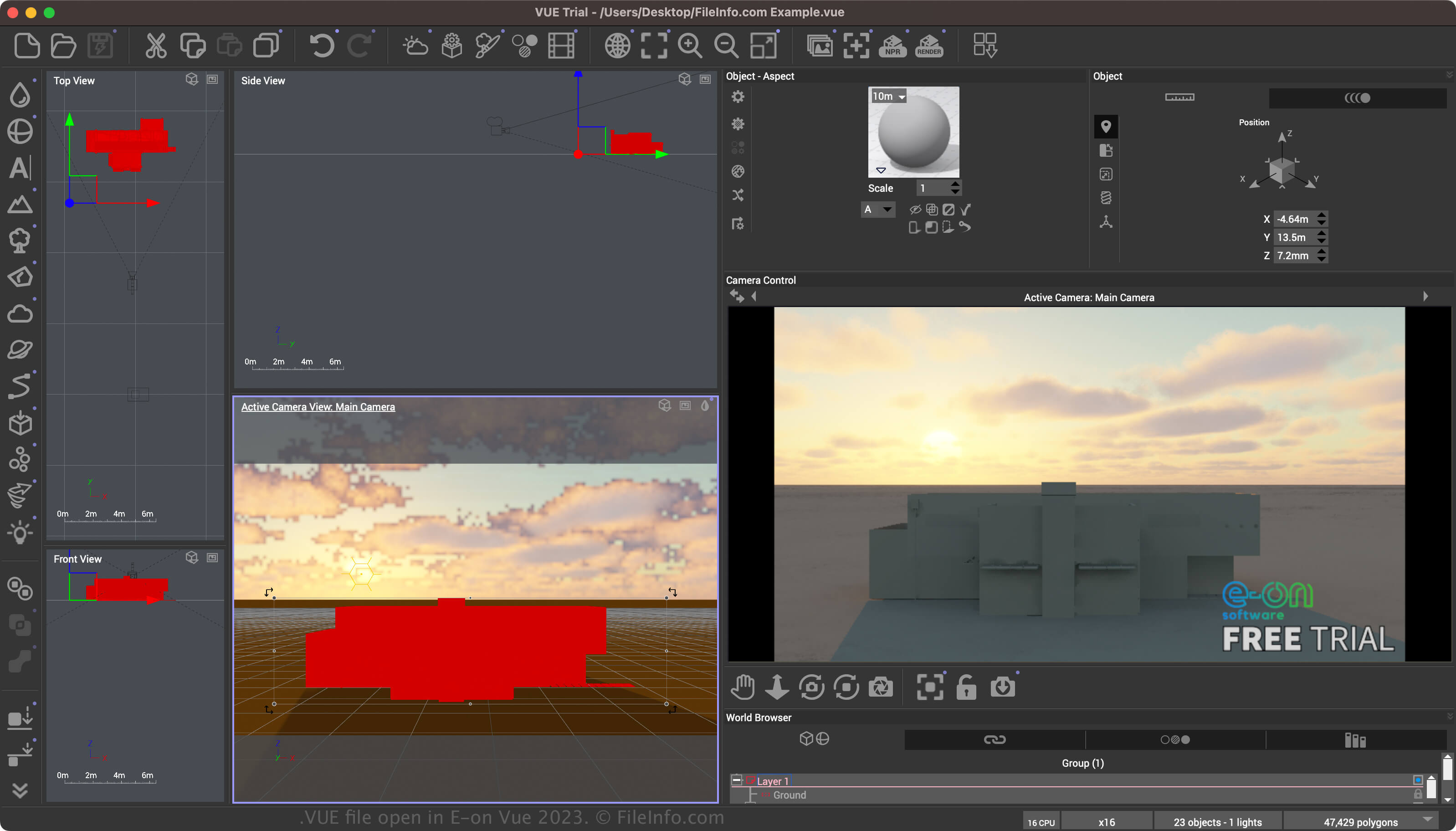
Vue is een app voor het modelleren van 3D-omgevingen met verschillende hulpmiddelen voor het maken van omgevingen (waaronder natuurlijke en binnenomgevingen) en objecten met aangepaste lichteffecten. De scènes kunnen statische afbeeldingen of animaties zijn (gemaakt met behulp van de Vue-tijdlijn). De software ondersteunt ook het SolidGrowth-plantsysteem en Ecosystem-technologie.
Je kunt een scène opslaan in de Vue Scene-indeling door te selecteren. Nadat je een scène hebt opgeslagen, kun je de scène sluiten en vervolgens opnieuw openen. Tot slot kun je de scène, wanneer je klaar bent met het aanpassen ervan, exporteren naar een breder ondersteunde 2D- of 3D-indeling.
Een VUE-bestand openen
Je kunt een VUE-bestand openen met E-on Vue in Windows en macOS. Selecteer om een VUE-bestand te openen.
Een VUE-bestand converteren
E-on Vue kan VUE-bestanden converteren naar verschillende indelingen, waaronder de volgende bestandstypen: