.VUE 파일 확장자

Vue Single-File Component

개발사 Evan You
인기도
4.4  |  5 투표
 

VUE 파일이란 무엇인가요?

A VUE file is a single-file component created for use with the Vue.js JavaScript framework. It contains JavaScript that defines a user interface UI component's template, logic, and styling. VUE files are also sometimes referred to as SFC (which stands for single-file component) files.

추가 정보

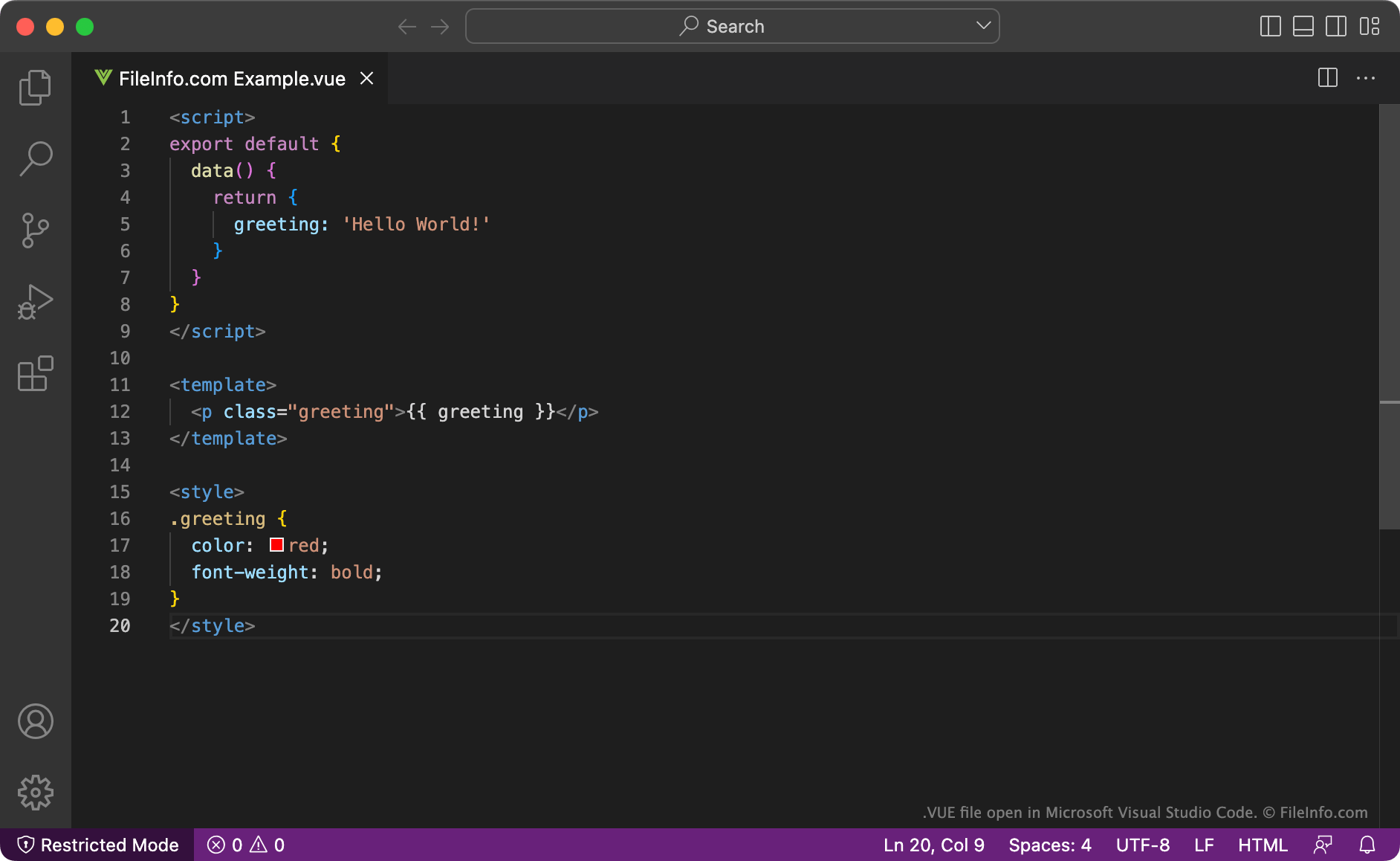
Microsoft Visual Studio Code에서 열린 .vue 파일의 스크린샷
Microsoft Visual Studio Code에서 열린 VUE 파일

Vue.js is a JavaScript framework that developers use to create user interfaces for web applications. It includes features that allow developers to extend basic HTML, CSS, and JavaScript while creating user interface components. These components can then be reused across multiple Vue.js applications.

Typically, Vue.js components are saved as VUE files. VUE files are HTML-like files that describe a component's logic (or script) using JavaScript, its template using HTML, and its styles using CSS. These sections are separated using HTML tags.

After they finish creating a VUE file, developers can use Vue.js's import MyComponent command to import the component the file contains into a Vue.js application.

VUE 파일을 여는 방법

You can open a VUE file with Microsoft Visual Studio Code (multiplatform) or any other text or source code editor.

File Viewer Plus(으)로 400개 이상의 파일 형식을 여세요.무료 다운로드

VUE 파일을 열거나 참조하는 프로그램

카테고리: 개발자
업데이트: 2022-11-29

Vue Scene File

개발사 E-on Software
인기도
3.3  |  13 투표
 

A VUE file contains a three-dimensional scene created with E-on Vue 3D environment modeling software. It stores information about a scene and objects, such as people or animals, in the proprietary Vue Scene format. Vue users save scenes as VUE files when creating 3D worlds that include various terrains, water, mountains, clouds, and different types of atmospheres.

추가 정보

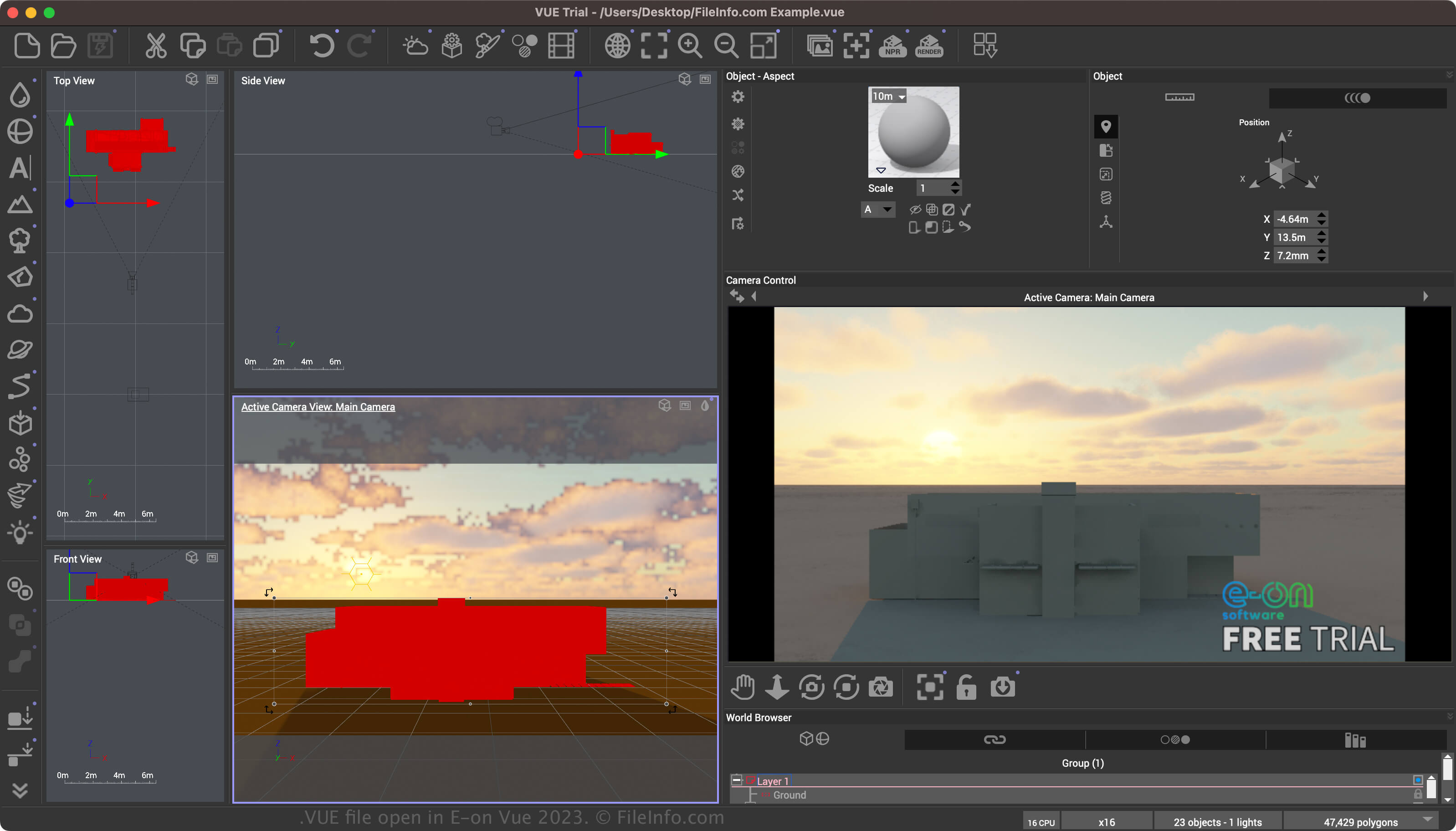
E-on Vue 2023에서 열린 .vue 파일의 스크린샷
E-on Vue 2023에서 열린 VUE 파일

Vue is a 3D environment modeling app that provides various tools for creating environments (including natural and indoor) and objects with customized lighting effects. The scenes may be static images or animations (created using the Vue timeline). The software also supports the SolidGrowth plant system and Ecosystem technology.

You can save a scene in the Vue Scene format by selecting File → Save Consolidated Archive. After saving a scene, you can close and then re-open the scene. Finally, when finished modifying the scene, you can export the scene to a more widely supported 2D or 3D format.

VUE 파일을 여는 방법

You can open a VUE file with E-on Vue in Windows and macOS. To open a VUE file, select File → Open.

VUE 파일을 변환하는 방법

E-on Vue can convert VUE files to various formats, including the following file types:

  • .3DS - 3D Studio Scene
  • .FBX - Autodesk FBX Interchange File
  • .DAE - Digital Asset Exchange File
  • .C4D - Cinema 4D Model
  • .OBJ - Wavefront 3D Object File
  • .JPG - JPEG Image
  • .PNG - Portable Network Graphic
  • .EXR - OpenEXR Image
  • .PSD - Adobe Photoshop Document

VUE 파일을 여는 프로그램

Windows
무료 체험판
Mac
무료 체험판

FoxPro 2.x View Settings

개발사 Microsoft
인기도
3.5  |  2 투표
 

A VUE file is an environment settings file used by the FoxPro database management system. It stores configuration information about the FoxPro environment, specifically the view settings for a project. VUE files include open tables, indexes, alternate and format files, fields in the SET FIELDS list, established relationships between tables, and filters for open tables.

추가 정보

Users create VUE files automatically when they save view settings in FoxPro 2.x. The files are usually found in project directories and are essential for preserving the specific configuration of a FoxPro environment during database management and development.

참고: The format is considered deprecated and obsolete, as it stems from an older version of FoxPro. Therefore, FoxPro users and developers will likely encounter VUE files only when working with legacy database systems or migrating old databases to modern ones.

VUE 파일을 여는 방법

You can open VUE files with Microsoft Visual FoxPro in versions 2.x or later. To open the VUE file, select File → Open. This will allow you to access and manage the view settings stored within the file.

VUE 파일을 여는 프로그램

Windows
카테고리: 설정
업데이트: 2026-07-08

검증자 FileInfo.com

FileInfo.com 팀 이 페이지에 나열된 모든 파일 형식과 소프트웨어 프로그램을 독자적으로 조사했습니다. 저희의 목표는 100% 정확성이며, 검증한 파일 유형에 대한 정보만 게시합니다.

이 페이지에 추가하거나 업데이트할 내용을 제안하고 싶으시면 알려 주세요.