

.RW2 Bestandsextensie
Panasonic RAW-afbeelding
| Ontwikkelaar | Panasonic |
| Populariteit |
4,0 | 30 stemmen |
Wat is een RW2-bestand?
Een RW2-bestand is een camera raw-afbeelding die is vastgelegd door een digitale Panasonic LUMIX-camera, zoals de LX3 en LX5. Het bestand slaat afbeeldingsgegevens op in een indeling die is gebaseerd op de TIFF-specificatie, vergelijkbaar met de indelingen .RAW en .RWL. Verschillende afbeeldingseditors kunnen RW2-bestanden openen, bewerken en converteren, waaronder Adobe Photoshop Elements, Apple Preview en XnViewMP.
Meer informatie
De Panasonic RAW-indeling (RW2) is eigendom van Panasonic LUMIX-camera's. Voorbeelden van Panasonic-cameramodellen die RW2-afbeeldingen maken zijn de Lumix DMC-FZ28, FZ1000, LX7 en TZ70.
De RW2-indeling slaat ongecomprimeerde afbeeldingsgegevens op die de sensor van een digitale Panasonic LUMIX-camera heeft vastgelegd. Omdat de gegevens niet zijn gecomprimeerd, heeft de RW2-afbeelding een hogere kwaliteit dan gecomprimeerde afbeeldingsindelingen, zoals .JPG of .PNG. Ongecomprimeerde gegevens leiden ook tot aanzienlijk grotere bestandsgroottes dan gecomprimeerde afbeeldingen.
Meestal komen alleen fotografen die een camera uit de Panasonic LUMIX-serie gebruiken RW2-bestanden tegen. De fotografen kunnen professionals of hobbyisten zijn. Mensen kunnen RW2-bestanden echter ook downloaden van websites waarop camera raw-afbeeldingen worden gedeeld.
OPMERKING: De meeste geavanceerde digitale camera's leggen afbeeldingen vast in een raw-indeling die specifiek is voor het cameramerk. Andere camera raw-indelingen zijn .CR3 (gebruikt door bepaalde digitale Canon-camera's), .ARW (gebruikt door digitale Sony Alpha-camera's) en .NEF (gebruikt door digitale Nikon-camera's).
Een RW2-bestand openen
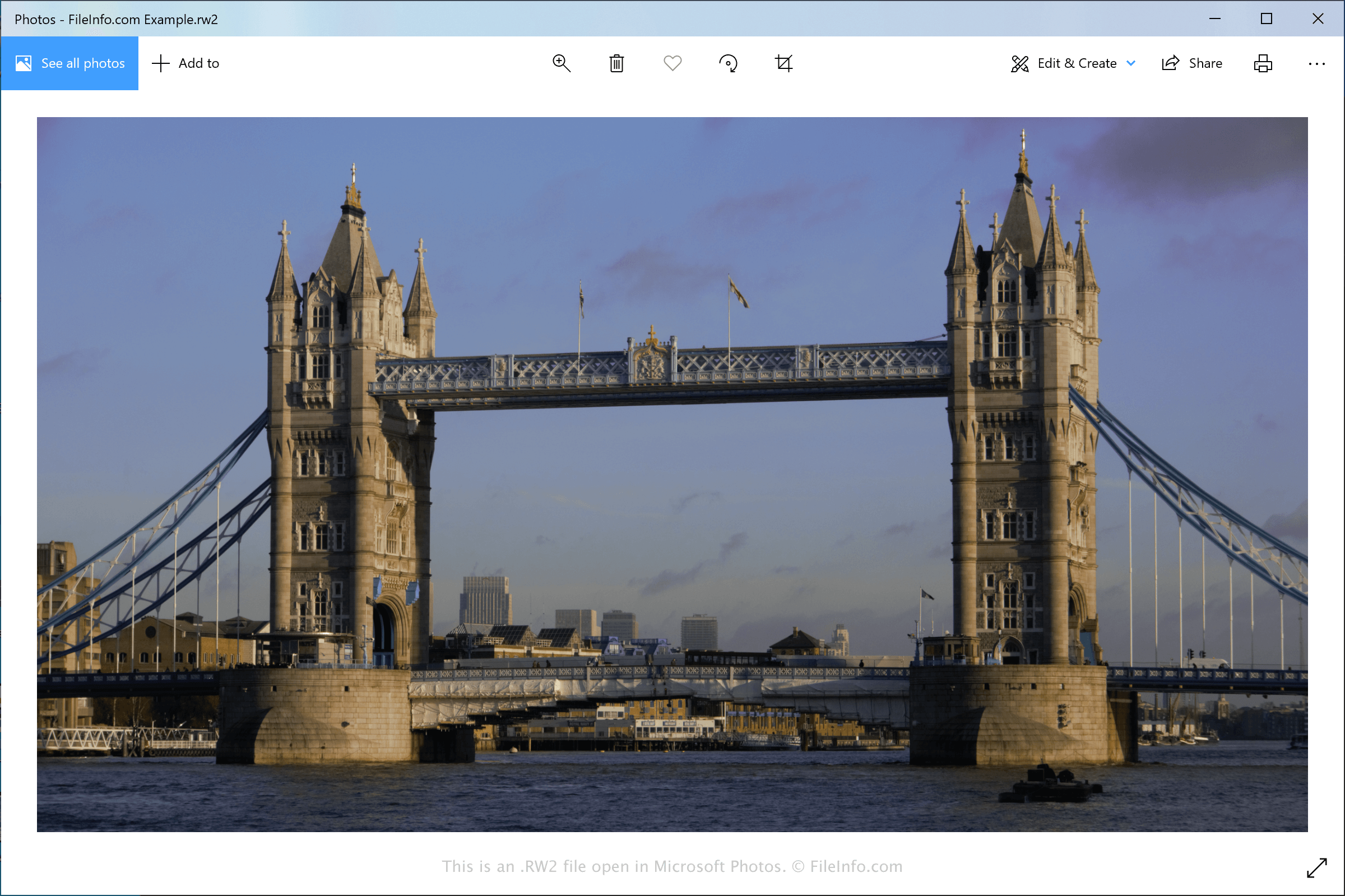
Je kunt RW2-bestanden openen met verschillende toepassingen. Microsoft Photos (Windows) en Apple Preview (macOS) zijn gratis toepassingen die RW2-afbeeldingen ondersteunen en standaard bij Windows en macOS worden meegeleverd.
Meer geavanceerde afbeeldingseditors die RW2-bestanden ondersteunen zijn Adobe Photoshop Elements (Windows, macOS, Android en iOS), Corel PaintShop Pro (Windows en macOS) en XnViewMP (Windows en macOS).
Een RW2-bestand converteren
Verschillende afbeeldingseditors, waaronder Adobe Photoshop Elements en Apple Preview, kunnen RW2-bestanden naar andere indelingen converteren.
Adobe Photoshop Elements kan RW2-bestanden bijvoorbeeld converteren naar de volgende bestandstypen: