

.MTS Bestandsextensie
AVCHD-video
| Ontwikkelaar | N.v.t. |
| Populariteit |
3,5 | 144 stemmen |
Wat is een MTS-bestand?
Een MTS-bestand is een video die is opgeslagen in de indeling Advanced Video Coding High Definition (AVCHD). AVCHD is de standaardvideo-indeling die door veel HD-camcorders van Sony en Panasonic wordt gebruikt. MTS-bestanden slaan ook high-definitionvideo op Blu-ray-schijven op.
Meer informatie
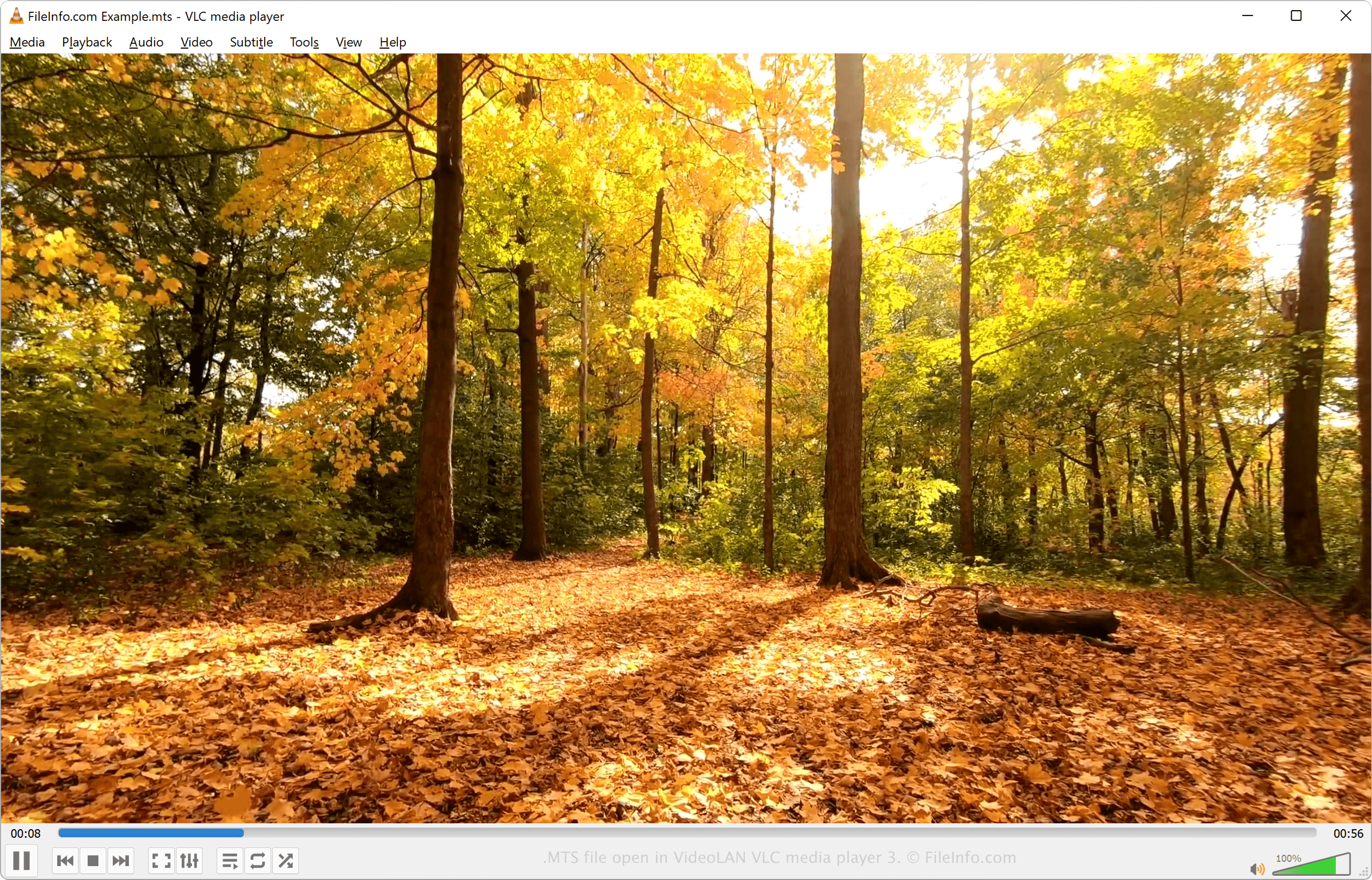
MTS is een afkorting van MPEG Transport Stream. De bestandsindeling gebruikt MPEG-4 / H.264-videocompressie en ondersteunt HD-videoresoluties van 720p en 1080i. De audio in een MTS-bestand kan worden gecomprimeerd met de Dolby AC-3-codec of worden opgeslagen als ongecomprimeerde lineaire PCM-audio. Ondersteunde audiotracks zijn onder meer stereo (2 kanalen) en 5.1-surroundsound (5 kanalen + subwoofer).
MTS-video's worden opgeslagen in de indeling Advanced Video Coding High Definition. De AVCHD-indeling werd in 2006 ontwikkeld door Sony en Panasonic en wordt door veel HD-camcorders van deze bedrijven gebruikt. De meeste HD-camcorders van Sony en Panasonic worden geleverd met software waarmee je MTS-bestanden kunt openen en bewerken.
OPMERKING: AVCHD-bestanden die op een camcorder zijn opgeslagen, gebruiken doorgaans de bestandsextensie .mts. AVCHD-bestanden die op een computer zijn bewerkt of van een Blu-ray-schijf zijn geïmporteerd, gebruiken doorgaans de .M2TS-extensie.
Een MTS-bestand openen
Je kunt MTS-video's openen en afspelen met verschillende mediaspelers, waaronder:
- VideoLAN VLC media player (meerdere platforms)
- Microsoft Windows Media Player (Windows)
- Eltima Elmedia Player (Mac)
Je kunt MTS-video's bewerken met de software die bij HD-camcorders van Sony en Panasonic wordt geleverd of met een van de volgende programma's:
- Blender (meerdere platforms)
- MAGIX Vegas (Windows)
- CyberLink PowerDirector (Windows, Mac, Android)
Een MTS-bestand converteren
Verschillende mediaspelers en videobewerkingsprogramma's, waaronder VideoLAN VLC media player en Eltima Elmedia Player, kunnen MTS-bestanden naar andere indelingen converteren.
VLC media player kan MTS-bestanden bijvoorbeeld converteren naar de volgende indelingen:
Programma's die MTS-bestanden openen
MadTracker 2-samplebestand
| Ontwikkelaar | MadTracker |
| Populariteit |
2,7 | 11 stemmen |
Een MTS-bestand is een samplebestand dat wordt gebruikt door het audiotrackerprogramma MadTracker 2. Het bevat een audiosample van een instrument, stem of ander geluid. MTS-bestanden worden toegewezen aan audiotracks en kunnen worden afgespeeld met verschillende toonhoogten die overeenkomen met noten in de partituur.
Meer informatie
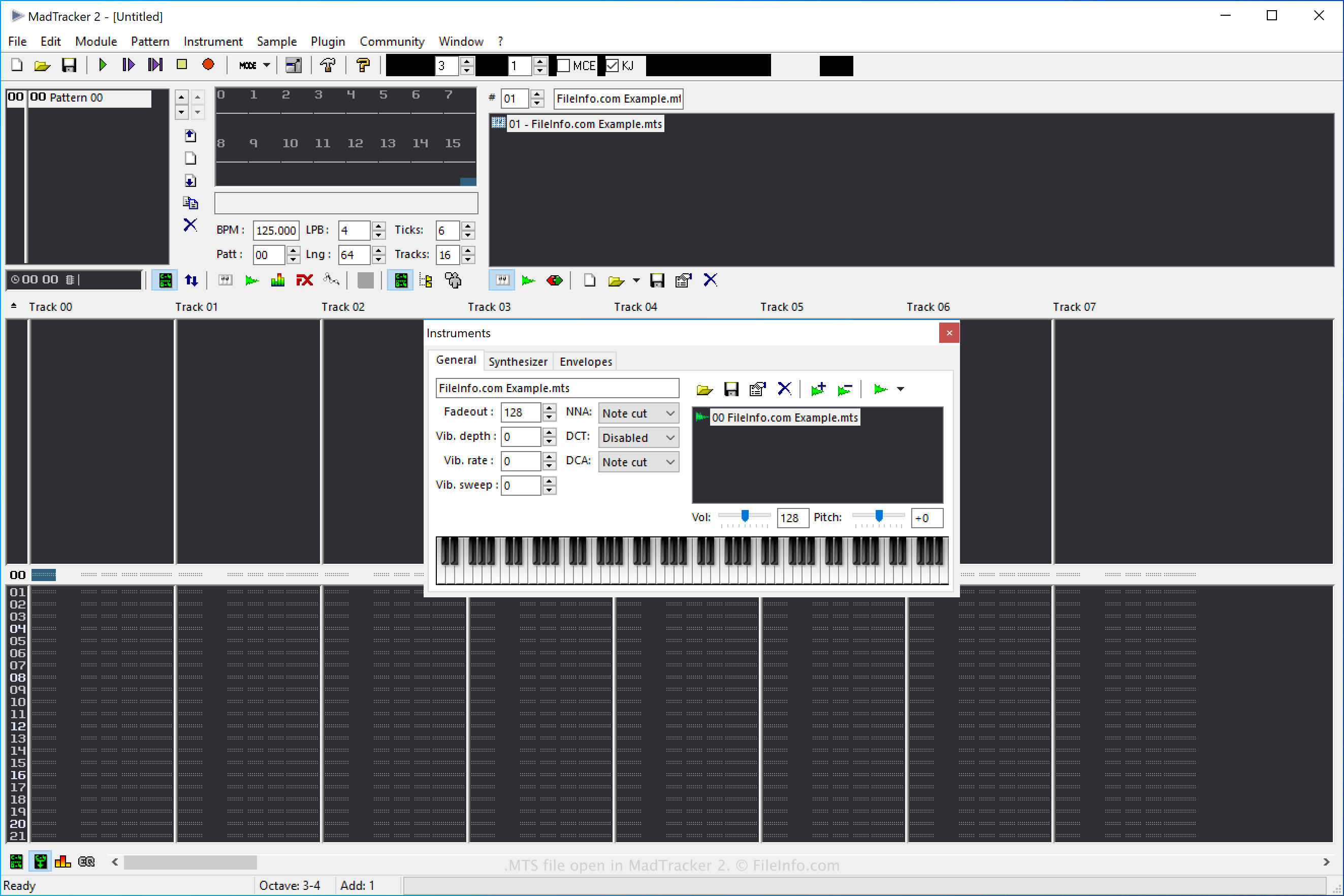
MadTracker 2 is de tweede versie van de audiocompositietool MadTracker. Het programma bevat verschillende functies, waaronder ingebouwde effecten, VST-plug-ins, samples en demotracks.
Een MadTracker 2-samplebestand maken
Je kunt MTS-bestanden maken in MadTracker 2 om samples op te slaan die je later opnieuw in de software kunt gebruiken. Om een MTS-bestand te maken, selecteer je en kies je "MadTracker Sample" in het vervolgkeuzemenu "Opslaan als type".
Een MTS-bestand openen
Je kunt MTS-samplebestanden openen met MadTracker 2 door te selecteren.
Een MTS-bestand converteren
MadTracker 2 kan MTS-samplebestanden converteren naar de volgende indelingen:
- .WAV - WAVE-audio
- .AIF - Audio Interchange File Format
- .IFF - Interchange File Format
- .OGG - Ogg Vorbis-audio
Om een MTS-samplebestand te converteren met MadTracker 2, selecteer je en kies je de doelindeling in het vervolgkeuzemenu "Opslaan als type".