

.MTS Přípona souboru
AVCHD video
| Vývojář | Neuvedeno |
| Popularita |
3,5 | 144 hlasů |
Co je soubor MTS?
Soubor MTS je video uložené ve formátu Advanced Video Coding High Definition (AVCHD). AVCHD je standardní videoformát používaný mnoha HD videokamerami Sony a Panasonic. Soubory MTS také ukládají video ve vysokém rozlišení na discích Blu-ray.
Další informace
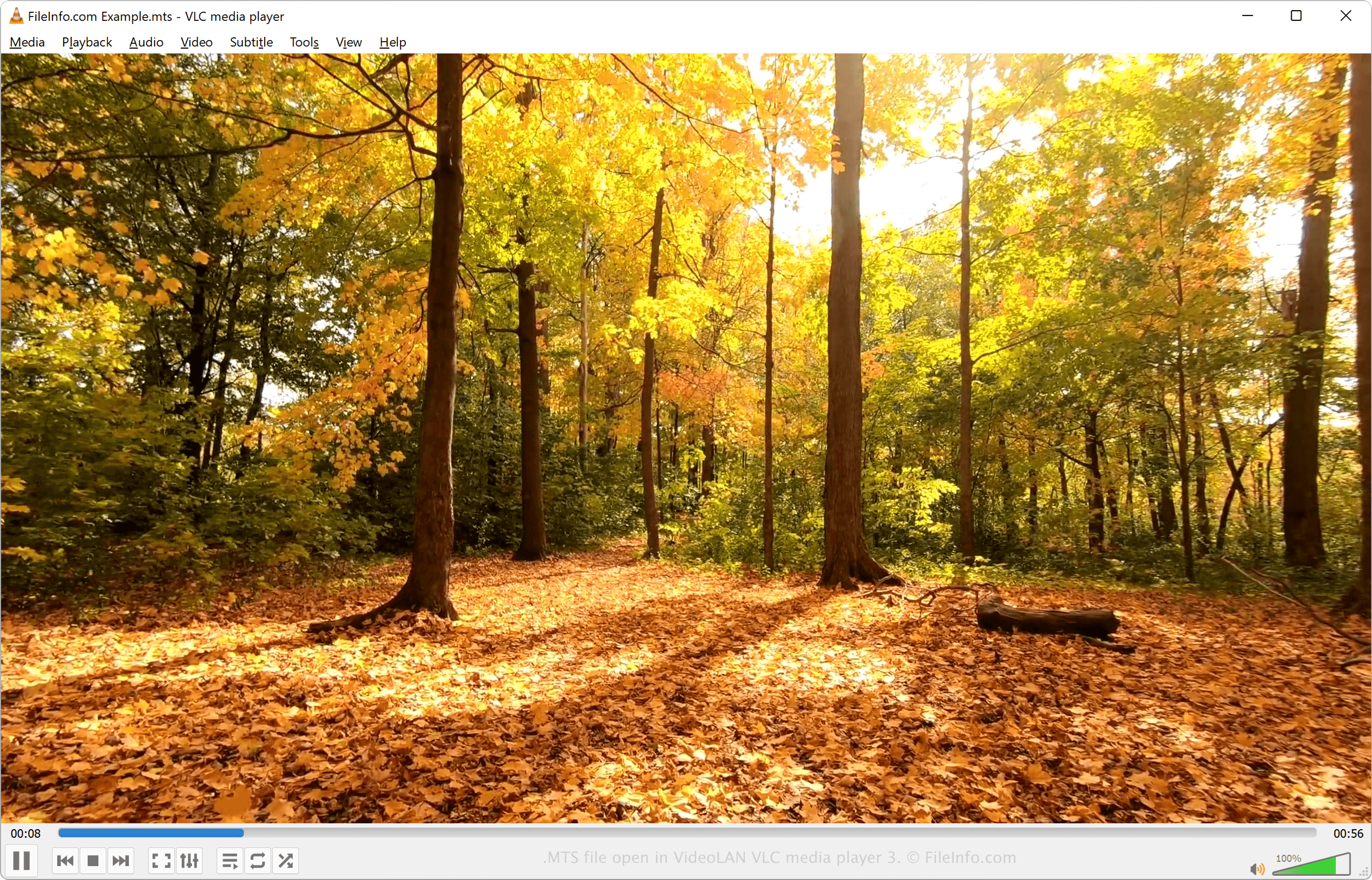
MTS je zkratka pro MPEG Transport Stream. Tento formát používá kompresi videa MPEG-4 / H.264 a podporuje rozlišení HD videa 720p a 1080i. Zvuk v souboru MTS může být komprimován pomocí kodeku Dolby AC-3 nebo uložen jako nekomprimovaný zvuk lineární PCM. Podporované zvukové stopy zahrnují stereofonní zvuk (2 kanály) a prostorový zvuk 5.1 (5 kanálů + subwoofer).
Videa MTS se ukládají ve formátu Advanced Video Coding High Definition. Formát AVCHD vytvořily společnosti Sony a Panasonic v roce 2006 a používá se v mnoha HD videokamerách těchto společností. Většina HD videokamer Sony a Panasonic se dodává se softwarem, který dokáže soubory MTS otevřít a upravovat.
POZNÁMKA: Soubory AVCHD uložené ve videokameře obvykle používají příponu souboru .mts. Soubory AVCHD upravené v počítači nebo importované z disku Blu-ray obvykle používají příponu .M2TS.
Jak otevřít soubor MTS
Videa MTS můžete otevřít a přehrávat v různých přehrávačích médií, včetně:
- VideoLAN VLC media player (pro různé platformy)
- Microsoft Windows Media Player (Windows)
- Eltima Elmedia Player (Mac)
Videa MTS můžete upravovat pomocí softwaru dodávaného s HD videokamerami Sony a Panasonic nebo pomocí některého z následujících programů:
- Blender (pro různé platformy)
- MAGIX Vegas (Windows)
- CyberLink PowerDirector (Windows, Mac, Android)
Jak převést soubor MTS
Různé přehrávače médií a editory videa, včetně VideoLAN VLC media player a Eltima Elmedia Player, dokážou převádět soubory MTS do jiných formátů.
Například VLC media player dokáže převádět soubory MTS do následujících formátů:
Programy, které otevírají soubory MTS
Soubor vzorku MadTracker 2
| Vývojář | MadTracker |
| Popularita |
2,7 | 11 hlasů |
Soubor MTS je soubor vzorku používaný programem pro tvorbu hudby MadTracker 2. Obsahuje zvukový vzorek nástroje, hlasu nebo jiného zvuku. Soubory MTS se přiřazují zvukovým stopám a lze je přehrávat v různých výškách odpovídajících notám ve skladbě.
Další informace
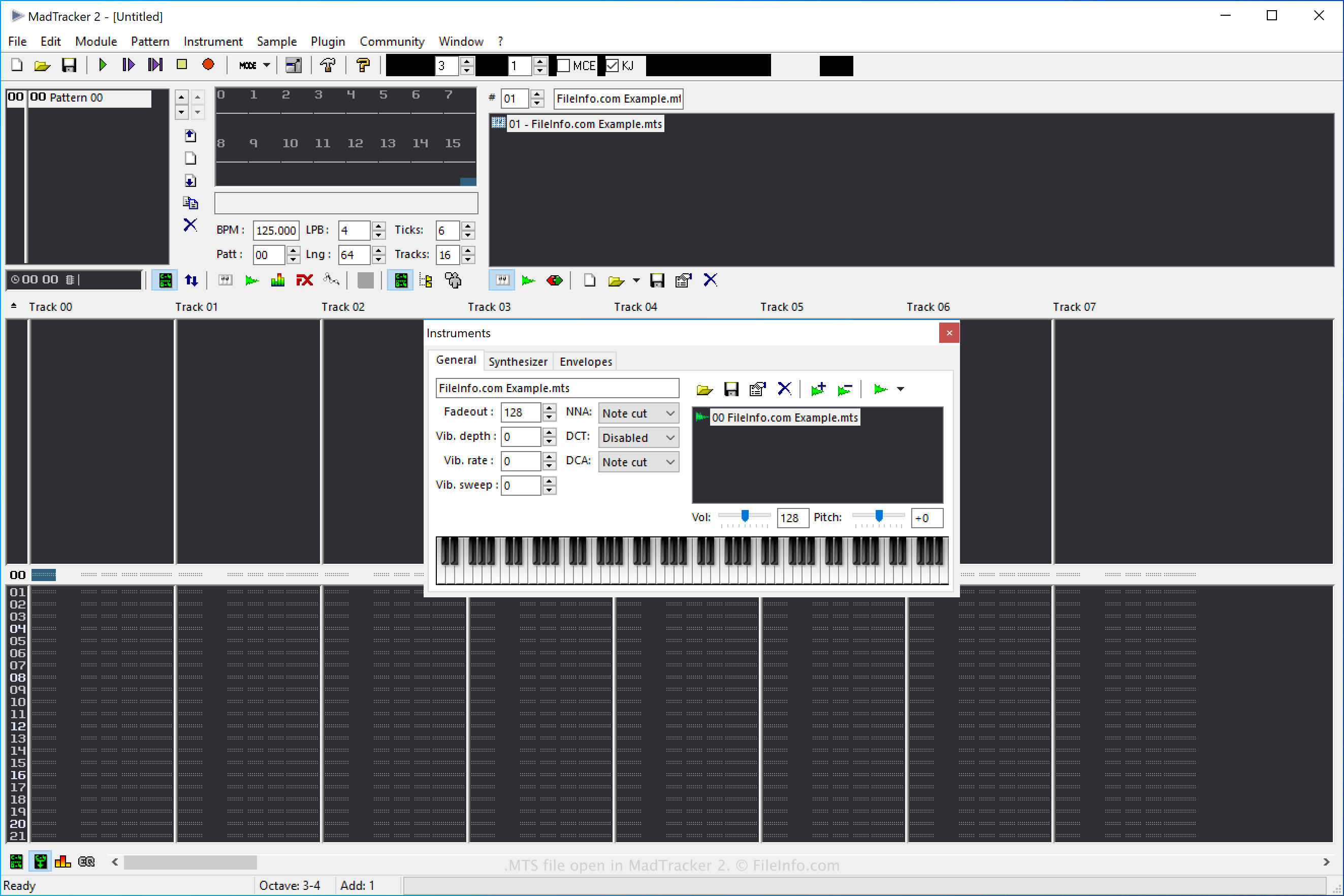
MadTracker 2 je druhá verze nástroje MadTracker pro tvorbu hudby. Obsahuje různé funkce včetně vestavěných efektů, zásuvných modulů VST, vzorků a ukázkových skladeb.
Jak vytvořit soubor vzorku MTS programu MadTracker 2
V programu MadTracker 2 můžete vytvářet soubory MTS a ukládat do nich vzorky, které pak můžete v programu znovu použít. Soubor MTS vytvoříte tak, že vyberete a v rozbalovací nabídce „Save as type“ zvolíte možnost „MadTracker Sample“.
Jak otevřít soubor MTS
Soubory vzorků MTS můžete otevřít v programu MadTracker 2 výběrem možnosti .
Jak převést soubor MTS
Program MadTracker 2 dokáže převádět soubory vzorků MTS do následujících formátů:
- .WAV - zvukový formát WAVE
- .AIF - Audio Interchange File Format
- .IFF - Interchange File Format
- .OGG - zvukový formát Ogg Vorbis
Soubor vzorku MTS převedete v programu MadTracker 2 tak, že vyberete a v rozbalovací nabídce „Save as type“ zvolíte cílový formát.