.MTS ファイル拡張子

AVCHD Video

開発元 不明
人気度
3.5  |  144 
 

MTSファイルとは?

An MTS file is a video saved in the Advanced Video Coding High Definition (AVCHD) format. AVCHD is the standard video format used by many Sony and Panasonic HD camcorders. MTS files also store high-definition video on Blu-ray discs.

詳細情報

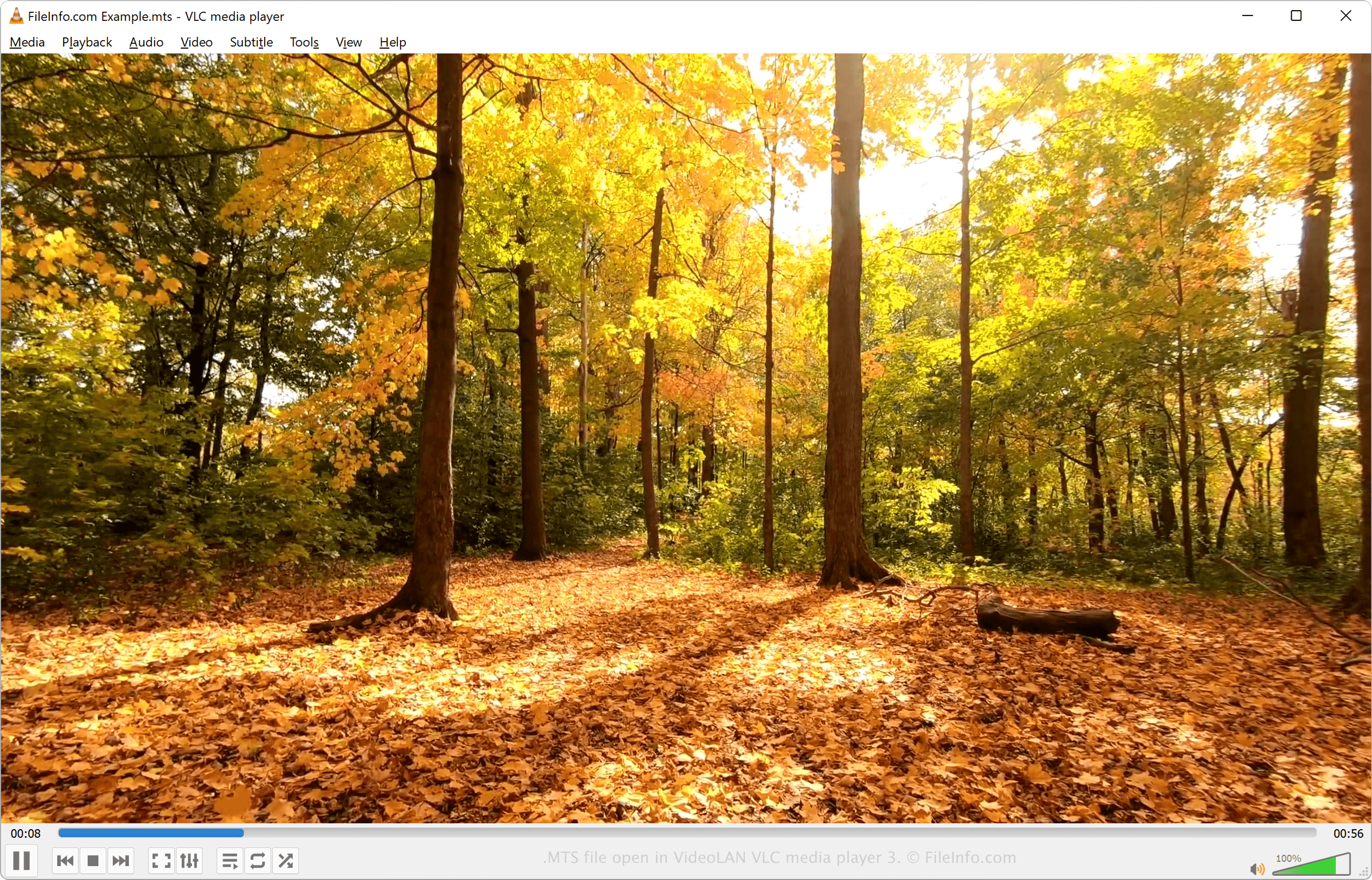
VideoLAN VLC media player 3で開いた.mtsファイルのスクリーンショット
VideoLAN VLC media player 3で開いたMTSファイル

MTS is short for MPEG Transport Stream. The file format uses MPEG-4 / H.264 video compression and supports 720p and 1080i HD video resolutions. The audio in an MTS file may be compressed using the Dolby AC-3 codec or saved as uncompressed linear PCM audio. Supported audio tracks include stereo (2-channel) and 5.1 (5-channel + subwoofer) surround sound.

MTS videos are saved in the Advanced Video Coding High Definition format. The AVCHD format was established by Sony and Panasonic in 2006 and is used by many of the companies' HD camcorders. Most Sony and Panasonic HD camcorders come packaged with software that can open and edit MTS files.

注: AVCHD files saved on a camcorder typically use the .mts file extension. AVCHD files edited on a computer or imported from a Blu-ray disc typically use the .M2TS extension.

MTSファイルの開き方

You can open and play MTS videos with a variety of media players, including:

You can edit MTS videos using the software that comes packaged with Sony and Panasonic HD camcorders or any of the following programs:

MTSファイルの変換方法

Various media players and video editors, including VideoLAN VLC media player and Eltima Elmedia Player, can convert MTS files to other formats.

For example, VLC media player can convert MTS files to the following formats:

  • .MP4 - MPEG-4 Video
  • .WEBM - WebM Video
  • .TS - Video Transport Stream
  • .ASF - Advanced Systems Format
  • .WAV - WAVE Audio
  • .OGG - Ogg Vorbis Audio
  • .MP3 - MP3 Audio
  • .FLAC - Free Lossless Audio Codec
File Viewer Plusで.mtsファイルを開いて表示。無料ダウンロード

MTSファイルを開くプログラム

カテゴリ: ビデオ
更新日: 2022-10-05

MEGA Tree Session File

開発元 MEGA Team
人気度
3.3  |  28 
 

File created by MEGA (Molecular Evolutionary Genetics Analysis), a program used for testing evolutionary hypotheses; saves a phylogenetic tree, which infers ancestral relationships between species based on their genetic makeup.

詳細情報

Phylogenetic trees can require extensive amounts of computation based on genetic information, so MTS files allow users to save the computed output without having to recompute the tree again.

MTSファイルを開くプログラム

Windows
無料
Mac
無料
カテゴリ: データ
更新日: 2015-09-22

MadTracker 2 Sample File

開発元 MadTracker
人気度
2.7  |  11 
 
🔍.MTSファイルFile Helperでウェブブラウザから直接開けます。オンラインで表示

An MTS file is a sample file used by the MadTracker 2 audio tracking program. It contains an audio sample of an instrument, voice, or another sound. MTS files are assigned to audio tracks and may be played back at different pitches that correspond to notes in the score.

詳細情報

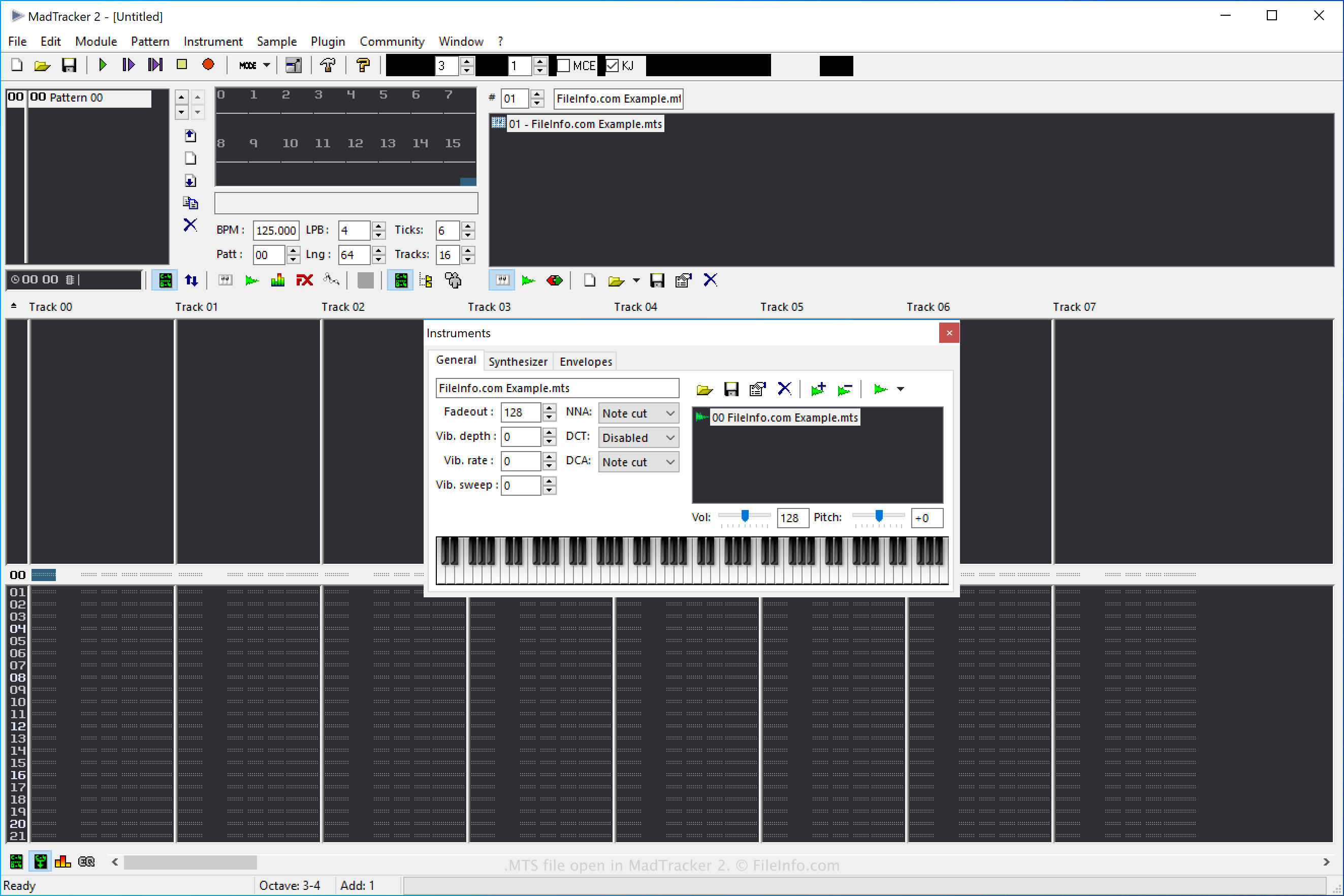
MadTracker 2で開いた.mtsファイルのスクリーンショット
MadTracker 2で開いたMTSファイル

MadTracker 2 is the second version of the MadTracker audio composition tool. It comes with various features, including built-in effects, VST plugins, samples, and demo songs.

How to create a MadTracker 2 Sample MTS file

You can create MTS files in MadTracker 2 to save samples that you can then re-use in the software. To create an MTS file, select Sample → Save..., then choose "MadTracker Sample" from the "Save as type" dropdown menu.

MTSファイルの開き方

You can open MTS Sample files with MadTracker 2 by selecting Sample → Load....

MTSファイルの変換方法

MadTracker 2 can convert MTS Sample files to the following formats:

  • .WAV - WAVE Audio
  • .AIF - Audio Interchange File Format
  • .IFF - Interchange File Format
  • .OGG - Ogg Vorbis Audio

To convert an MTS Sample file with MadTracker 2, select Sample → Save... and choose the target format from the "Save as type" dropdown menu.

MTSファイルを開くプログラム

Windows
Web

検証者 FileInfo.com

FileInfo.comチーム は、このページに掲載されているすべてのファイル形式とソフトウェアについて独自に調査しました。 私たちの目標は100%の正確性であり、検証済みのファイルタイプに関する情報のみを公開しています。

このページへの追加や更新をご提案いただける場合は、お知らせください。