

.MTS Dateiendung
AVCHD-Video
| Entwickler | k. A. |
| Beliebtheit |
3,5 | 144 Stimmen |
Was ist eine MTS-Datei?
Eine MTS-Datei ist ein Video, das im Format Advanced Video Coding High Definition (AVCHD) gespeichert ist. AVCHD ist das Standardvideoformat vieler HD-Camcorder von Sony und Panasonic. MTS-Dateien speichern außerdem hochauflösende Videos auf Blu-ray-Discs.
Weitere Informationen
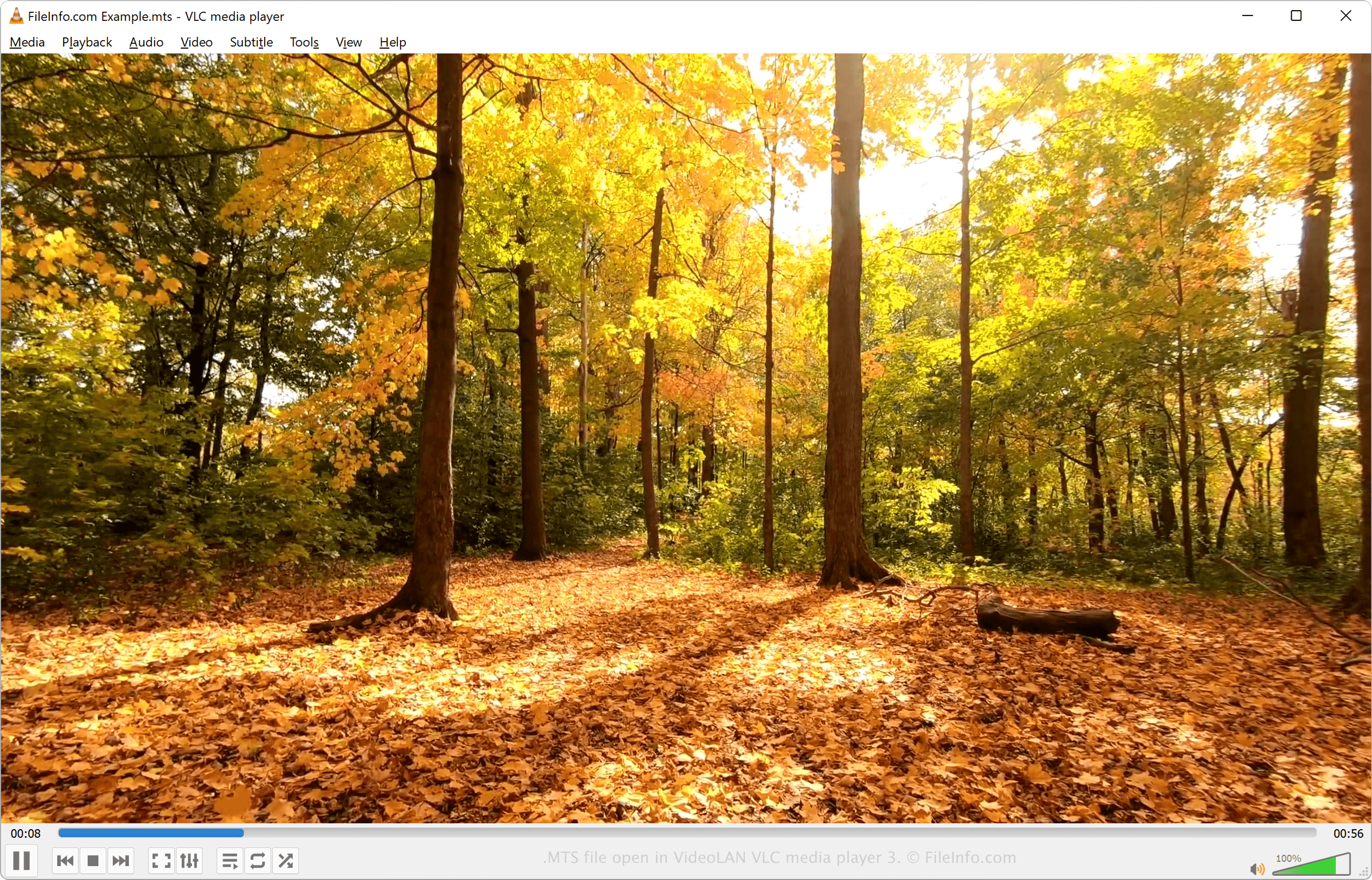
MTS steht für MPEG Transport Stream. Das Dateiformat verwendet die Videokomprimierung MPEG-4 / H.264 und unterstützt die HD-Videoauflösungen 720p und 1080i. Der Ton in einer MTS-Datei kann mit dem Dolby-AC-3-Codec komprimiert oder als unkomprimiertes lineares PCM-Audio gespeichert werden. Unterstützte Tonspuren umfassen Stereo (2-Kanal) und 5.1 (5-Kanal + Subwoofer) Surround-Sound.
MTS-Videos werden im Format Advanced Video Coding High Definition gespeichert. Das AVCHD-Format wurde 2006 von Sony und Panasonic eingeführt und wird von vielen HD-Camcordern der beiden Unternehmen verwendet. Die meisten HD-Camcorder von Sony und Panasonic werden mit Software ausgeliefert, die MTS-Dateien öffnen und bearbeiten kann.
HINWEIS: AVCHD-Dateien, die auf einem Camcorder gespeichert werden, verwenden normalerweise die Dateierweiterung .mts. AVCHD-Dateien, die auf einem Computer bearbeitet oder von einer Blu-ray-Disc importiert werden, verwenden normalerweise die Erweiterung .M2TS.
So öffnen Sie eine MTS-Datei
Sie können MTS-Videos mit verschiedenen Mediaplayern öffnen und abspielen, darunter:
- VideoLAN VLC media player (plattformübergreifend)
- Microsoft Windows Media Player (Windows)
- Eltima Elmedia Player (Mac)
Sie können MTS-Videos mit der Software bearbeiten, die mit HD-Camcordern von Sony und Panasonic ausgeliefert wird, oder mit einem der folgenden Programme:
- Blender (plattformübergreifend)
- MAGIX Vegas (Windows)
- CyberLink PowerDirector (Windows, Mac, Android)
So konvertieren Sie eine MTS-Datei
Verschiedene Mediaplayer und Videobearbeitungsprogramme, darunter VideoLAN VLC media player und Eltima Elmedia Player, können MTS-Dateien in andere Formate konvertieren.
VLC media player kann MTS-Dateien beispielsweise in die folgenden Formate konvertieren:
Programme, die .MTS-Dateien öffnen
MadTracker 2-Sampledatei
| Entwickler | MadTracker |
| Beliebtheit |
2,7 | 11 Stimmen |
Eine MTS-Datei ist eine Sampledatei, die vom Audio-Tracking-Programm MadTracker 2 verwendet wird. Sie enthält ein Audio-Sample eines Instruments, einer Stimme oder eines anderen Klangs. MTS-Dateien werden Audiotracks zugewiesen und können mit unterschiedlichen Tonhöhen wiedergegeben werden, die den Noten in der Partitur entsprechen.
Weitere Informationen
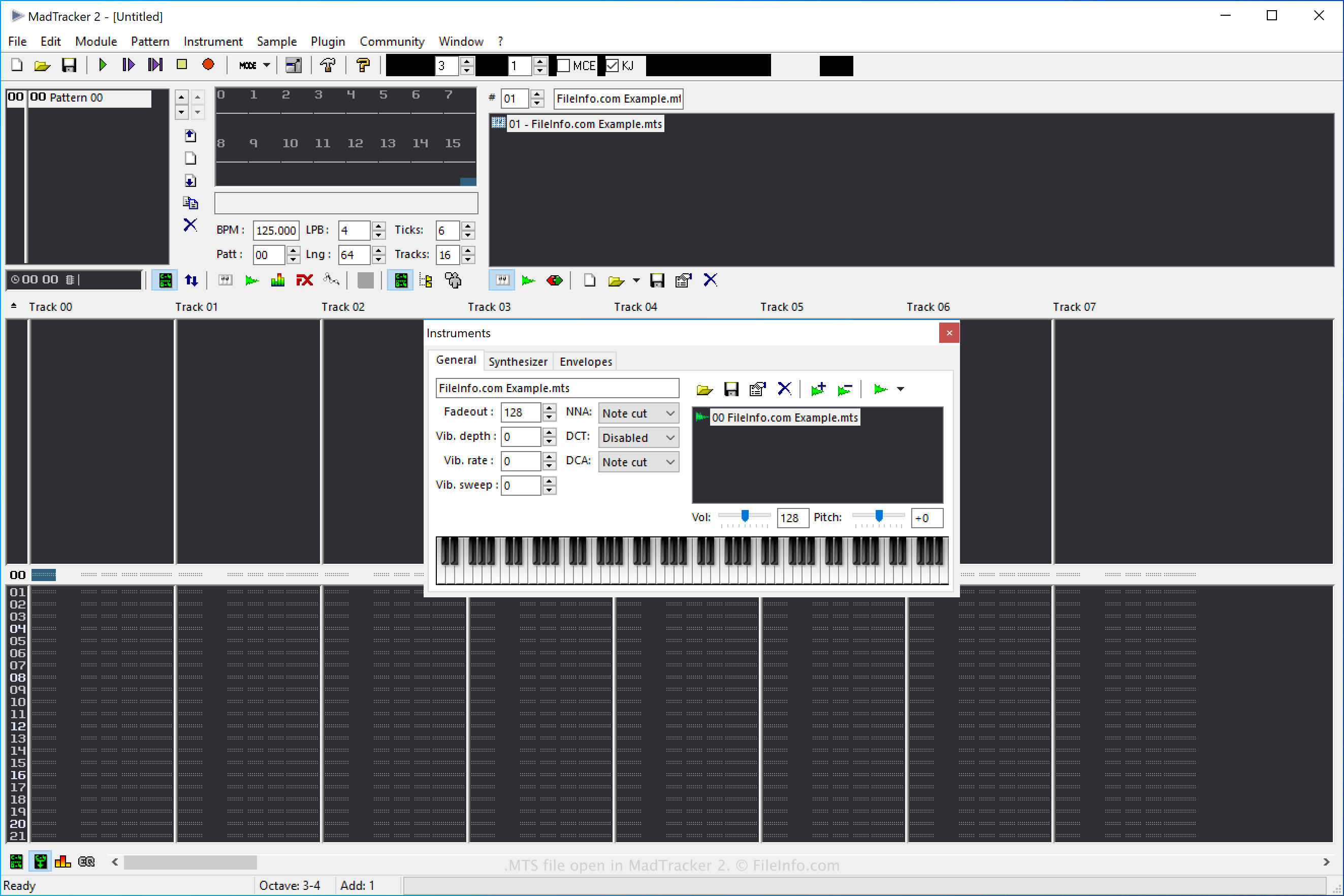
MadTracker 2 ist die zweite Version des Audio-Kompositionstools MadTracker. Es bietet verschiedene Funktionen, darunter integrierte Effekte, VST-Plugins, Samples und Demo-Songs.
So erstellen Sie eine MadTracker-2-Sample-MTS-Datei
Sie können MTS-Dateien in MadTracker 2 erstellen, um Samples zu speichern, die Sie anschließend in der Software wiederverwenden können. Um eine MTS-Datei zu erstellen, wählen Sie aus und wählen Sie anschließend im Dropdown-Menü "Save as type" die Option "MadTracker Sample" aus.
So öffnen Sie eine MTS-Datei
Sie können MTS-Sampledateien mit MadTracker 2 öffnen, indem Sie auswählen.
So konvertieren Sie eine MTS-Datei
MadTracker 2 kann MTS-Sampledateien in die folgenden Formate konvertieren:
- .WAV - WAVE-Audio
- .AIF - Audio Interchange File Format
- .IFF - Interchange File Format
- .OGG - Ogg-Vorbis-Audio
Um eine MTS-Sampledatei mit MadTracker 2 zu konvertieren, wählen Sie aus und wählen Sie anschließend im Dropdown-Menü "Save as type" das Zielformat aus.