

.MTS Extension de fichier
Vidéo AVCHD
| Développeur | N/D |
| Popularité |
3,5 | 144 Votes |
Qu'est-ce qu'un fichier MTS ?
Un fichier MTS est une vidéo enregistrée au format Advanced Video Coding High Definition (AVCHD). L’AVCHD est le format vidéo standard utilisé par de nombreux caméscopes HD Sony et Panasonic. Les fichiers MTS stockent également des vidéos haute définition sur des disques Blu-ray.
Plus d'informations
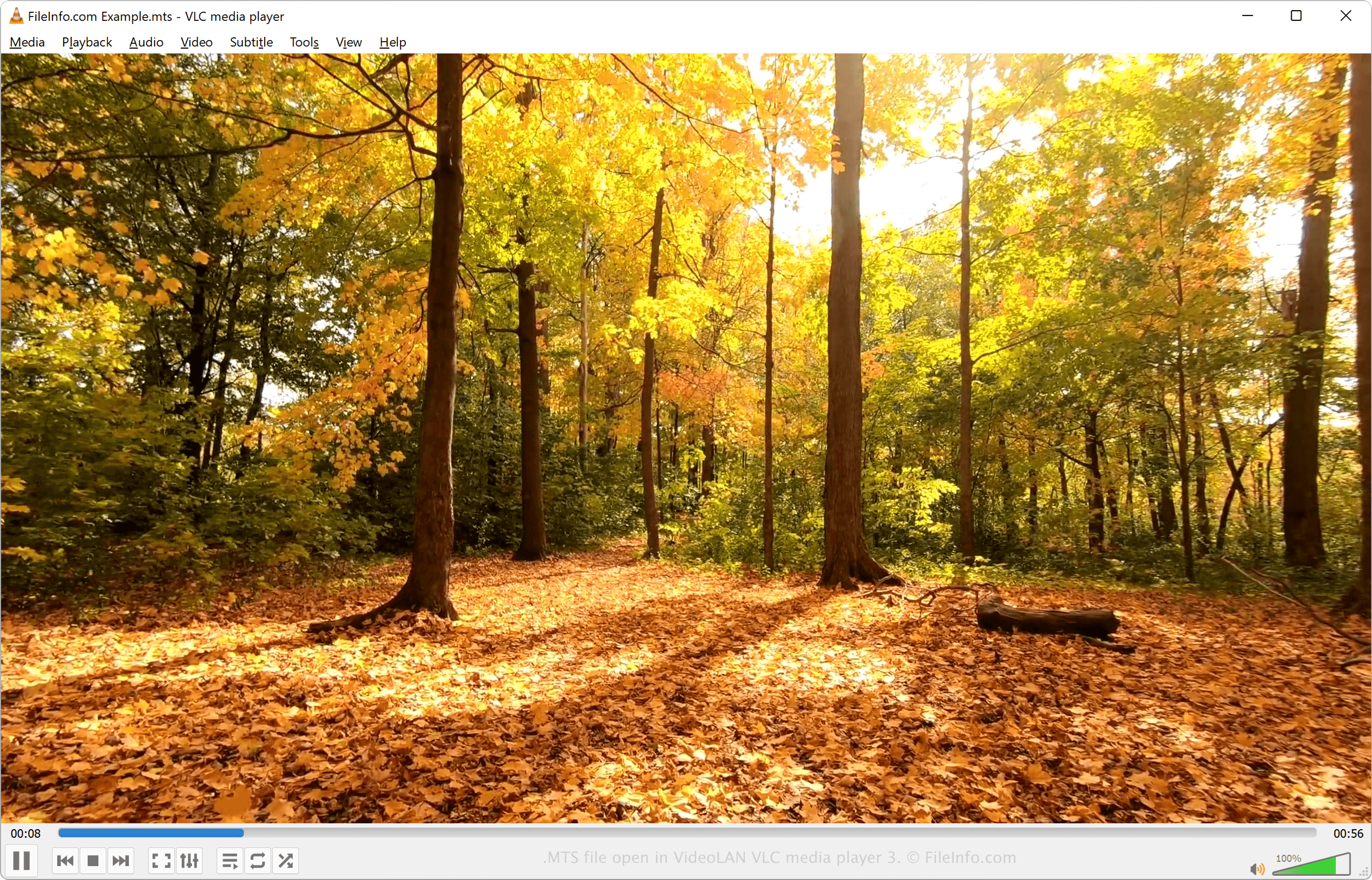
MTS est l’abréviation de MPEG Transport Stream. Ce format de fichier utilise la compression vidéo MPEG-4 / H.264 et prend en charge les résolutions vidéo HD 720p et 1080i. L’audio d’un fichier MTS peut être compressé avec le codec Dolby AC-3 ou enregistré sous forme d’audio PCM linéaire non compressé. Les pistes audio prises en charge comprennent le son stéréo (2 canaux) et le son surround 5.1 (5 canaux + caisson de basses).
Les vidéos MTS sont enregistrées au format Advanced Video Coding High Definition. Le format AVCHD a été créé par Sony et Panasonic en 2006 et est utilisé par de nombreux caméscopes HD de ces entreprises. La plupart des caméscopes HD Sony et Panasonic sont fournis avec un logiciel capable d’ouvrir et de modifier les fichiers MTS.
REMARQUE : Les fichiers AVCHD enregistrés sur un caméscope utilisent généralement l’extension de fichier .mts. Les fichiers AVCHD modifiés sur un ordinateur ou importés depuis un disque Blu-ray utilisent généralement l’extension .M2TS.
Comment ouvrir un fichier MTS
Vous pouvez ouvrir et lire des vidéos MTS avec différents lecteurs multimédias, notamment :
- VideoLAN VLC media player (multiplateforme)
- Microsoft Windows Media Player (Windows)
- Eltima Elmedia Player (Mac)
Vous pouvez modifier des vidéos MTS avec le logiciel fourni avec les caméscopes HD Sony et Panasonic ou avec l’un des programmes suivants :
- Blender (multiplateforme)
- MAGIX Vegas (Windows)
- CyberLink PowerDirector (Windows, Mac, Android)
Comment convertir un fichier MTS
Différents lecteurs multimédias et éditeurs vidéo, notamment VideoLAN VLC media player et Eltima Elmedia Player, peuvent convertir les fichiers MTS dans d’autres formats.
Par exemple, VLC media player peut convertir les fichiers MTS dans les formats suivants :
Programmes qui ouvrent les fichiers MTS
Fichier d’échantillon MadTracker 2
| Développeur | MadTracker |
| Popularité |
2,7 | 11 Votes |
Un fichier MTS est un fichier d’échantillon utilisé par le programme de séquençage audio MadTracker 2. Il contient un échantillon audio d’un instrument, d’une voix ou d’un autre son. Les fichiers MTS sont attribués à des pistes audio et peuvent être lus avec différentes hauteurs correspondant aux notes de la partition.
Plus d'informations
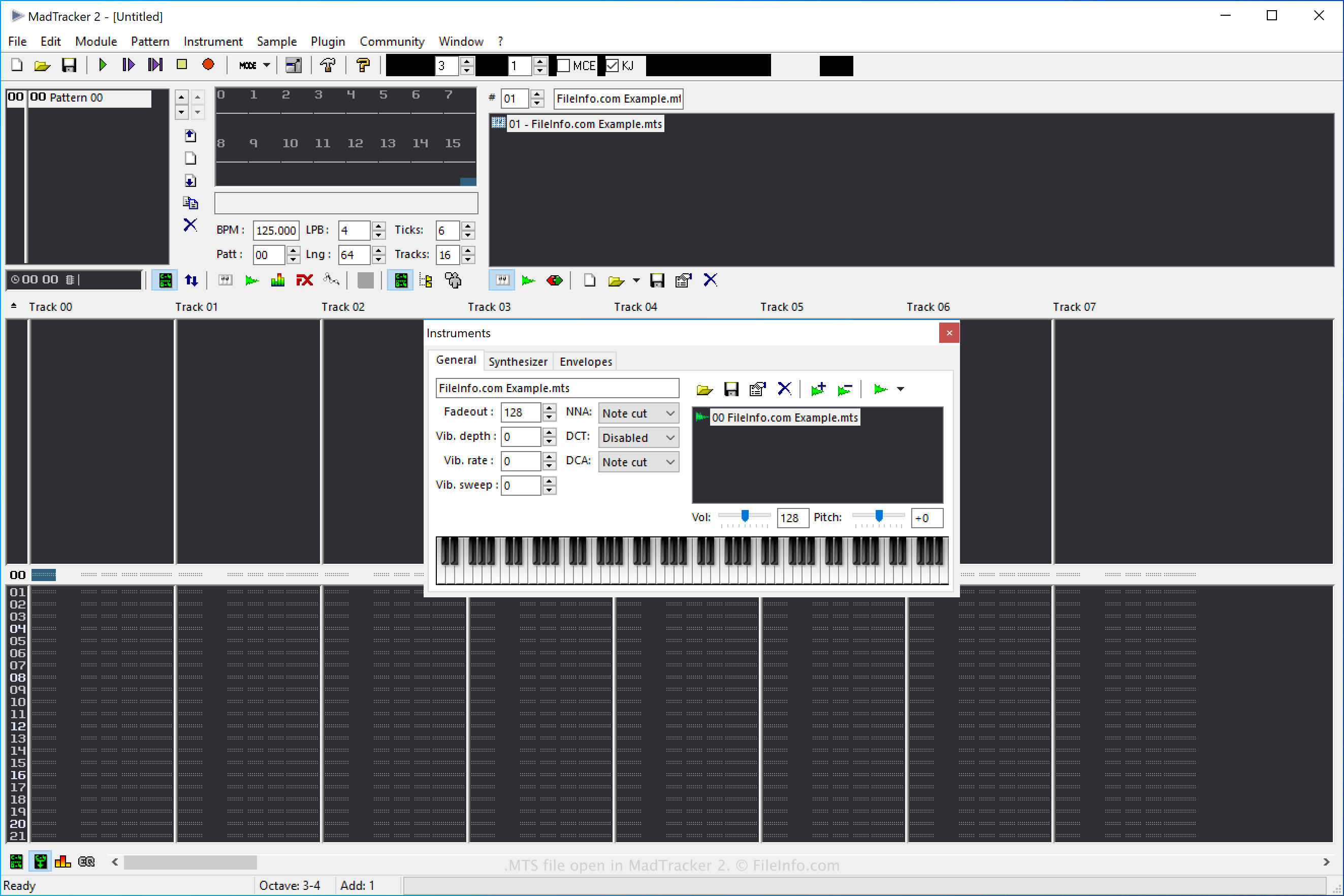
MadTracker 2 est la deuxième version de l’outil de composition audio MadTracker. Il comprend diverses fonctionnalités, notamment des effets intégrés, des plug-ins VST, des échantillons et des morceaux de démonstration.
Comment créer un fichier MTS d’échantillon MadTracker 2
Vous pouvez créer des fichiers MTS dans MadTracker 2 afin d’enregistrer des échantillons que vous pourrez ensuite réutiliser dans le logiciel. Pour créer un fichier MTS, sélectionnez , puis choisissez « MadTracker Sample » dans le menu déroulant « Save as type ».
Comment ouvrir un fichier MTS
Vous pouvez ouvrir les fichiers d’échantillon MTS avec MadTracker 2 en sélectionnant .
Comment convertir un fichier MTS
MadTracker 2 peut convertir les fichiers d’échantillon MTS dans les formats suivants :
- .WAV - Audio WAVE
- .AIF - Audio Interchange File Format
- .IFF - Interchange File Format
- .OGG - Audio Ogg Vorbis
Pour convertir un fichier d’échantillon MTS avec MadTracker 2, sélectionnez , puis choisissez le format cible dans le menu déroulant « Save as type ».