

.MPO Bestandsextensie
Multi Picture Object-bestand
| Ontwikkelaar | CIPA |
| Populariteit |
3,5 | 65 stemmen |
Wat is een MPO-bestand?
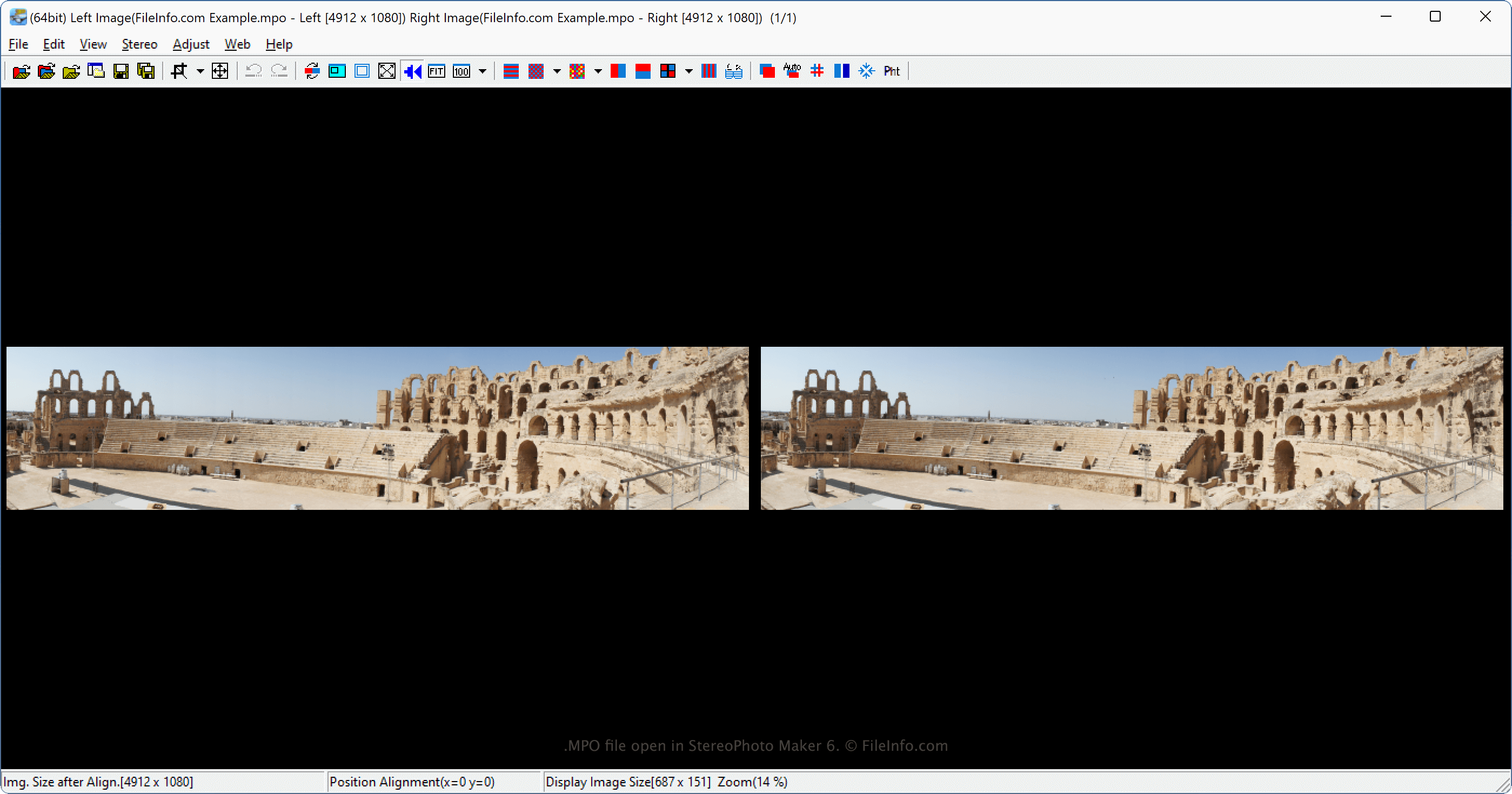
Een MPO-bestand is een stereoscopische afbeelding die is opgeslagen in de indeling Multi Picture Object en bestaat uit twee 2D .JPG-afbeeldingen die zijn gecombineerd tot één 3D-afbeelding. Verschillende digitale camera's, zoals de Fujifilm FinePix Real 3D-serie, leggen afbeeldingen vast als MPO-bestanden en de Nintendo 3DS kan deze ook maken. Gebruikers met 3D-tv's bekijken MPO-bestanden doorgaans als 3D-afbeeldingen, maar verschillende computerprogramma's, zoals StereoPhoto Maker en XstereO Player, ondersteunen deze bestanden ook.
Meer informatie
De Camera & Imaging Products Association (CIPA) heeft de MPO-indeling ontwikkeld. De specificatie maakt het mogelijk om een willekeurig aantal JPG-bestanden op te slaan in een MPO-bestand, maar de meest gebruikelijke toepassing is voor stereoscopische afbeeldingen.
De camera's uit de Fujifilm FinePix Real 3D-serie behoren tot de meestgebruikte camera's die afbeeldingen in de indeling Multi Picture Object ondersteunen. Wanneer digitale camera's afbeeldingen vastleggen als MPO-bestanden, maken ze deze met de twee lenzen van de digitale camera en combineren ze de afbeeldingen vervolgens naast elkaar tot één 3D-afbeelding, die ook zo wordt weergegeven.
De afbeelding wordt in 3D weergegeven wanneer je deze bekijkt op een geschikt 3D-apparaat, zoals een 3D-tv. Verschillende bedrijven, waaronder Canon, Sony, Panasonic, LG, Kodak en Samsung, ondersteunen de MPO-indeling. De Nintendo 3DS kan ook MPO-bestanden maken. De bestanden zijn 640x480 pixels groot, wat de schermgrootte van het apparaat is.
OPMERKING: Een andere veelgebruikte stereoscopische afbeeldingsindeling is de Stereo JPEG Image-indeling, die de bestandsextensie .jps gebruikt (.JPS-bestanden).
Een MPO-bestand openen
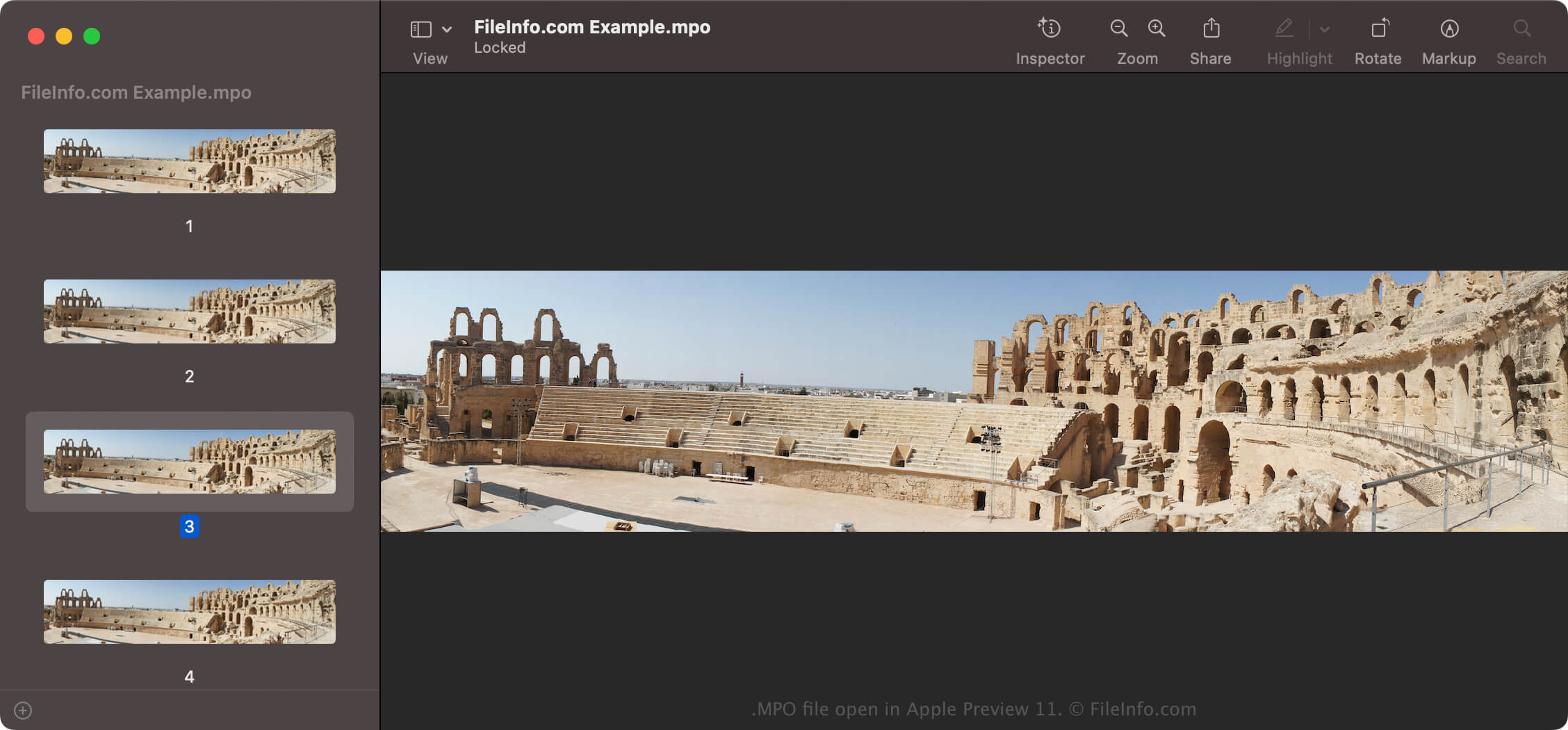
Je kunt MPO-bestanden bekijken met verschillende afbeeldingsviewers, waaronder StereoPhoto Maker (Windows), XstereO Player (macOS) en StereoPhotoView (Linux). Standaardviewers voor JPEG-afbeeldingen, zoals Microsoft Photos (Windows) en Apple Preview (macOS), kunnen MPO-bestanden ook openen. Je ziet mogelijk echter maar één van de afbeeldingen, meestal de linkerafbeelding als er een linker- en rechterafbeelding zijn.
Een MPO-bestand converteren
Verschillende programma's, zoals Apple Preview en mpo2jps, kunnen MPO-bestanden naar andere indelingen converteren.
mpo2jps kan MPO-bestanden bijvoorbeeld converteren naar .JPS-bestanden en Apple Preview kan ze converteren naar de volgende indelingen:
- .JPG - JPEG Image
- .PNG - Portable Network Graphic
- .TIF - Tagged Image File Format
- .JP2 - JPEG 2000 Core Image
- .HEIC - High Efficiency Image Format
- .EXR - OpenEXR Image
- .PDF - Portable Document Format
Je kunt een MPO-bestand ook converteren naar een anaglyfe afbeelding (stereoscopische foto met twee over elkaar geplaatste afbeeldingen) met een programma voor het bewerken van stereoscopische afbeeldingen, zoals StereoPhoto Maker of XstereO Player. Nadat je het MPO-bestand hebt geconverteerd, kun je de afbeelding bekijken met een rood-groene 3D-bril.