

.MPO 파일 확장자
Multi Picture Object 파일
| 개발사 | CIPA |
| 인기도 |
3.5 | 65 표 |
MPO 파일이란 무엇인가요?
MPO 파일은 두 개의 2D .JPG 이미지를 하나의 3D 이미지로 결합한 Multi Picture Object(MPO) 형식으로 저장된 입체 이미지입니다. Fujifilm FinePix Real 3D 시리즈와 같은 다양한 디지털 카메라는 이미지를 MPO 파일로 캡처하며, Nintendo 3DS에서도 MPO 파일을 만들 수 있습니다. 일반적으로 3D TV를 사용하는 사람들은 MPO 파일을 3D 사진으로 보지만, StereoPhoto Maker 및 XstereO Player와 같은 다양한 컴퓨터 애플리케이션에서도 MPO 파일을 지원합니다.
추가 정보
Camera & Imaging Products Association(CIPA)이 MPO 형식을 개발했습니다. 이 사양을 사용하면 MPO 파일에 JPG 파일을 원하는 개수만큼 저장할 수 있지만, 가장 일반적으로 사용하는 용도는 입체 이미지입니다.
Fujifilm FinePix Real 3D 시리즈 카메라는 Multi Picture Object 이미지를 지원하는 가장 일반적인 카메라 중 하나입니다. 디지털 카메라가 이미지를 MPO 파일로 캡처할 때는 디지털 카메라의 두 렌즈로 이미지를 촬영한 다음, 이를 결합하여 하나의 3D 이미지로 나란히 표시하고 봅니다.
이미지를 3D TV와 같은 호환 3D 장치에 표시하면 3D로 보입니다. Canon, Sony, Panasonic, LG, Kodak, Samsung을 비롯한 다양한 회사가 MPO 형식을 지원합니다. Nintendo 3DS에서도 MPO 파일을 만들 수 있습니다. 파일의 크기는 640x480이며, 이는 장치의 화면 크기입니다.
참고: 또 다른 일반적인 입체 이미지 형식으로 Stereo JPEG Image 형식이 있습니다. 이 형식은 .jps 파일 확장자(.JPS 파일)를 사용합니다.
MPO 파일을 여는 방법
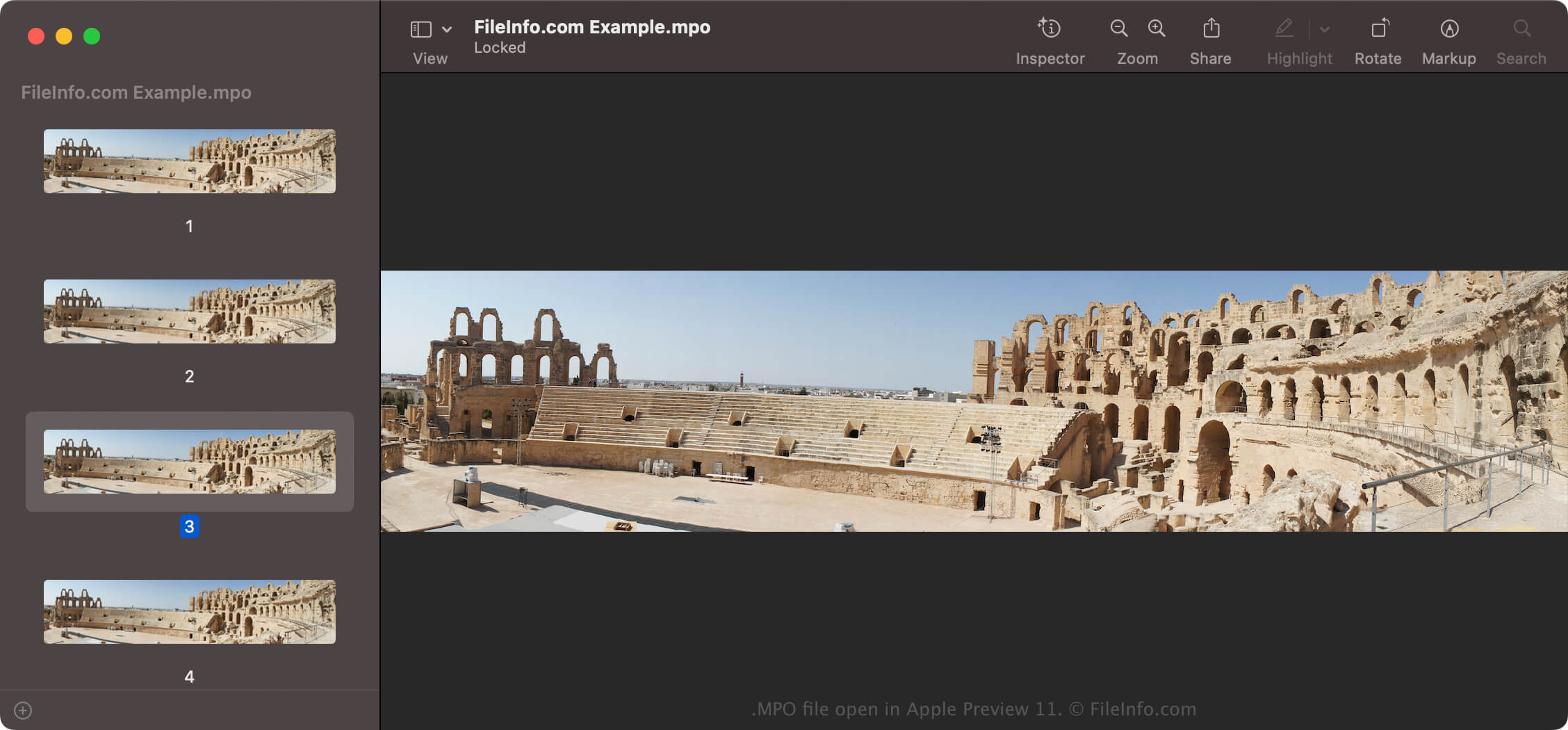
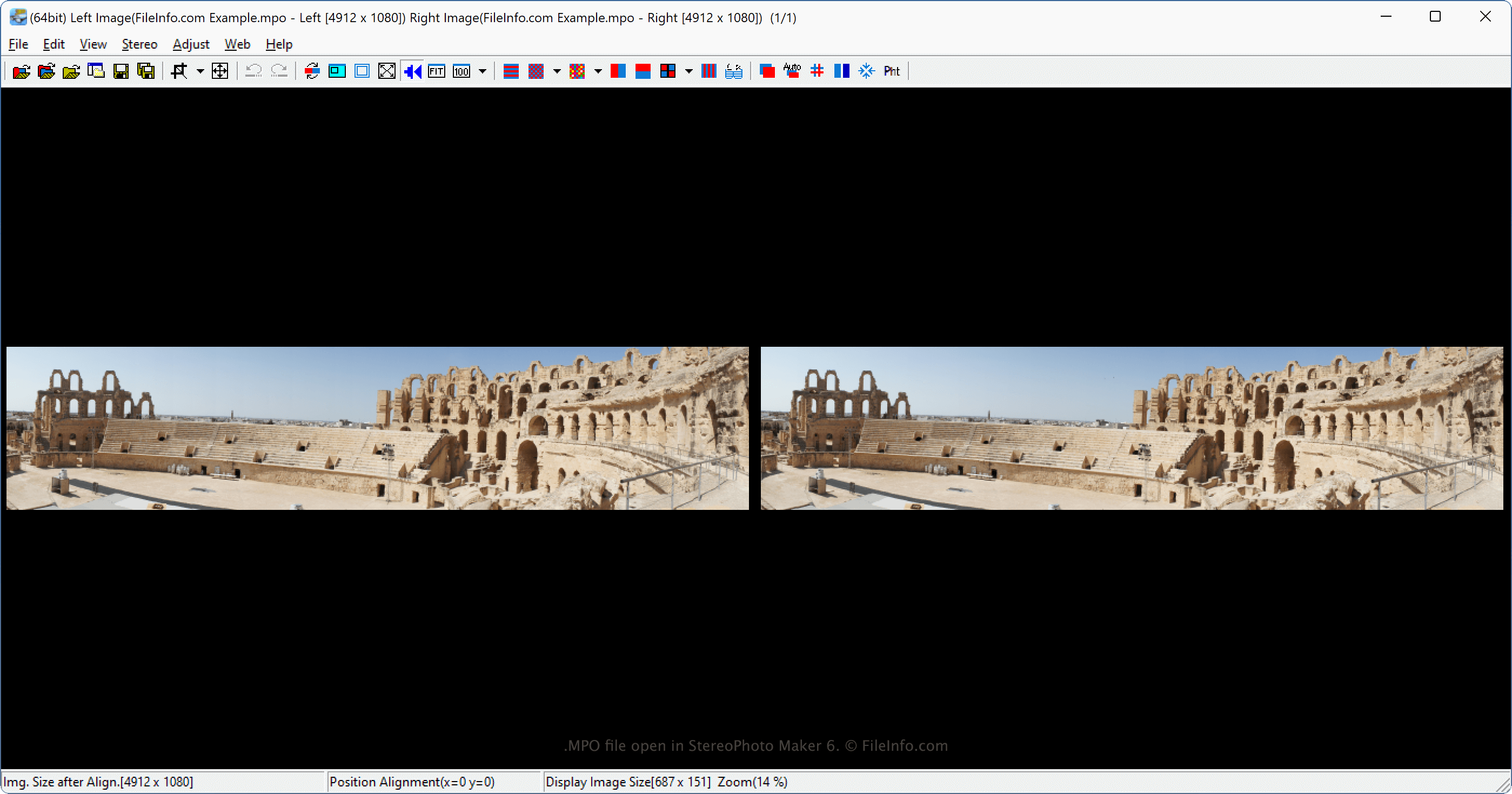
StereoPhoto Maker(Windows), XstereO Player(macOS), StereoPhotoView(Linux)를 비롯한 다양한 이미지 뷰어로 MPO 파일을 볼 수 있습니다. Microsoft Photos(Windows) 및 Apple Preview(macOS)와 같은 표준 JPEG 이미지 뷰어에서도 MPO 파일을 열 수 있습니다. 그러나 일반적으로 왼쪽 이미지와 오른쪽 이미지가 있다면 왼쪽 이미지 등 이미지 중 하나만 보일 수 있습니다.
MPO 파일을 변환하는 방법
Apple Preview 및 mpo2jps와 같은 다양한 애플리케이션으로 MPO 파일을 다른 형식으로 변환할 수 있습니다.
예를 들어 mpo2jps는 MPO 파일을 .JPS 파일로 변환할 수 있으며, Apple Preview는 MPO 파일을 다음 형식으로 변환할 수 있습니다:
- .JPG - JPEG 이미지
- .PNG - Portable Network Graphic
- .TIF - Tagged Image File Format
- .JP2 - JPEG 2000 Core Image
- .HEIC - High Efficiency Image Format
- .EXR - OpenEXR 이미지
- .PDF - Portable Document Format
또한 StereoPhoto Maker 또는 XstereO Player와 같은 입체 이미지 처리 프로그램을 사용하여 MPO 파일을 애너글리프 이미지(두 이미지가 겹쳐진 입체 사진)로 변환할 수 있습니다. MPO 파일을 변환한 후에는 빨간색/녹색 3D 안경으로 이미지를 볼 수 있습니다.