.MPO 文件扩展名

Multi Picture Object File

开发者 CIPA
受欢迎程度
3.5  |  65 
 
🔍使用File Helper直接在您的网络浏览器中打开 .MPO 文件在线查看

什么是 MPO 文件?

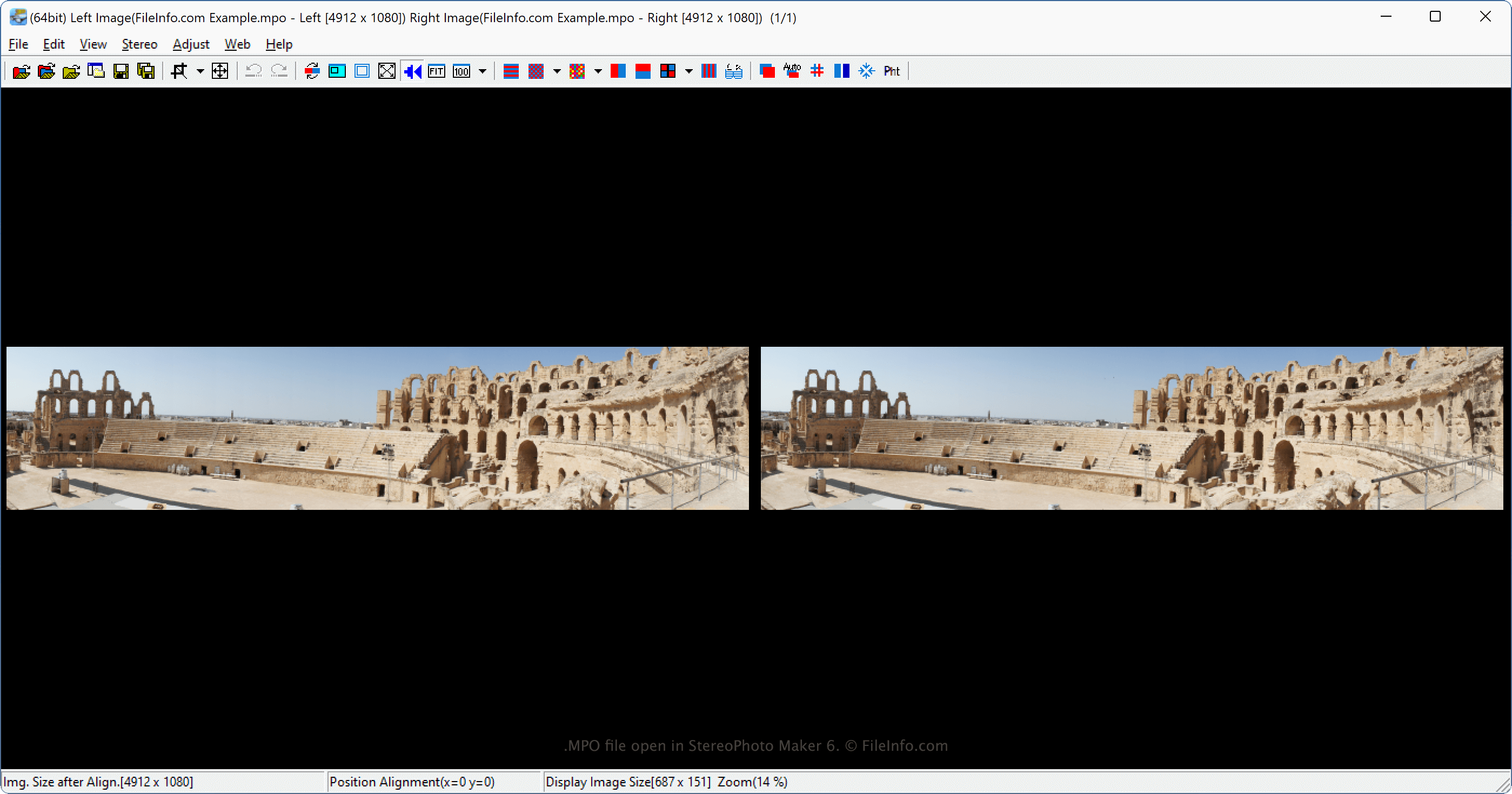
An MPO file is a stereoscopic image saved in the Multi Picture Object (MPO) format, which consists of two 2D .JPG images combined into one 3D image. Various digital cameras, such as the Fujifilm FinePix Real 3D series, capture images as MPO files, and Nintendo 3DS may also create them. Users with 3D TVs typically view MPO files as 3D pictures, but various computer applications, such as StereoPhoto Maker and XstereO Player, also support them.

更多信息

在 StereoPhoto Maker 6 中打开的 .mpo 文件截图
在 StereoPhoto Maker 6 中打开的 MPO 文件

The Camera & Imaging Products Association (CIPA) developed the MPO format. The specification allows for saving any number of JPG files in an MPO file, but the most common use is for stereoscopic images.

The Fujifilm FinePix Real 3D series cameras are one of the most common cameras supporting Multi Picture Object images. When digital cameras capture images as MPO files, they capture them with the two lenses on the digital camera, then combine and view them side-by-side as a single 3D image.

The image appears in 3D when displayed on a supporting 3D device like a 3D TV. Various companies, including Canon, Sony, Panasonic, LG, Kodak, and Samsung, support the MPO format. Nintendo 3DS may also create MPO files. The files are 640x480, which is the screen size of the device.

注: Another common stereoscopic image format is the Stereo JPEG Image format, which uses the .jps file extension (.JPS files).

如何打开 MPO 文件

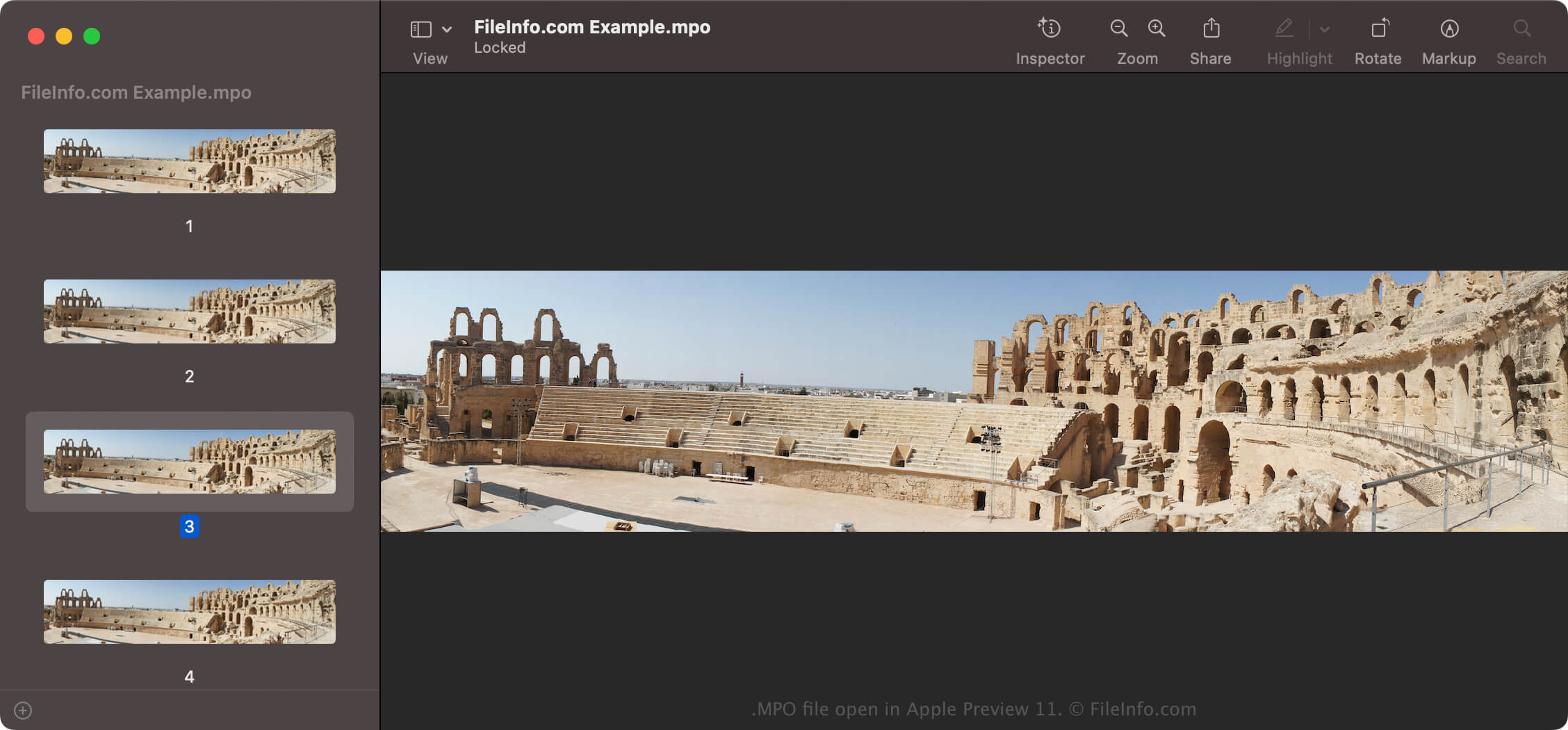
MPO file open in Apple Preview 11

You can view MPO files with various image viewers, including StereoPhoto Maker (Windows), XstereO Player (macOS), and StereoPhotoView (Linux). Standard JPEG image viewers, such as Microsoft Photos (Windows) and Apple Preview (macOS) can also open MPO files. However, you may only see one of the images, generally the left image if there is a right and left image.

如何转换 MPO 文件

Various applications, such as Apple Preview and mpo2jps, can convert MPO files to other formats.

For example, mpo2jps can convert MPO files to .JPS files and Apple Preview can convert MPO files to the following formats:

  • .JPG - JPEG Image
  • .PNG - Portable Network Graphic
  • .TIF - Tagged Image File Format
  • .JP2 - JPEG 2000 Core Image
  • .HEIC - High Efficiency Image Format
  • .EXR - OpenEXR Image
  • .PDF - Portable Document Format

Also, you can convert an MPO file to an anaglyph image (stereoscopic photograph with two images superimposed) with a stereoscopic image processing program, such as StereoPhoto Maker or XstereO Player. After converting the MPO file, you can view the image with red/green 3D glasses.

可打开 MPO 文件的程序

Windows
操作系统自带
免费
mpo2jps  —  已停用
免费
Mac
操作系统自带
免费
Linux
免费
Web

验证者 FileInfo.com

FileInfo.com 团队 独立研究了本页面列出的 Multi Picture Object 文件格式和 Mac, Windows, and Linux 应用。 我们的目标是达到 100% 的准确率,并且仅发布我们已验证过的文件类型信息。

如果您想为此页面提出新增或更新建议,请告诉我们