

.M4R Bestandsextensie
iPhone-beltoon
| Ontwikkelaar | Apple |
| Populariteit |
4,0 | 73 stemmen |
Wat is een M4R-bestand?
Een M4R-bestand is een aangepaste iPhone-beltoon die wordt afgespeeld bij een inkomende oproep. Het lijkt op een .M4A-bestand, omdat het audiogegevens opslaat die zijn gecodeerd met de Advanced Audio Coding (AAC)-codec in de multimedia-containerindeling MPEG-4 Part 14 (MP4). Voordat Apple iTunes beëindigde, downloadden iPhone-gebruikers vaak M4R-bestanden vanuit de mediaspeler en zetten ze deze vervolgens over naar een iPhone wanneer de telefoon via iTunes met de computer werd gesynchroniseerd.
Meer informatie
Apple introduceerde de M4R-indeling in 2007 om audio op te slaan die door een iPhone wordt afgespeeld bij een inkomende oproep. Hoewel gebruikers vóórdat Apple iTunes beëindigde voornamelijk M4R-bestanden downloadden en overdroegen met iTunes, konden ze M4R-bestanden op hun computer ook handmatig met een bestandsbeheerder van derden overzetten naar hun verbonden iPhone. Nadat ze een M4R-bestand naar hun telefoon hadden overgezet, konden ze het als beltoon instellen op hun iPhone door te selecteren.
Daarnaast konden gebruikers M4R-bestanden maken met iTunes, maar ze konden deze ook maken met softwareprogramma's van derden of ze downloaden van internet. M4R-bestanden die niet met iTunes zijn gemaakt, bevatten waarschijnlijk geen copyrightbescherming.
OPMERKING: M4R staat voor "MPEG-4 Ringtone."
Een M4R-bestand openen
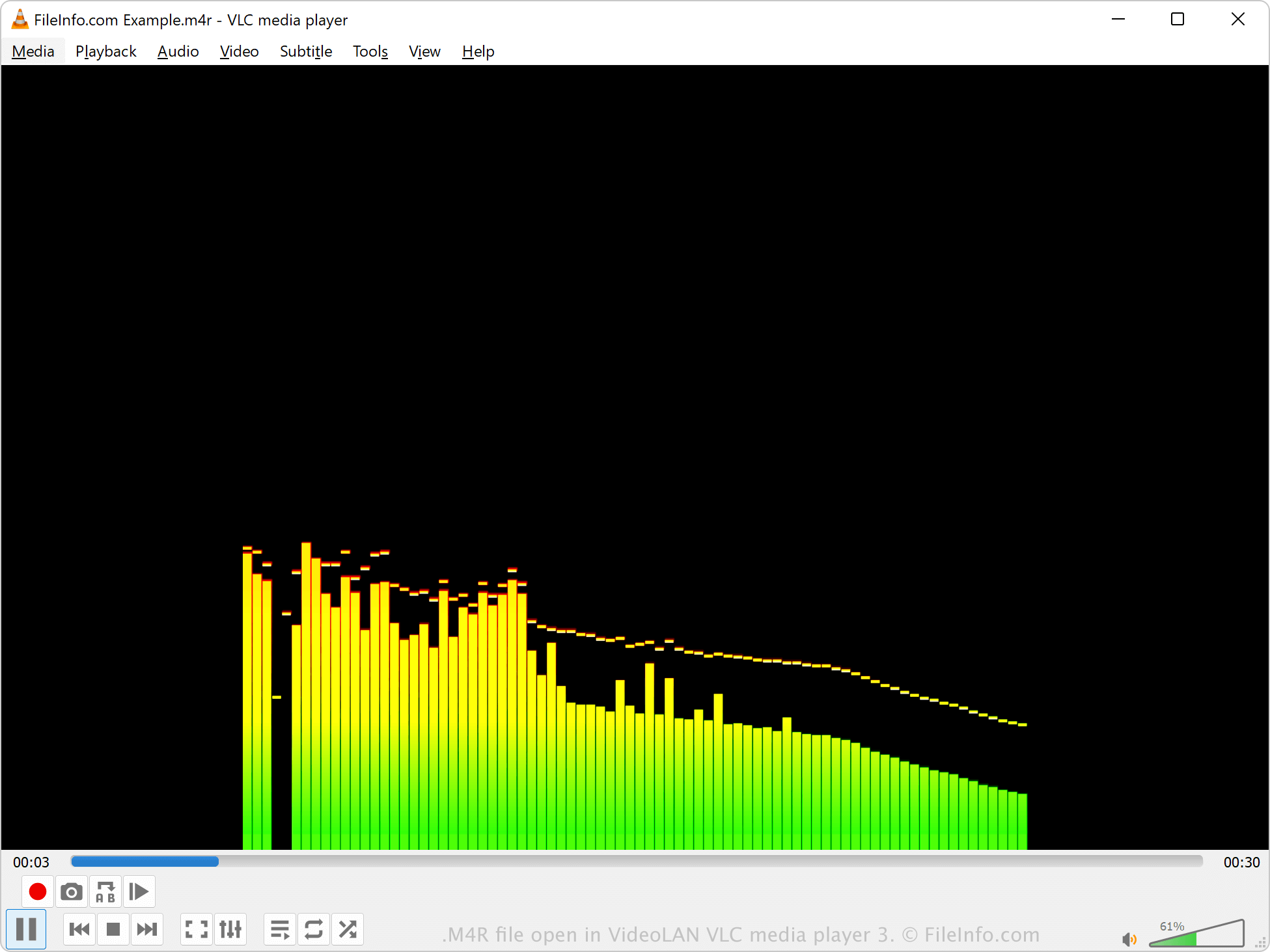
Je kunt M4R-bestanden openen met verschillende mediaspelers, waaronder Microsoft Media Player in Windows, Apple QuickTime Player in macOS en VideoLAN VLC media player. iTunes kan M4R-bestanden ook afspelen, maar Apple ontwikkelt de software niet meer.
Als iTunes het M4R-bestand heeft gemaakt, is het auteursrechtelijk beschermd en kan het waarschijnlijk niet worden afgespeeld. Als een programma van derden het M4R-bestand heeft gemaakt, is het echter niet auteursrechtelijk beschermd.
Een M4R-bestand converteren
Verschillende audiospelers en -bewerkers, waaronder VideoLAN VLC media player en Adobe Audition, kunnen M4R-bestanden converteren naar andere audio-indelingen.
VLC media player kan M4R-audio bijvoorbeeld converteren naar de volgende indelingen: