

.M4R Rozszerzenie pliku
Dzwonek iPhone'a
| Deweloper | Apple |
| Popularność |
4,0 | 73 Głosy |
Czym jest plik M4R?
Plik M4R to niestandardowy dzwonek iPhone'a, który odtwarza się podczas połączenia przychodzącego. Jest podobny do pliku .M4A, ponieważ przechowuje dane audio zakodowane za pomocą kodeka Advanced Audio Coding (AAC) w formacie kontenera multimedialnego MPEG-4 Part 14 (MP4). Zanim firma Apple wycofała program iTunes, użytkownicy iPhone'ów często pobierali pliki M4R z odtwarzacza multimedialnego, a następnie przenosili je na iPhone'a podczas synchronizowania telefonu z komputerem za pomocą iTunes.
Więcej informacji
Firma Apple wprowadziła format M4R w 2007 roku do przechowywania dźwięku odtwarzanego przez iPhone'a podczas połączenia przychodzącego. Zanim firma Apple wycofała program iTunes, użytkownicy głównie pobierali i przenosili pliki M4R za jego pomocą, ale mogli też ręcznie przenosić pliki M4R z komputera na podłączonego iPhone'a za pomocą menedżera plików innej firmy. Po przeniesieniu pliku M4R na telefon mogą ustawić go jako dzwonek iPhone'a, wybierając .
Ponadto użytkownicy mogli tworzyć pliki M4R za pomocą iTunes, ale mogli też tworzyć je przy użyciu programów innych firm lub pobierać je z Internetu. Pliki M4R, które nie zostały utworzone za pomocą iTunes, najprawdopodobniej nie zawierają ochrony praw autorskich.
UWAGA: M4R to skrót od „MPEG-4 Ringtone.”
Jak otworzyć plik M4R
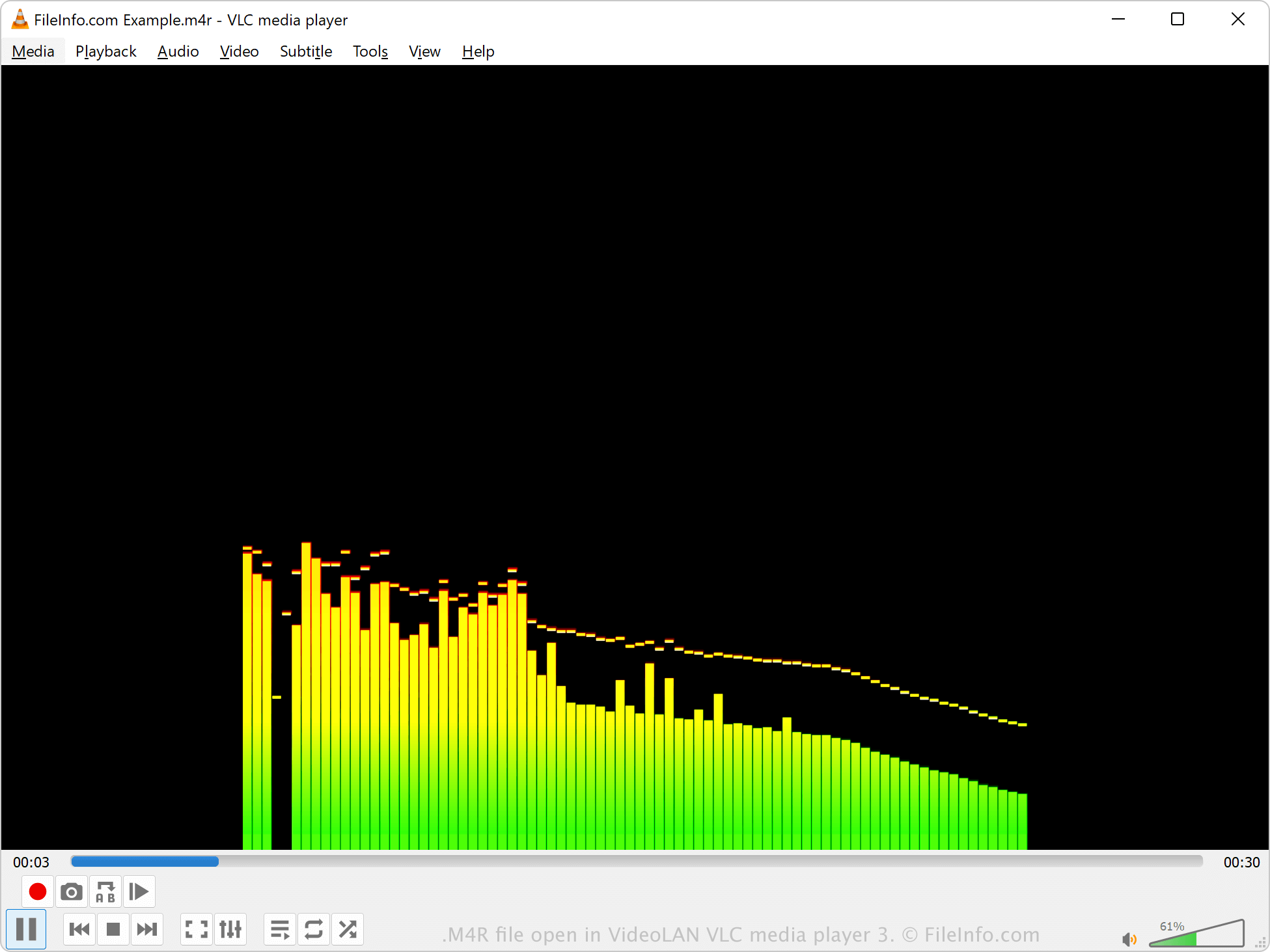
Pliki M4R można otwierać za pomocą różnych odtwarzaczy multimedialnych, w tym Microsoft Media Player w systemie Windows, Apple QuickTime Player w systemie macOS oraz VideoLAN VLC media player. Program iTunes również może odtwarzać pliki M4R, ale firma Apple nie rozwija już tego oprogramowania.
Jeśli plik M4R został utworzony za pomocą iTunes, jest chroniony prawami autorskimi i prawdopodobnie nie można go odtworzyć. Jeśli jednak plik M4R został utworzony przez program innej firmy, nie jest chroniony prawami autorskimi.
Jak przekonwertować plik M4R
Różne odtwarzacze i edytory audio, w tym VideoLAN VLC media player i Adobe Audition, mogą konwertować pliki M4R do innych formatów audio.
Na przykład VLC media player może konwertować dźwięk M4R do następujących formatów: