

.M4R 파일 확장자
iPhone 벨소리
| 개발사 | Apple |
| 인기도 |
4.0 | 73 표 |
M4R 파일이란 무엇인가요?
M4R 파일은 수신 전화가 올 때 재생되는 사용자 지정 iPhone 벨소리입니다. .M4A 파일과 비슷하며, MPEG-4 Part 14(MP4) 멀티미디어 컨테이너 형식에 AAC(Advanced Audio Coding) 코덱으로 인코딩된 오디오 데이터를 저장합니다. Apple이 iTunes를 중단하기 전에는 iPhone 사용자가 미디어 플레이어에서 M4R 파일을 다운로드한 다음, iTunes를 통해 컴퓨터와 휴대폰을 동기화할 때 iPhone으로 전송하는 경우가 많았습니다.
추가 정보
Apple은 2007년에 수신 전화가 올 때 iPhone에서 재생되는 오디오를 저장하기 위해 M4R 형식을 도입했습니다. Apple이 iTunes를 중단하기 전에는 사용자가 주로 iTunes로 M4R 파일을 다운로드하고 전송했지만, 타사 파일 관리자를 사용하여 컴퓨터에 있는 M4R 파일을 연결된 iPhone으로 수동 전송할 수도 있었습니다. M4R 파일을 휴대폰으로 전송한 후에는 을 선택하여 iPhone의 벨소리로 설정할 수 있습니다.
또한 사용자는 iTunes로 M4R 파일을 만들 수 있었지만, 타사 소프트웨어 프로그램으로 만들거나 인터넷에서 다운로드할 수도 있습니다. iTunes로 만들지 않은 M4R 파일에는 저작권 보호가 포함되어 있지 않을 가능성이 높습니다.
참고: M4R은 "MPEG-4 Ringtone"을 의미합니다.
M4R 파일을 여는 방법
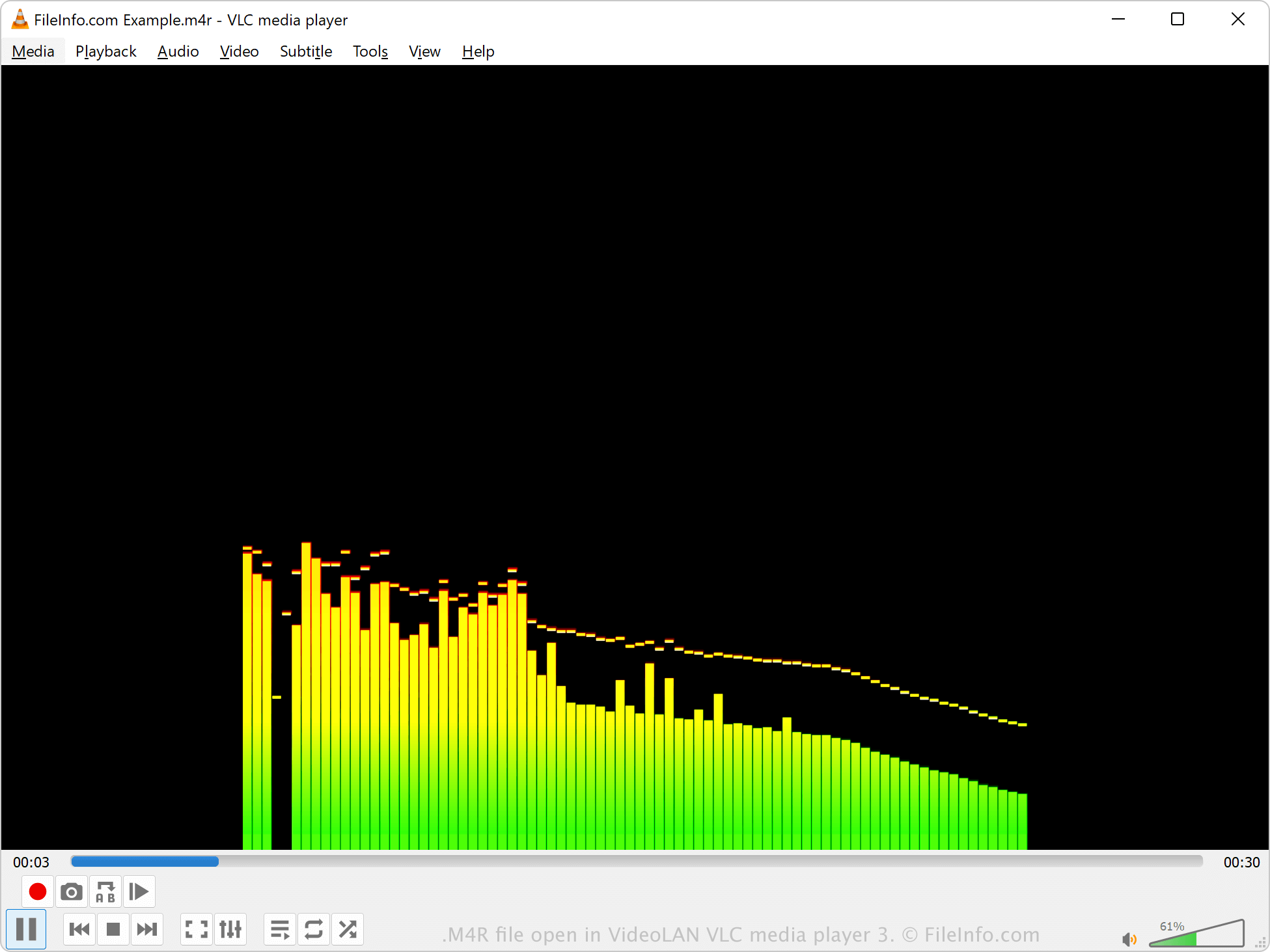
Windows에서는 Microsoft Media Player, macOS에서는 Apple QuickTime Player, 그리고 다양한 미디어 플레이어 중 VideoLAN VLC media player로 M4R 파일을 열 수 있습니다. iTunes에서도 M4R 파일을 재생할 수 있지만, Apple은 더 이상 이 소프트웨어를 개발하지 않습니다.
iTunes에서 M4R 파일을 만들었다면 저작권으로 보호되며 재생할 수 없을 가능성이 높습니다. 그러나 타사 프로그램에서 M4R 파일을 만들었다면 저작권으로 보호되지 않습니다.