

.M4R Extension de fichier
Sonnerie pour iPhone
| Développeur | Apple |
| Popularité |
4,0 | 73 Votes |
Qu'est-ce qu'un fichier M4R ?
Un fichier M4R est une sonnerie personnalisée pour iPhone qui est lue lors d'un appel entrant. Il est similaire à un .M4A, car il stocke des données audio encodées avec le codec Advanced Audio Coding (AAC) dans le format conteneur multimédia MPEG-4 Part 14 (MP4). Avant qu'Apple abandonne iTunes, les utilisateurs d'iPhone téléchargeaient souvent des fichiers M4R depuis le lecteur multimédia, puis les transféraient vers un iPhone lorsque le téléphone était synchronisé avec l'ordinateur via iTunes.
Plus d'informations
Apple a introduit le format M4R en 2007 pour stocker l'audio lu par un iPhone lors d'un appel entrant. Avant qu'Apple abandonne iTunes, les utilisateurs téléchargeaient et transféraient principalement les fichiers M4R avec iTunes, mais ils pouvaient également transférer manuellement des fichiers M4R depuis leur ordinateur vers leur iPhone connecté à l'aide d'un gestionnaire de fichiers tiers. Après avoir transféré un fichier M4R vers leur téléphone, ils peuvent le définir comme sonnerie sur leur iPhone en sélectionnant .
De plus, les utilisateurs pouvaient créer des fichiers M4R avec iTunes, mais ils pouvaient également les créer avec des logiciels tiers ou les télécharger depuis Internet. Les fichiers M4R qui n'ont pas été créés avec iTunes ne sont probablement pas protégés par des droits d'auteur.
REMARQUE : M4R signifie « MPEG-4 Ringtone ».
Comment ouvrir un fichier M4R
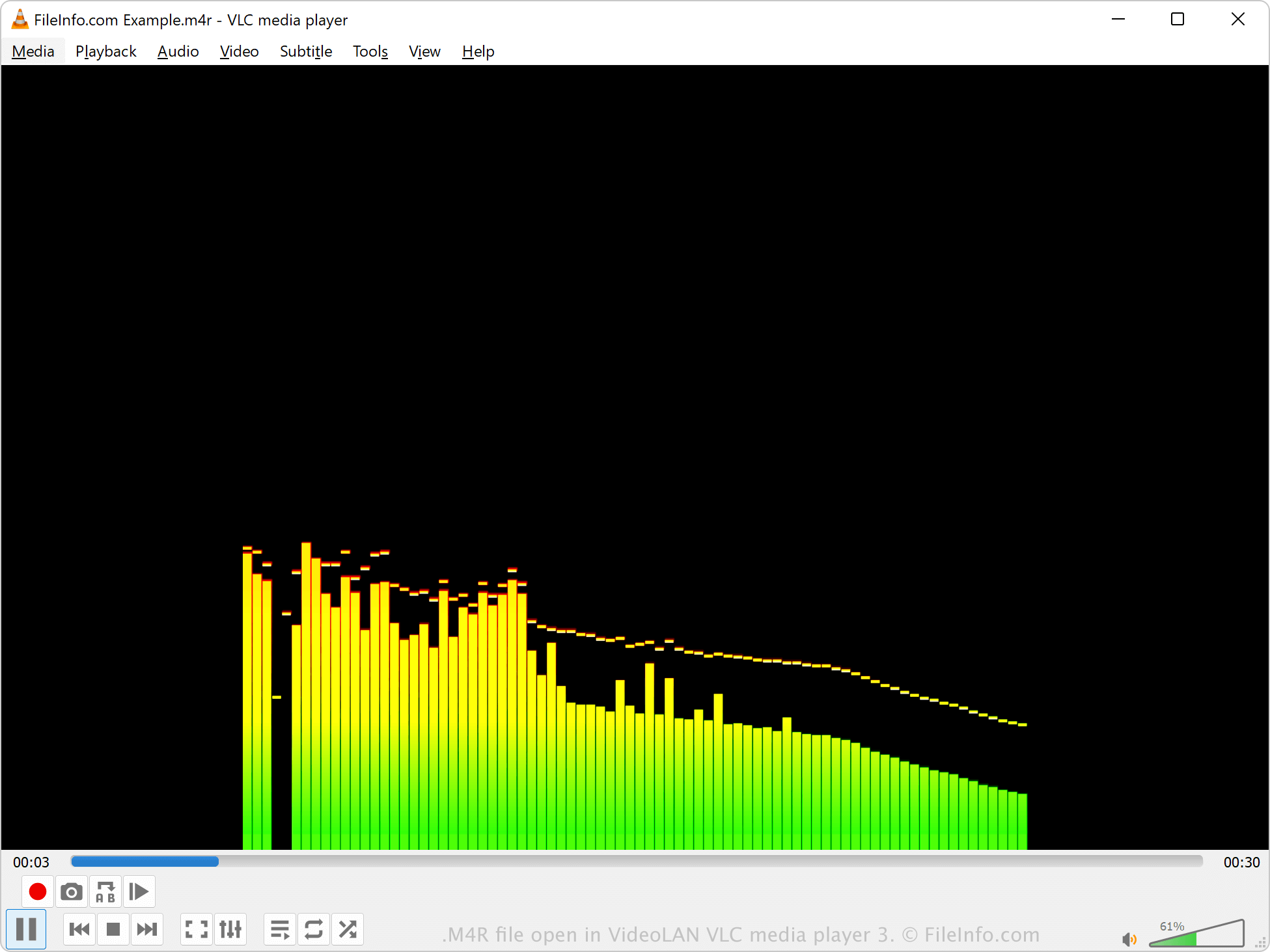
Vous pouvez ouvrir les fichiers M4R avec différents lecteurs multimédias, notamment Microsoft Media Player sous Windows, Apple QuickTime Player sous macOS et VideoLAN VLC media player. iTunes peut également lire les fichiers M4R, mais Apple ne développe plus ce logiciel.
Si iTunes a créé le fichier M4R, celui-ci est protégé par des droits d'auteur et ne peut probablement pas être lu. En revanche, si un programme tiers a créé le fichier M4R, celui-ci n'est pas protégé par des droits d'auteur.
Comment convertir un fichier M4R
Différents lecteurs et éditeurs audio, notamment VideoLAN VLC media player et Adobe Audition, peuvent convertir les fichiers M4R en d'autres formats audio.
Par exemple, VLC media player peut convertir l'audio M4R dans les formats suivants :