

.M4R Extensão de arquivo
Toque do iPhone
| Desenvolvedor | Apple |
| Popularidade |
4,0 | 73 Votos |
O que é um arquivo M4R?
Um arquivo M4R é um toque personalizado do iPhone que é reproduzido durante uma chamada recebida. Ele é semelhante a um arquivo .M4A, pois armazena dados de áudio codificados com o Advanced Audio Coding (AAC) codec no formato de contêiner multimídia MPEG-4 Parte 14 (MP4). Antes de a Apple descontinuar o iTunes, os usuários do iPhone frequentemente baixavam arquivos M4R pelo reprodutor de mídia e depois os transferiam para um iPhone quando o telefone era sincronizado com o computador pelo iTunes.
Mais informações
A Apple introduziu o formato M4R em 2007 para armazenar o áudio reproduzido por um iPhone durante uma chamada recebida. Embora os usuários baixassem e transferissem principalmente arquivos M4R com o iTunes antes de a Apple descontinuá-lo, eles também podiam transferir manualmente arquivos M4R do computador para o iPhone conectado usando um gerenciador de arquivos de terceiros. Depois de transferir um arquivo M4R para o telefone, eles podem defini-lo como toque no iPhone selecionando .
Além disso, os usuários podiam criar arquivos M4R com o iTunes, mas também podiam criá-los com programas de terceiros ou baixá-los da Internet. É muito provável que arquivos M4R não criados com o iTunes não incluam proteção de direitos autorais.
NOTA: M4R significa "MPEG-4 Ringtone."
Como abrir um arquivo M4R
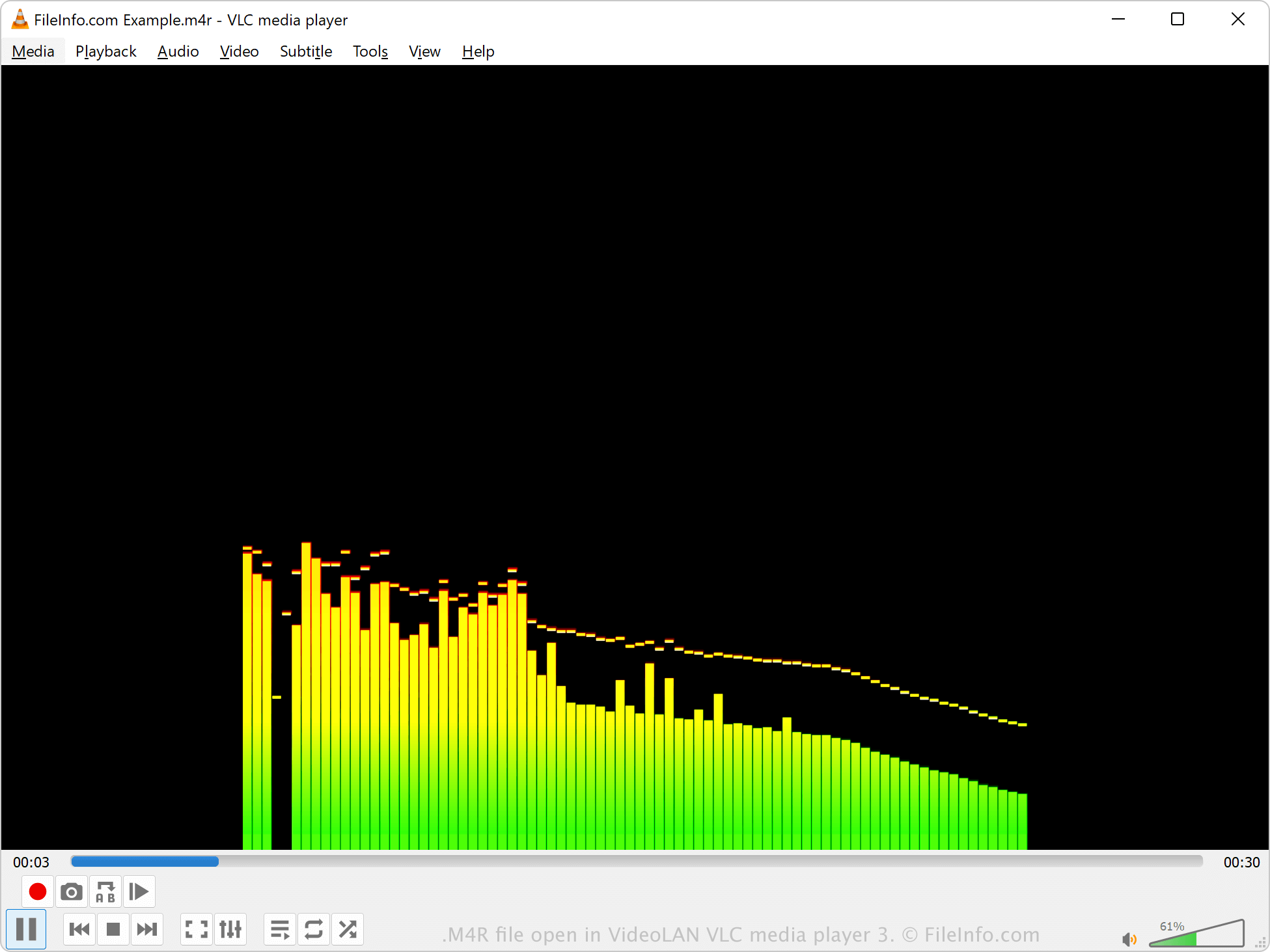
Você pode abrir arquivos M4R com vários reprodutores de mídia, incluindo o Microsoft Media Player no Windows, o Apple QuickTime Player no macOS e o VideoLAN VLC media player. O iTunes também pode reproduzir arquivos M4R, mas a Apple não desenvolve mais o software.
Se o iTunes criou o arquivo M4R, ele é protegido por direitos autorais e provavelmente não poderá ser reproduzido. No entanto, se um programa de terceiros criou o arquivo M4R, ele não tem proteção de direitos autorais.
Como converter um arquivo M4R
Vários reprodutores e editores de áudio, incluindo o VideoLAN VLC media player e o Adobe Audition, podem converter arquivos M4R para outros formatos de áudio.
Por exemplo, o VLC media player pode converter áudio M4R para os seguintes formatos: