

.M4R Estensione file
Suoneria per iPhone
| Sviluppatore | Apple |
| Popolarità |
4,0 | 73 Voti |
Che cos'è un file M4R?
Un file M4R è una suoneria personalizzata per iPhone che viene riprodotta durante una chiamata in arrivo. È simile a un file .M4A, poiché memorizza dati audio codificati con il codec Advanced Audio Coding (AAC) nel formato contenitore multimediale MPEG-4 Part 14 (MP4). Prima che Apple interrompesse lo sviluppo di iTunes, gli utenti iPhone scaricavano spesso i file M4R dal lettore multimediale e li trasferivano su un iPhone quando il telefono veniva sincronizzato con il computer tramite iTunes.
Maggiori informazioni
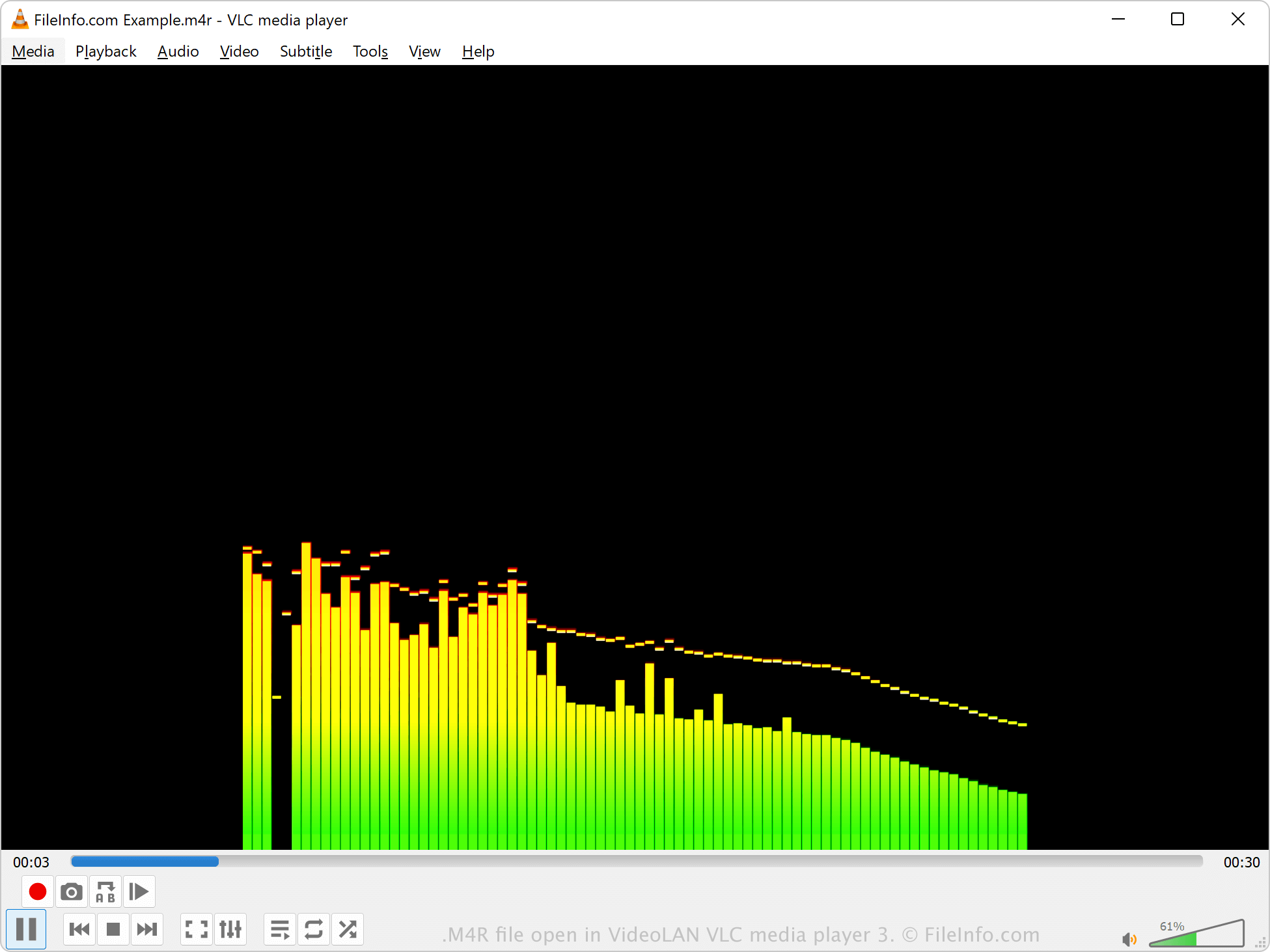
Apple ha introdotto il formato M4R nel 2007 per memorizzare l'audio riprodotto da un iPhone durante una chiamata in arrivo. Prima che Apple interrompesse lo sviluppo di iTunes, gli utenti scaricavano e trasferivano principalmente i file M4R con iTunes, ma potevano anche trasferire manualmente i file M4R dal computer all'iPhone collegato utilizzando un gestore di file di terze parti. Dopo aver trasferito un file M4R sul telefono, possono impostarlo come suoneria sull'iPhone selezionando .
Inoltre, gli utenti potevano creare file M4R con iTunes, ma potevano anche crearli con programmi di terze parti o scaricarli da Internet. È molto probabile che i file M4R non creati con iTunes non includano la protezione del copyright.
NOTA: M4R sta per "MPEG-4 Ringtone."
Come aprire un file M4R
Puoi aprire i file M4R con vari lettori multimediali, tra cui Microsoft Media Player in Windows, Apple QuickTime Player in macOS e VideoLAN VLC media player. Anche iTunes può riprodurre i file M4R, ma Apple non sviluppa più il software.
Se iTunes ha creato il file M4R, questo è protetto da copyright e probabilmente non è riproducibile. Tuttavia, se il file M4R è stato creato da un programma di terze parti, non è protetto da copyright.
Come convertire un file M4R
Vari lettori ed editor audio, tra cui VideoLAN VLC media player e Adobe Audition, possono convertire i file M4R in altri formati audio.
Ad esempio, VLC media player può convertire l'audio M4R nei seguenti formati: