

.ANI Bestandsextensie
Geanimeerde Windows-cursor
| Ontwikkelaar | Microsoft |
| Populariteit |
4,3 | 529 stemmen |
Wat is een ANI-bestand?
Een ANI-bestand is een cursor-animatie die wordt gebruikt door het Windows-besturingssysteem. Het bevat een verzameling .ICO-bestanden die samen de animatie van een geanimeerde cursor vormen. ANI-bestanden lijken sterk op .CUR-bestanden (Windows Cursor), maar bevatten meerdere afzonderlijke afbeeldingen die voor animatie worden gebruikt.
Meer informatie
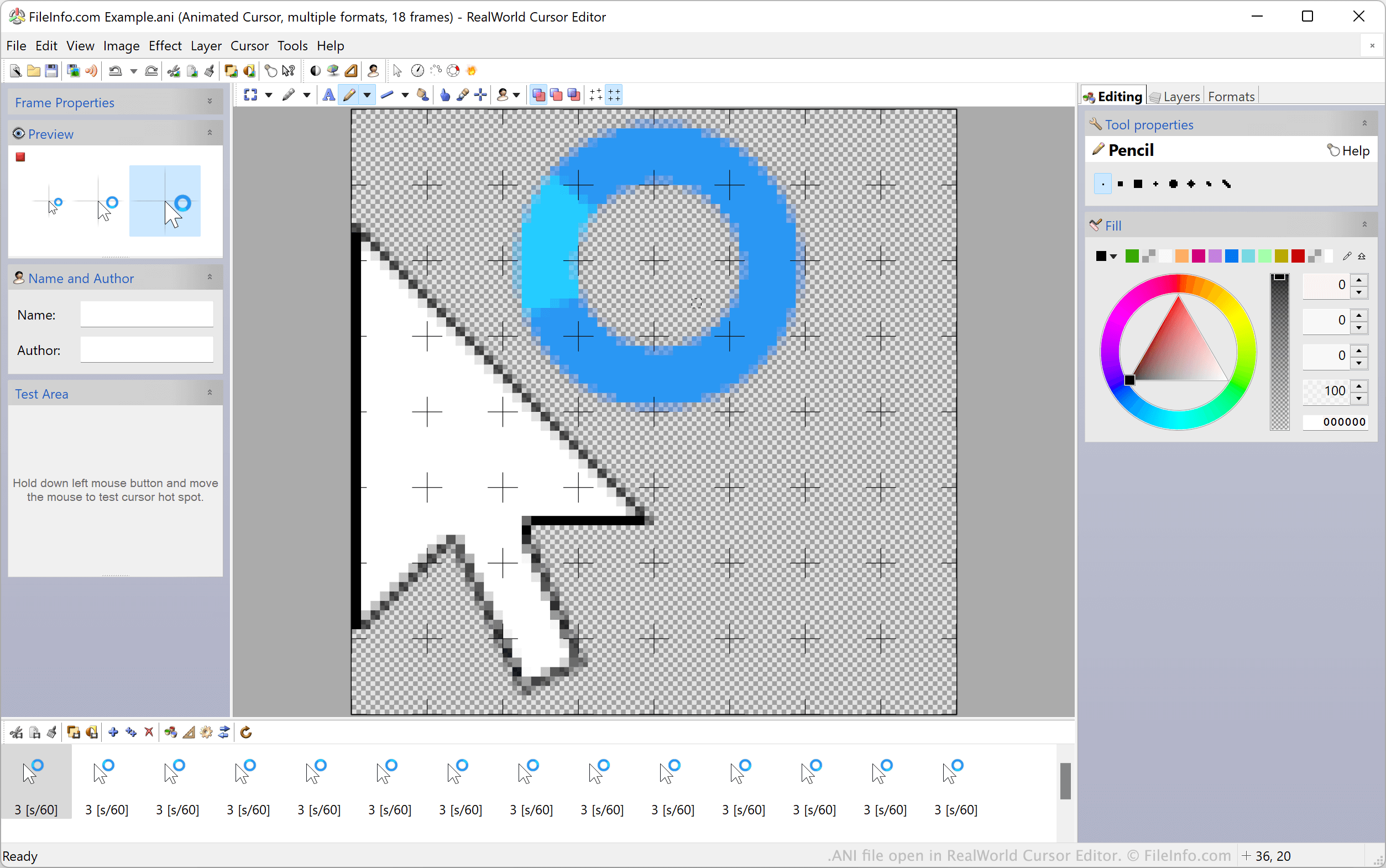
De standaard geanimeerde cursors van Windows, zoals de wacht- en zandlopercursors, worden opgeslagen in ANI-bestanden. Deze bestanden bevatten alle afzonderlijke ICO-afbeeldingen die worden gebruikt om een cursor te animeren. Wanneer Windows een geanimeerde cursor weergeeft, worden in werkelijkheid alle opgenomen ICO-afbeeldingen uit een ANI-bestand achter elkaar weergegeven.
Aangepaste Windows-bureaubladthema's bevatten vaak aangepaste geanimeerde cursors, die in aangepaste ANI-bestanden worden opgeslagen. Deze aangepaste ANI-bestanden hebben dezelfde structuur als de officiële ANI-bestanden van Windows.
Een ANI-bestand instellen als cursorafbeelding
Ga als volgt te werk om een ANI-bestand als cursorafbeelding in Windows te gebruiken:
- Open het Configuratiescherm van Windows en zoek naar "muis".
- Selecteer .
- Selecteer in het menu Pointers van het venster Muiseigenschappen de cursorafbeelding die je wilt wijzigen.
- Klik op en ga vervolgens naar je ANI-bestand en selecteer het.
- Klik op om je wijzigingen toe te passen.
OPMERKING: In maart 2007 meldde Microsoft een kwetsbaarheid in de manier waarop Windows ANI-bestanden verwerkt, die kon worden gebruikt om systemen van gebruikers aan te vallen. Dit probleem, dat van invloed was op Windows 2000 tot en met Windows Vista, werd behandeld en verholpen in Security Bulletin MS07-017.
Een ANI-bestand openen
Windows-gebruikers kunnen ANI-bestanden en de bijbehorende ICO-afbeeldingen openen en bewerken met RealWorld Cursor Editor, Axialis CursorWorkshop en IcoFX. Niet-Windows-gebruikers kunnen ANI-bestanden openen in Inkscape, maar moeten er rekening mee houden dat Inkscape alleen het eerste frame van het ANI-bestand laadt.
Een ANI-bestand converteren
Je kunt Axialis CursorWorkshop of RealWorld Cursor Editor gebruiken om ANI-bestanden naar andere indelingen te converteren. RealWorld Cursor Editor kan ANI-bestanden bijvoorbeeld converteren naar de volgende indelingen: