.ANI 文件扩展名

Windows Animated Cursor

开发者 Microsoft
受欢迎程度
4.3  |  529 
 

什么是 ANI 文件?

An ANI file is a cursor animation used by the Windows operating system. It contains a collection of .ICO files that comprise an animated cursor's animation. ANI files are very similar to .CUR (Windows Cursor) files, except they contain multiple distinct images used for animation.

更多信息

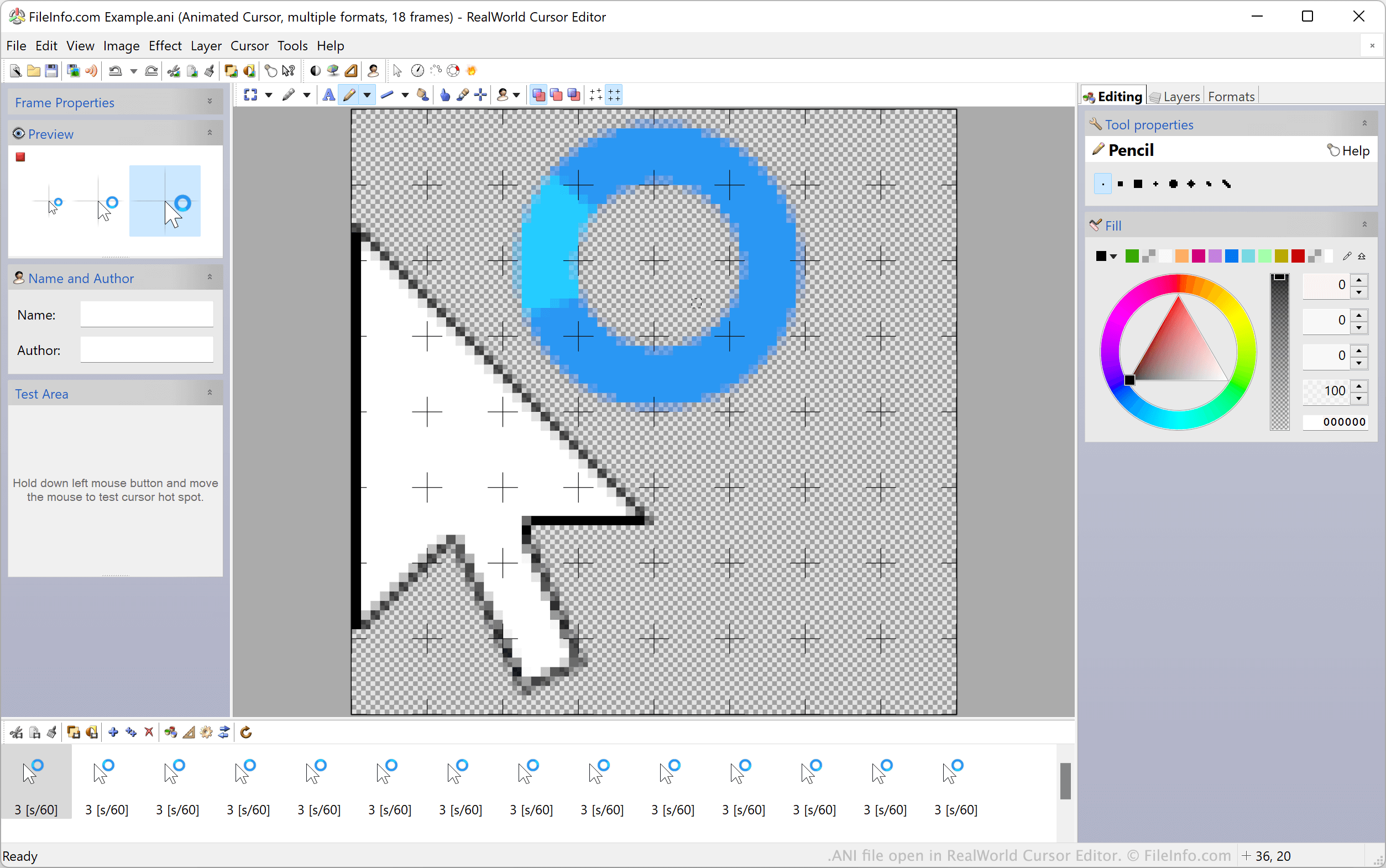
在 RealWorld Cursor Editor 中打开的 .ani 文件截图
在 RealWorld Cursor Editor 中打开的 ANI 文件

Windows' default animated cursors, such as its wait and hourglass cursors, are stored in ANI files. These files contain all the still ICO images used to animate a cursor. When Windows shows an animated cursor, it is actually showing all an ANI file's included ICO images in sequence.

Custom Windows desktop themes often include custom animated cursors, stored in custom ANI files. These custom ANI files are structured in the same way as Windows' official ANI files.

How to set an ANI file as a cursor image

To use an ANI file as a Windows cursor image:

  1. Open the Windows Control Panel and search for "mouse."
  2. Select Change how the mouse pointer looks.
  3. In the Mouse Properties window's Pointers menu, select the cursor image you'd like to modify.
  4. Click Browse... and then navigate to and select your ANI file.
  5. Click Apply to apply your changes.

注: In March 2007, Microsoft reported a vulnerability in the way Windows handles ANI files that could be used to attack users' systems. This issue, which affected Windows 2000 through Windows Vista, was addressed and fixed in Security Bulletin MS07-017.

如何打开 ANI 文件

Windows users can open and edit ANI files, and their included ICO images, with RealWorld Cursor Editor, Axialis CursorWorkshop, and IcoFX. Non-Windows users can open ANI files in Inkscape, but should note that Inkscape will load only the ANI file's first frame.

如何转换 ANI 文件

You can use Axialis CursorWorkshop or RealWorld Cursor Editor to convert ANI files to other formats. For example, RealWorld Cursor Editor can convert ANI files to the following formats:

  • .PNG - Portable Network Graphic
  • .GIF - Graphical Interchange Format
  • .RCU - RealWorld Layered Cursor Image
  • .RLI - RealWorld Graphics Layered Image
  • .CUR - Windows Cursor Image
使用File Viewer Plus打开 400 多种文件格式。免费下载

可打开或引用 ANI 文件的程序

Windows
Mac
免费
Linux
免费
分类: 系统
更新时间: 2022-12-14

验证者 FileInfo.com

FileInfo.com 团队 独立研究了本页面列出的 Windows Animated Cursor 文件格式和 Mac, Windows, and Linux 应用。 我们的目标是达到 100% 的准确率,并且仅发布我们已验证过的文件类型信息。

如果您想为此页面提出新增或更新建议,请告诉我们