

.ANI Přípona souboru
Animovaný kurzor Windows
| Vývojář | Microsoft |
| Popularita |
4,3 | 529 hlasů |
Co je soubor ANI?
Soubor ANI je animace kurzoru používaná v operačním systému Windows. Obsahuje kolekci souborů .ICO, které tvoří animaci animovaného kurzoru. Soubory ANI jsou velmi podobné souborům .CUR (Windows Cursor), obsahují však několik různých obrázků používaných pro animaci.
Další informace
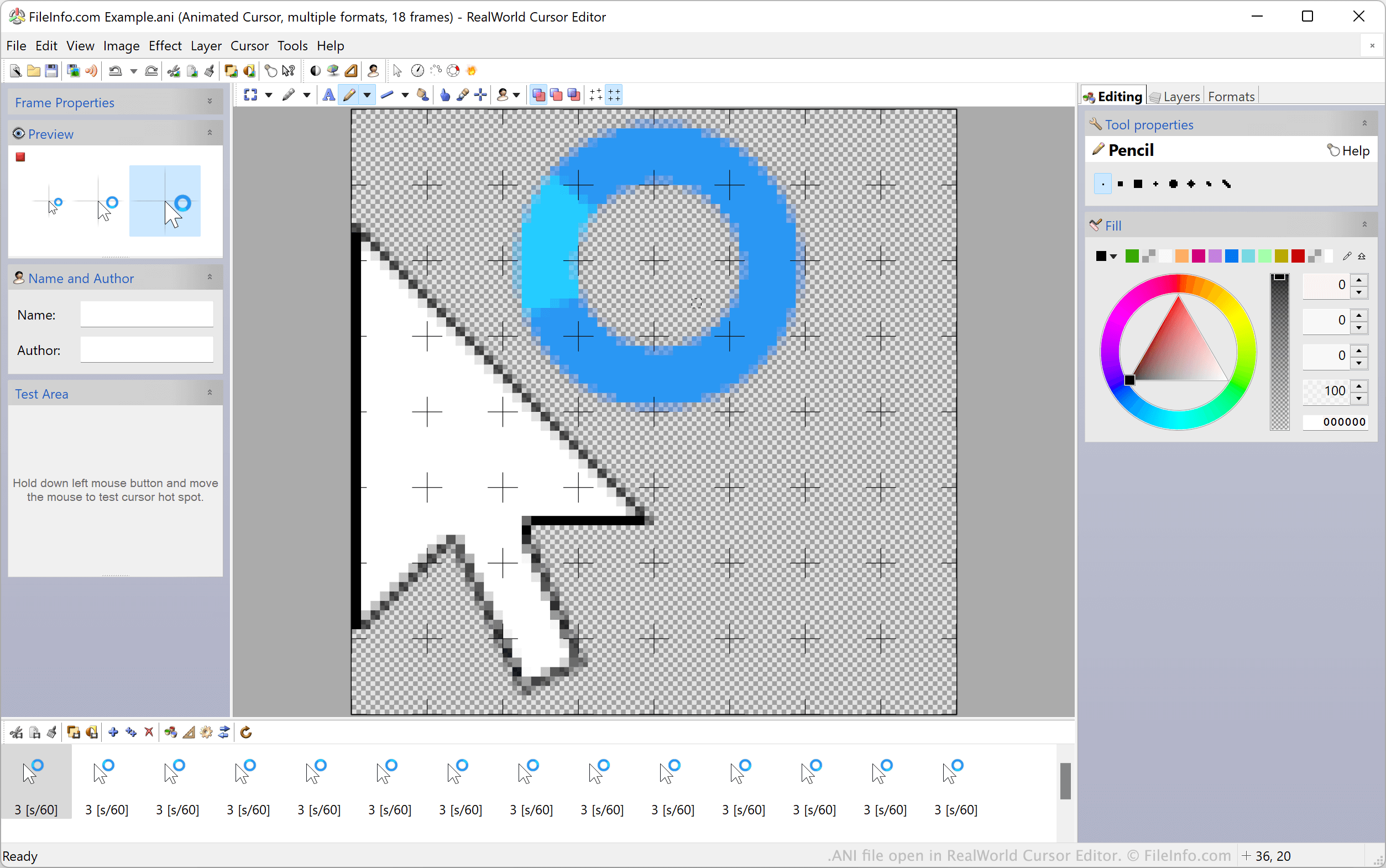
Výchozí animované kurzory Windows, například kurzory čekání a přesýpacích hodin, jsou uložené v souborech ANI. Tyto soubory obsahují všechny statické obrázky ICO používané k animaci kurzoru. Když Windows zobrazují animovaný kurzor, ve skutečnosti postupně zobrazují všechny obrázky ICO obsažené v souboru ANI.
Vlastní motivy plochy Windows často obsahují vlastní animované kurzory uložené ve vlastních souborech ANI. Tyto vlastní soubory ANI mají stejnou strukturu jako oficiální soubory ANI systému Windows.
Jak nastavit soubor ANI jako obrázek kurzoru
Chcete-li použít soubor ANI jako obrázek kurzoru Windows:
- Otevřete Ovládací panely Windows a vyhledejte „myš“.
- Vyberte .
- V nabídce Ukazatele v okně Vlastnosti myši vyberte obrázek kurzoru, který chcete upravit.
- Klikněte na a potom přejděte k souboru ANI a vyberte ho.
- Klikněte na a použijte změny.
POZNÁMKA: V březnu 2007 společnost Microsoft oznámila zranitelnost ve způsobu, jakým Windows zpracovávají soubory ANI, kterou bylo možné použít k napadení systémů uživatelů. Tento problém, který se týkal systémů Windows 2000 až Windows Vista, byl vyřešen a opraven v bulletinu zabezpečení MS07-017.
Jak otevřít soubor ANI
Uživatelé Windows mohou soubory ANI a jejich obsažené obrázky ICO otevírat a upravovat pomocí programů RealWorld Cursor Editor, Axialis CursorWorkshop a IcoFX. Uživatelé jiných systémů než Windows mohou soubory ANI otevírat v programu Inkscape, měli by však vědět, že Inkscape načte pouze první snímek souboru ANI.
Jak převést soubor ANI
K převodu souborů ANI do jiných formátů můžete použít programy Axialis CursorWorkshop nebo RealWorld Cursor Editor. RealWorld Cursor Editor například dokáže převést soubory ANI do těchto formátů: