

.ANI Estensione file
Cursore animato di Windows
| Sviluppatore | Microsoft |
| Popolarità |
4,3 | 529 Voti |
Che cos'è un file ANI?
Un file ANI è un'animazione del cursore usata dal sistema operativo Windows. Contiene una raccolta di .ICO file che compongono l'animazione di un cursore animato. I file ANI sono molto simili ai file .CUR (Cursore di Windows), ma contengono più immagini distinte usate per l'animazione.
Maggiori informazioni
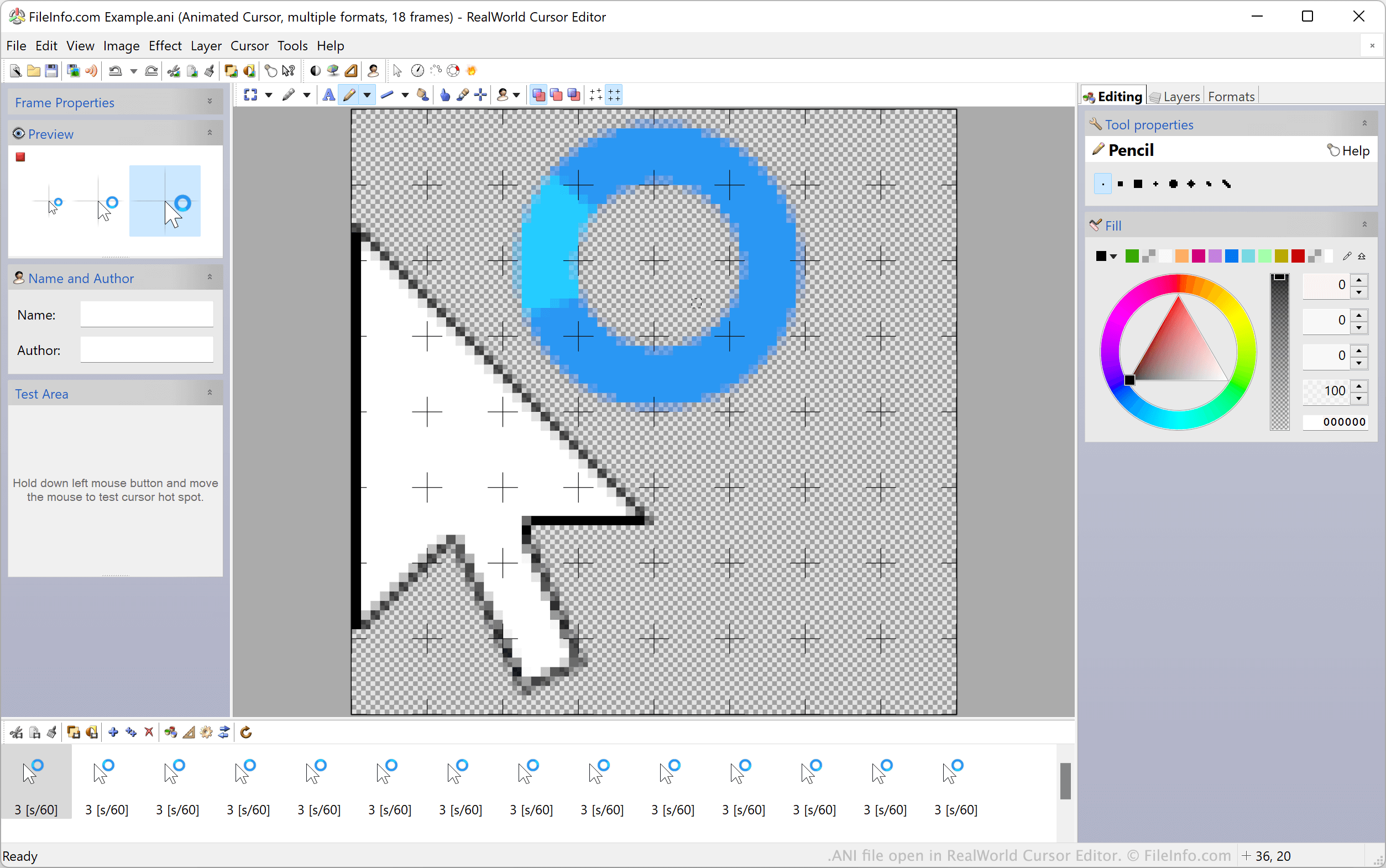
I cursori animati predefiniti di Windows, come i cursori di attesa e a clessidra, sono memorizzati in file ANI. Questi file contengono tutte le immagini ICO statiche usate per animare un cursore. Quando Windows mostra un cursore animato, in realtà mostra in sequenza tutte le immagini ICO incluse nel file ANI.
I temi personalizzati del desktop di Windows includono spesso cursori animati personalizzati, memorizzati in file ANI personalizzati. Questi file ANI personalizzati sono strutturati nello stesso modo dei file ANI ufficiali di Windows.
Come impostare un file ANI come immagine del cursore
Per usare un file ANI come immagine del cursore di Windows:
- Apri il Pannello di controllo di Windows e cerca "mouse."
- Seleziona .
- Nel menu Puntatori della finestra Proprietà mouse, seleziona l'immagine del cursore che vuoi modificare.
- Fai clic su , quindi vai al file ANI e selezionalo.
- Fai clic su per applicare le modifiche.
NOTA: Nel marzo 2007, Microsoft ha segnalato una vulnerabilità nel modo in cui Windows gestisce i file ANI, che poteva essere usata per attaccare i sistemi degli utenti. Questo problema, che interessava Windows 2000 fino a Windows Vista, è stato risolto e corretto nel bollettino sulla sicurezza MS07-017.
Come aprire un file ANI
Gli utenti Windows possono aprire e modificare i file ANI e le immagini ICO in essi contenute con RealWorld Cursor Editor, Axialis CursorWorkshop e IcoFX. Gli utenti non Windows possono aprire i file ANI in Inkscape, ma devono tenere presente che Inkscape caricherà solo il primo fotogramma del file ANI.
Come convertire un file ANI
Puoi usare Axialis CursorWorkshop o RealWorld Cursor Editor per convertire i file ANI in altri formati. Ad esempio, RealWorld Cursor Editor può convertire i file ANI nei seguenti formati: