

.ANI 파일 확장자
Windows 애니메이션 커서
| 개발사 | Microsoft |
| 인기도 |
4.3 | 529 표 |
ANI 파일이란 무엇인가요?
ANI 파일은 Windows 운영 체제에서 사용하는 커서 애니메이션입니다. 애니메이션 커서의 움직임을 구성하는 .ICO 파일 모음이 포함되어 있습니다. ANI 파일은 여러 개의 서로 다른 이미지를 포함하여 애니메이션을 표시한다는 점을 제외하면 .CUR(Windows 커서) 파일과 매우 비슷합니다.
추가 정보
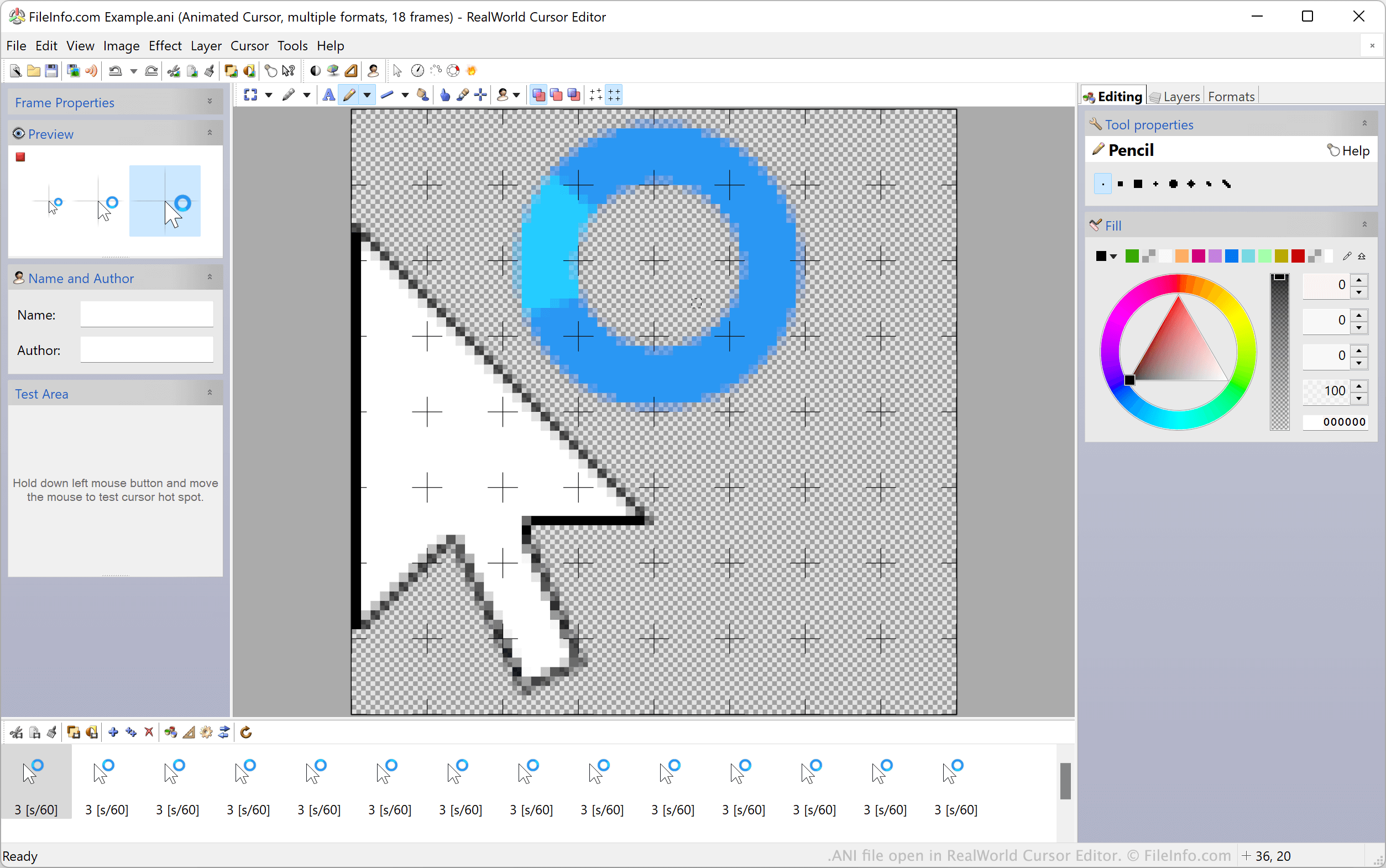
대기 커서와 모래시계 커서 같은 Windows의 기본 애니메이션 커서는 ANI 파일에 저장됩니다. 이러한 파일에는 커서를 애니메이션으로 표시하는 데 사용되는 모든 정지 ICO 이미지가 포함되어 있습니다. Windows에서 애니메이션 커서를 표시할 때는 실제로 ANI 파일에 포함된 모든 ICO 이미지를 순서대로 표시합니다.
사용자 지정 Windows 바탕 화면 테마에는 사용자 지정 ANI 파일에 저장된 사용자 지정 애니메이션 커서가 포함되는 경우가 많습니다. 이러한 사용자 지정 ANI 파일은 Windows의 공식 ANI 파일과 같은 방식으로 구성됩니다.
ANI 파일을 커서 이미지로 설정하는 방법
ANI 파일을 Windows 커서 이미지로 사용하려면:
- Windows 제어판을 열고 "mouse"를 검색합니다.
- 를 선택합니다.
- 마우스 속성 창의 포인터 메뉴에서 수정하려는 커서 이미지를 선택합니다.
- 를 클릭한 다음 ANI 파일로 이동하여 선택합니다.
- 를 클릭하여 변경 사항을 적용합니다.
참고: 2007년 3월, Microsoft는 Windows가 ANI 파일을 처리하는 방식에 사용자의 시스템을 공격하는 데 악용될 수 있는 취약점이 있다고 보고했습니다. Windows 2000부터 Windows Vista까지 영향을 받은 이 문제는 보안 공지 MS07-017에서 해결 및 수정되었습니다.
ANI 파일을 여는 방법
Windows 사용자는 RealWorld Cursor Editor, Axialis CursorWorkshop 및 IcoFX를 사용하여 ANI 파일과 그 안에 포함된 ICO 이미지를 열고 편집할 수 있습니다. Windows가 아닌 운영 체제 사용자는 Inkscape에서 ANI 파일을 열 수 있지만, Inkscape는 ANI 파일의 첫 번째 프레임만 불러온다는 점에 유의해야 합니다.
ANI 파일을 변환하는 방법
Axialis CursorWorkshop 또는 RealWorld Cursor Editor를 사용하여 ANI 파일을 다른 형식으로 변환할 수 있습니다. 예를 들어 RealWorld Cursor Editor는 ANI 파일을 다음 형식으로 변환할 수 있습니다: