

.ANI Extensão de arquivo
Cursor animado do Windows
| Desenvolvedor | Microsoft |
| Popularidade |
4,3 | 529 Votos |
O que é um arquivo ANI?
Um arquivo ANI é uma animação de cursor usada pelo sistema operacional Windows. Ele contém uma coleção de arquivos .ICO que compõem a animação de um cursor animado. Os arquivos ANI são muito semelhantes aos arquivos .CUR (Windows Cursor), mas contêm várias imagens distintas usadas na animação.
Mais informações
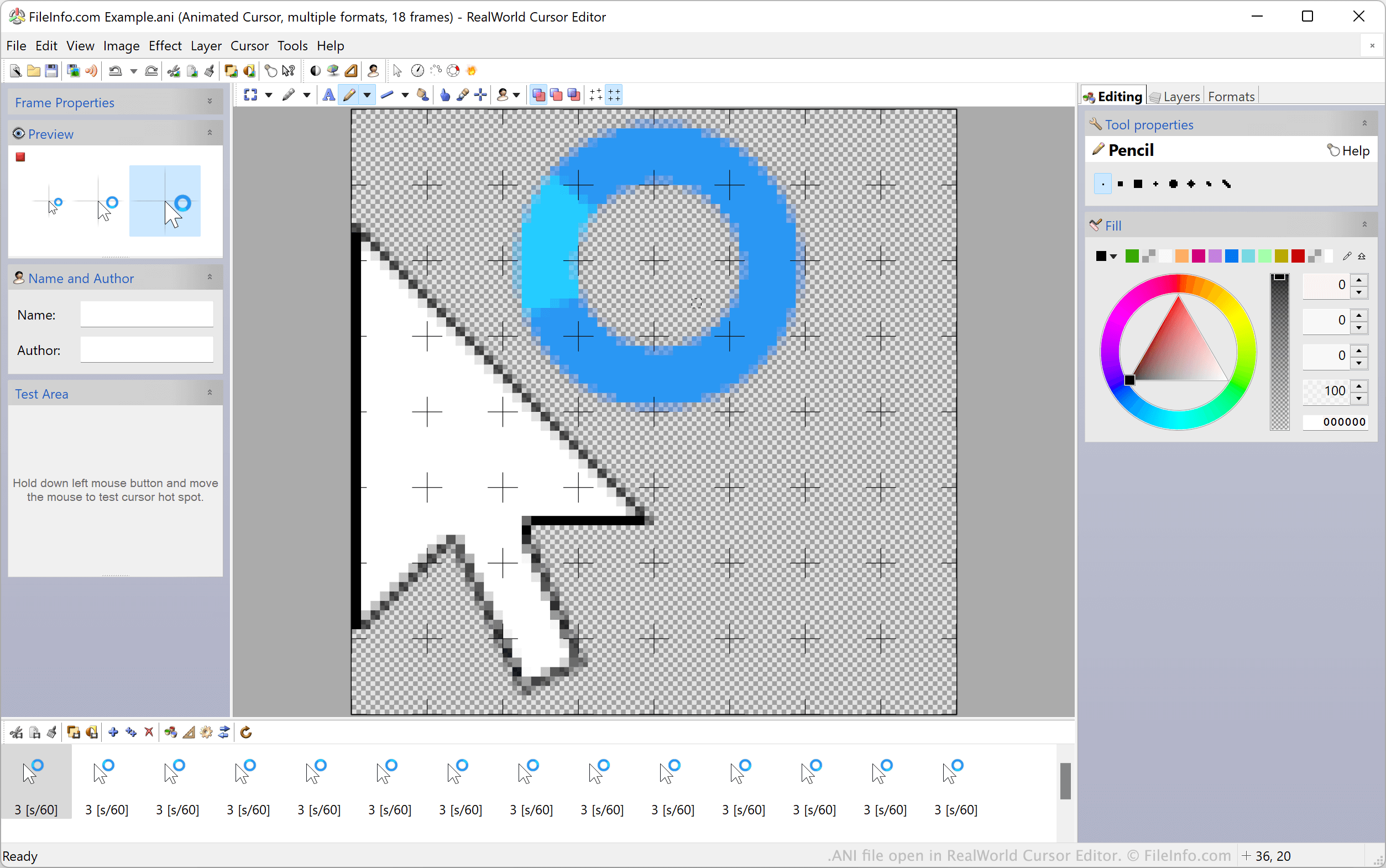
Os cursores animados padrão do Windows, como os cursores de espera e ampulheta, são armazenados em arquivos ANI. Esses arquivos contêm todas as imagens ICO estáticas usadas para animar um cursor. Quando o Windows exibe um cursor animado, na verdade ele está mostrando todas as imagens ICO incluídas em um arquivo ANI em sequência.
Os temas personalizados da área de trabalho do Windows geralmente incluem cursores animados personalizados, armazenados em arquivos ANI personalizados. Esses arquivos ANI personalizados têm a mesma estrutura dos arquivos ANI oficiais do Windows.
Como definir um arquivo ANI como imagem de cursor
Para usar um arquivo ANI como imagem de cursor do Windows:
- Abra o Painel de Controle do Windows e pesquise por "mouse."
- Selecione .
- No menu Ponteiros da janela Propriedades do Mouse, selecione a imagem de cursor que deseja modificar.
- Clique em e navegue até o arquivo ANI, depois selecione-o.
- Clique em para aplicar as alterações.
NOTA: Em março de 2007, a Microsoft informou sobre uma vulnerabilidade na forma como o Windows processa arquivos ANI, que poderia ser usada para atacar os sistemas dos usuários. Esse problema, que afetava o Windows 2000 até o Windows Vista, foi abordado e corrigido no Boletim de Segurança MS07-017.
Como abrir um arquivo ANI
Os usuários do Windows podem abrir e editar arquivos ANI e as imagens ICO incluídas neles usando o RealWorld Cursor Editor, o Axialis CursorWorkshop e o IcoFX. Usuários que não utilizam o Windows podem abrir arquivos ANI no Inkscape, mas devem observar que o Inkscape carregará apenas o primeiro quadro do arquivo ANI.
Como converter um arquivo ANI
Você pode usar o Axialis CursorWorkshop ou o RealWorld Cursor Editor para converter arquivos ANI para outros formatos. Por exemplo, o RealWorld Cursor Editor pode converter arquivos ANI para os seguintes formatos: