

.3FR Bestandsextensie
Hasselblad 3F RAW-afbeelding
| Ontwikkelaar | Hasselblad |
| Populariteit |
3,6 | 32 stemmen |
Wat is een 3FR-bestand?
Een 3FR-bestand is een digitale foto die is vastgelegd met verschillende digitale camera's van Hasselblad, zoals de X1D II 50C en 907X Special Edition. Het bestand slaat afbeeldingsgegevens op in de Hasselblad 3F RAW (3FR)-indeling, zoals deze door de beeldsensor van de camera zijn vastgelegd. Omdat 3FR-bestanden minimaal verwerkte afbeeldingsgegevens bevatten, behouden ze informatie die fotografen kunnen gebruiken om de belichting, kleuren en andere instellingen aan te passen tijdens de nabewerking.
Meer informatie
Hasselblad introduceerde de 3FR-indeling in 2006 met de introductie van de Hasselblad H2D-camera. Oudere generaties Hasselblad-camera's sloegen 3FR-bestanden doorgaans op met verliesvrije compressie om de bestandsgrootte te verkleinen en tegelijkertijd de beeldkwaliteit te behouden. Compressiemethoden kunnen verschillen afhankelijk van het cameramodel en de generatie.
Wie gebruikt 3FR-bestanden?
3FR-bestanden worden voornamelijk gebruikt door professionele fotografen en fotografieliefhebbers die met digitale camera's van Hasselblad fotograferen. Camera-RAW-bestanden, zoals 3FR-bestanden, bevatten meer afbeeldingsinformatie dan gecomprimeerde afbeeldingsindelingen, waardoor fotografen meer flexibiliteit hebben bij het bewerken van foto's. Deze extra gegevens leiden echter vaak tot grotere bestanden, waarvoor meer opslagruimte nodig is en die moeilijker te delen zijn.
Fotografen bewerken 3FR-afbeeldingen vaak en exporteren ze vervolgens naar indelingen die verliesgevende of verliesvrije compressie gebruiken. Dit proces levert doorgaans kleinere bestanden op die gemakkelijker kunnen worden opgeslagen, gedeeld en geüpload, terwijl de gewenste beeldkwaliteit voor het beoogde gebruik behouden blijft.
Een 3FR-bestand openen
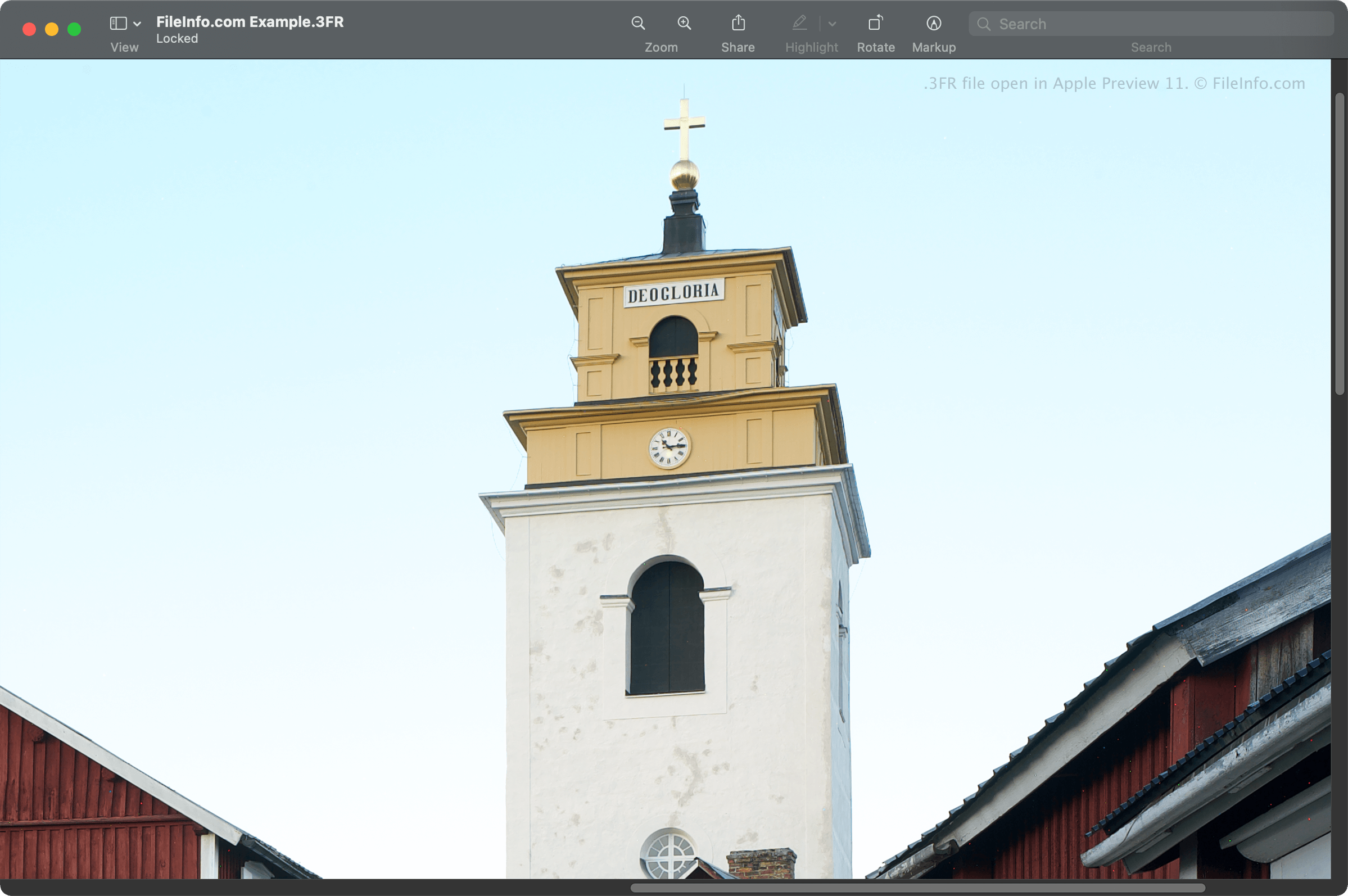
Je kunt 3FR-bestanden openen met verschillende programma's voor beeldbewerking, waaronder Hasselblad Phocus, een gratis toepassing voor het bekijken van afbeeldingen. Je kunt 3FR-bestanden ook openen met Microsoft Photos (meegeleverd met Windows), Apple Preview en Apple Photos (beide meegeleverd met macOS).
Enkele andere programma's voor beeldbewerking die 3FR-bestanden ondersteunen, zijn Corel PaintShop Pro, Adobe Photoshop en CyberLink PhotoDirector.
Een 3FR-bestand converteren
Verschillende toepassingen, waaronder Adobe Photoshop, Corel PaintShop Pro en Apple Preview, kunnen 3FR-bestanden converteren naar andere bestandstypen.
Adobe Photoshop kan 3FR-bestanden bijvoorbeeld converteren naar verschillende indelingen, waaronder de volgende: