

.3FR Estensione file
Immagine RAW Hasselblad 3F
| Sviluppatore | Hasselblad |
| Popolarità |
3,6 | 32 Voti |
Che cos'è un file 3FR?
Un file 3FR è una fotografia digitale acquisita da varie fotocamere digitali Hasselblad, come X1D II 50C e 907X Special Edition. Memorizza i dati dell'immagine nel formato Hasselblad 3F RAW (3FR) così come acquisiti dal sensore d'immagine della fotocamera. Poiché i file 3FR contengono dati dell'immagine elaborati solo in minima parte, conservano informazioni che i fotografi possono usare per regolare l'esposizione, il colore e altre impostazioni durante la post-produzione.
Maggiori informazioni
Hasselblad ha introdotto il formato 3FR nel 2006 con il lancio della fotocamera Hasselblad H2D. Le generazioni precedenti di fotocamere Hasselblad salvavano in genere i file 3FR usando la compressione senza perdita per ridurre le dimensioni del file mantenendo la qualità dell'immagine. I metodi di compressione possono variare a seconda del modello e della generazione della fotocamera.
Chi usa i file 3FR?
I file 3FR sono usati principalmente da fotografi professionisti e appassionati di fotografia che scattano con fotocamere digitali Hasselblad. I file RAW della fotocamera, come i file 3FR, memorizzano più informazioni sull'immagine rispetto ai formati di immagine compressi, offrendo ai fotografi una maggiore flessibilità durante la modifica delle fotografie. Tuttavia, questi dati aggiuntivi spesso comportano dimensioni dei file maggiori, che possono richiedere più spazio di archiviazione e rendere i file più difficili da condividere.
I fotografi modificano spesso le immagini 3FR e poi le esportano in formati che usano la compressione con perdita o senza perdita. Questo processo produce in genere file più piccoli, più facili da archiviare, condividere e caricare, mantenendo al contempo la qualità dell'immagine desiderata per l'uso previsto.
Come aprire un file 3FR
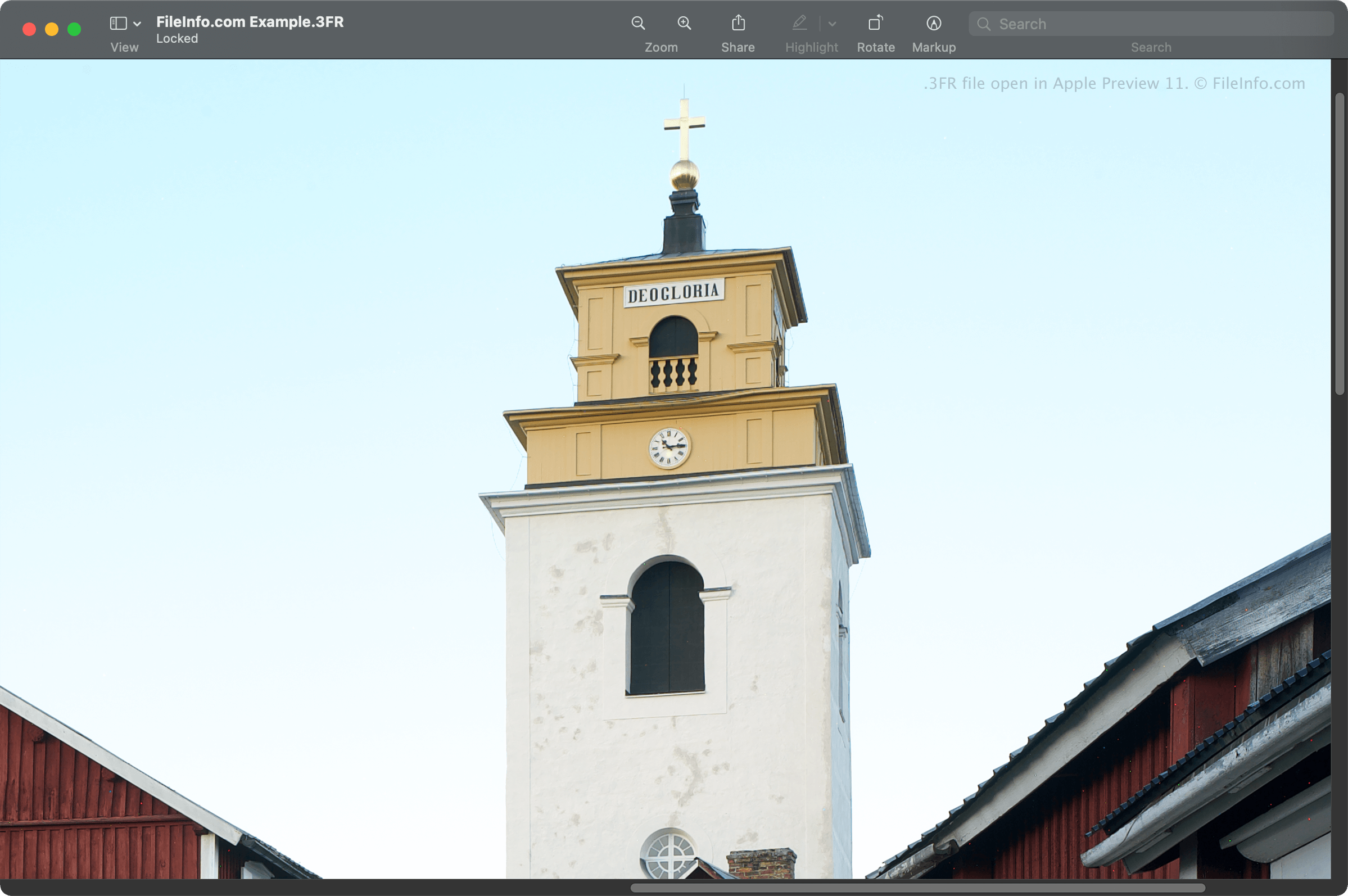
Puoi aprire i file 3FR con diversi programmi di modifica delle immagini, tra cui Hasselblad Phocus, un'applicazione gratuita per visualizzare le immagini. Puoi anche aprire i file 3FR con Microsoft Photos (incluso in Windows), nonché con Apple Preview e Apple Photos (entrambi inclusi in macOS).
Altri programmi di modifica delle immagini che supportano i file 3FR sono Corel PaintShop Pro, Adobe Photoshop e CyberLink PhotoDirector.
Come convertire un file 3FR
Diverse applicazioni, tra cui Adobe Photoshop, Corel PaintShop Pro e Apple Preview, possono convertire i file 3FR in altri tipi di file.
Ad esempio, Adobe Photoshop può convertire i file 3FR in vari formati, tra cui i seguenti: